

Images in Library and Development module look different
Hello all,
I know a kinda similar question has been asked a while ago. Still, I think that I do have quite different issues.
First of all, I have a brand new installation of Lightroom, version 2015.8
I imported a PNG file into Lr (camera: Pentax K-S1) and enhanced the image a bit. What I got is this:
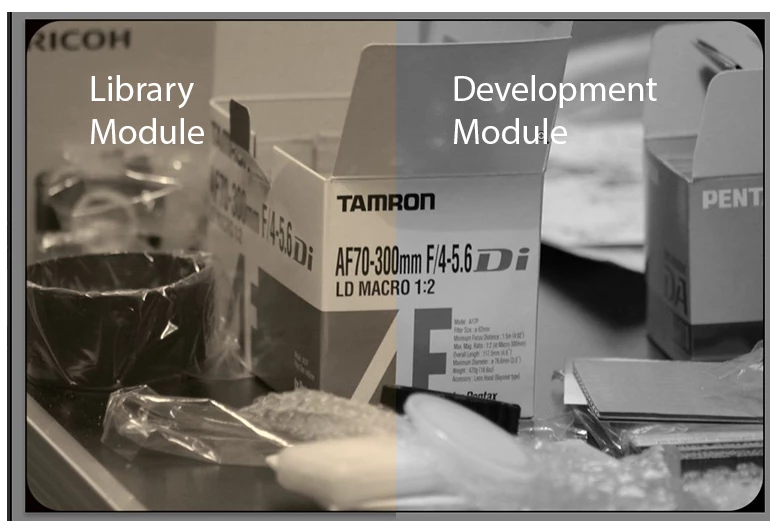
That's quite a huge difference, isn't it? I have a feeling that some of the development settings are taken over to the library module, and some are not.
Contrary to this thread: Lightroom Library / Develop Modules Look Different , when I export the image it looks as it should, namely like it looks like in the Development Module.
To make things more confusing: If I use the "second window" button, depending on which monitor I drag the window onto, it suddenly changes its look between Library Module image and Development Module image, as you can see here:
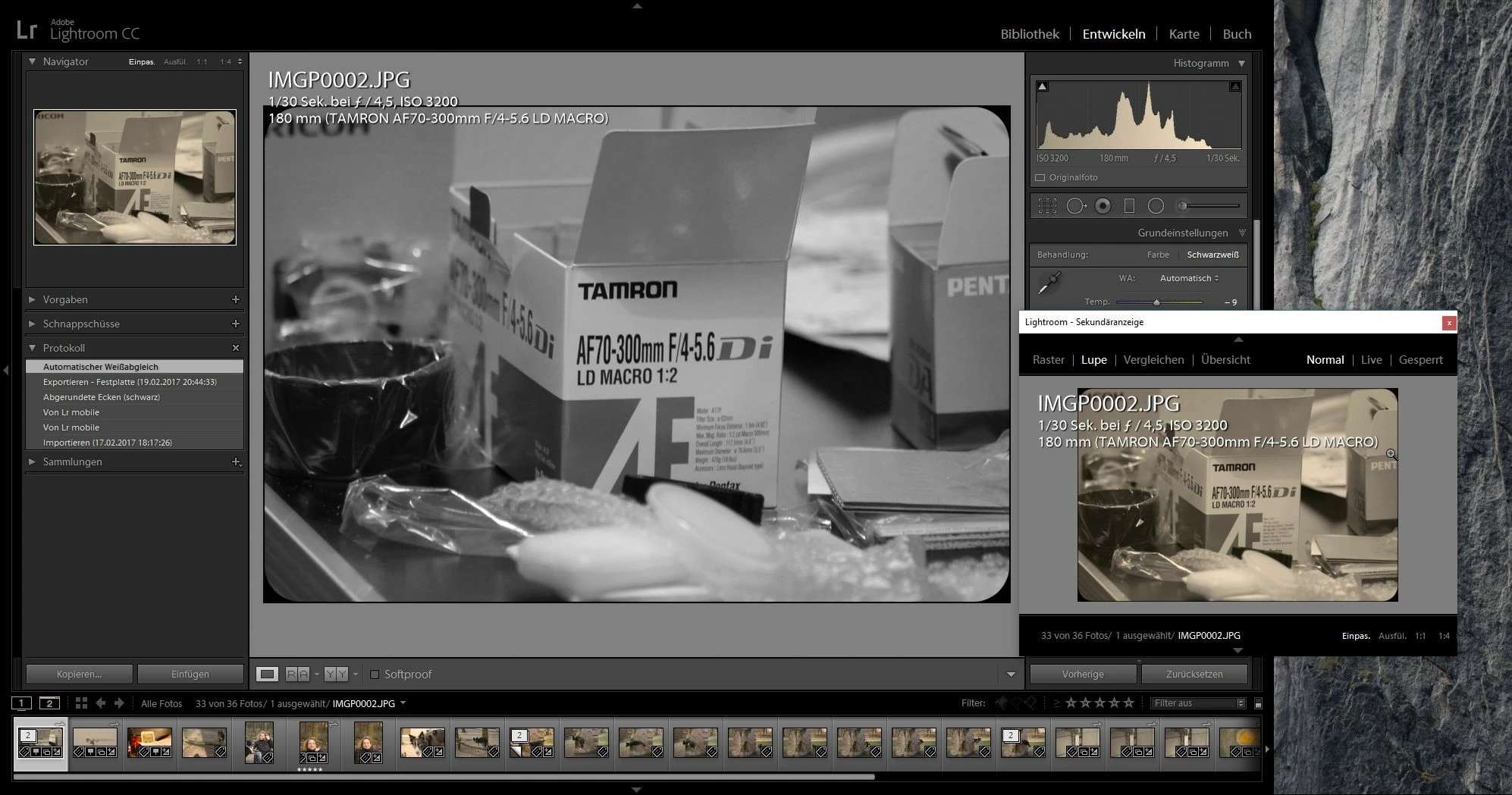
The second window is placed a little bit more on the left screen. When I drag the second window a few pixels to the right screen,
it changes its look suddenly to this:
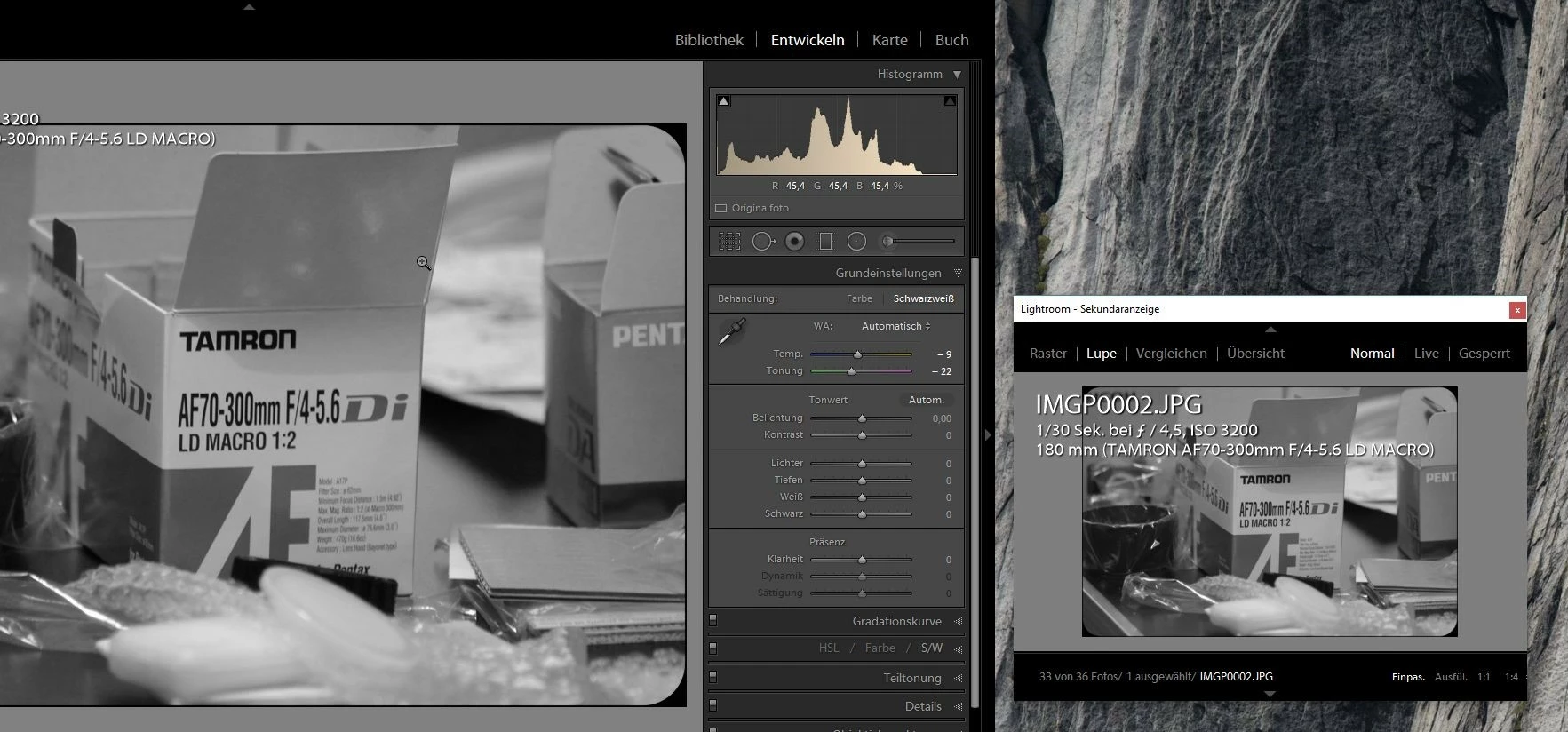
Just to make this clear beforehand, both monitors are exactly the same type, colorspace etc. And any differences still would not explain the obvious differences between Library and Development Module.
Can anybody tell how I could remedy those issues?
If you need more information, I will gladly provide any help.
Best,
Dennis
 AdChoices