raymondc55325805
Participant
May 17, 2024
Question

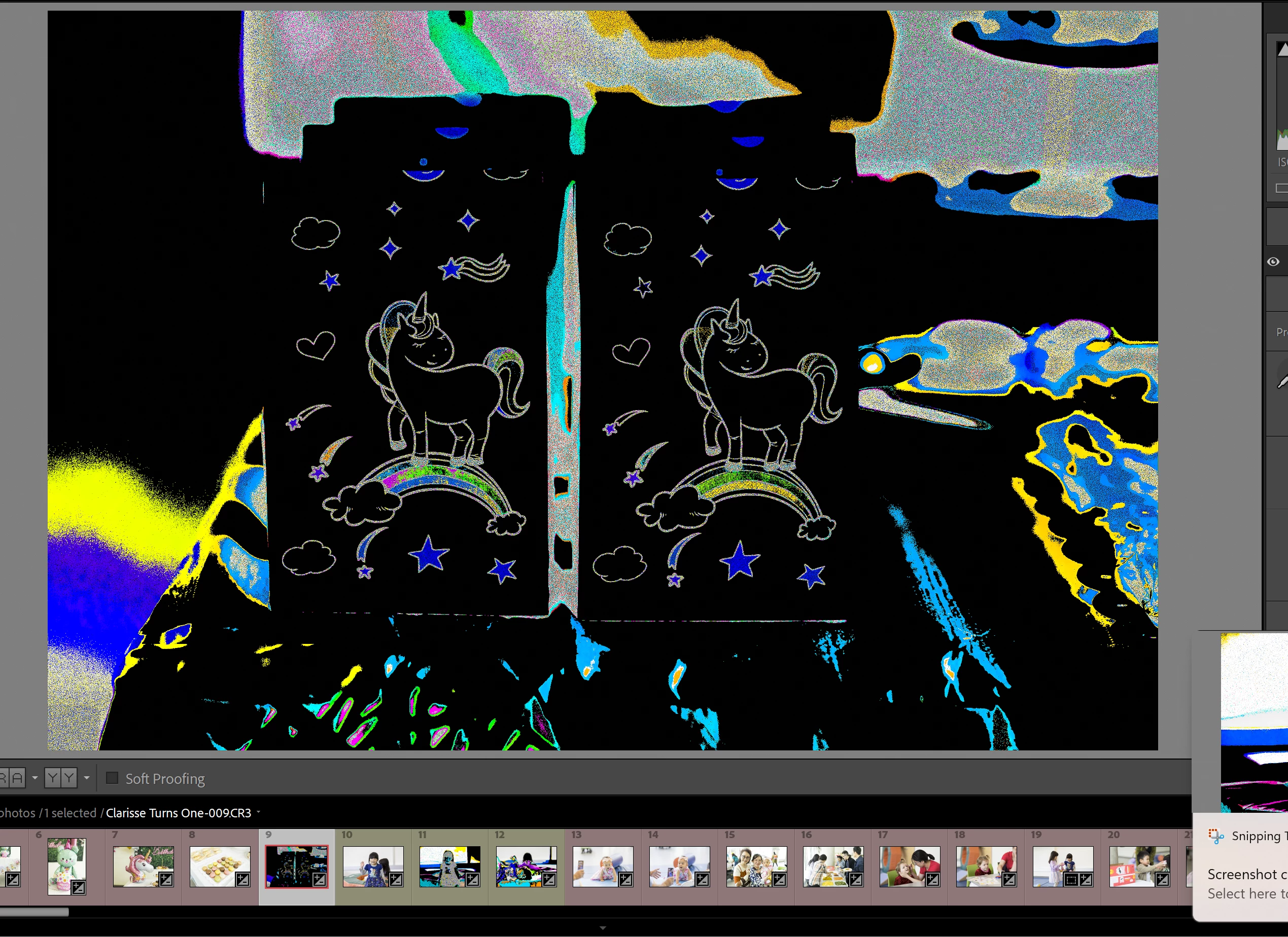
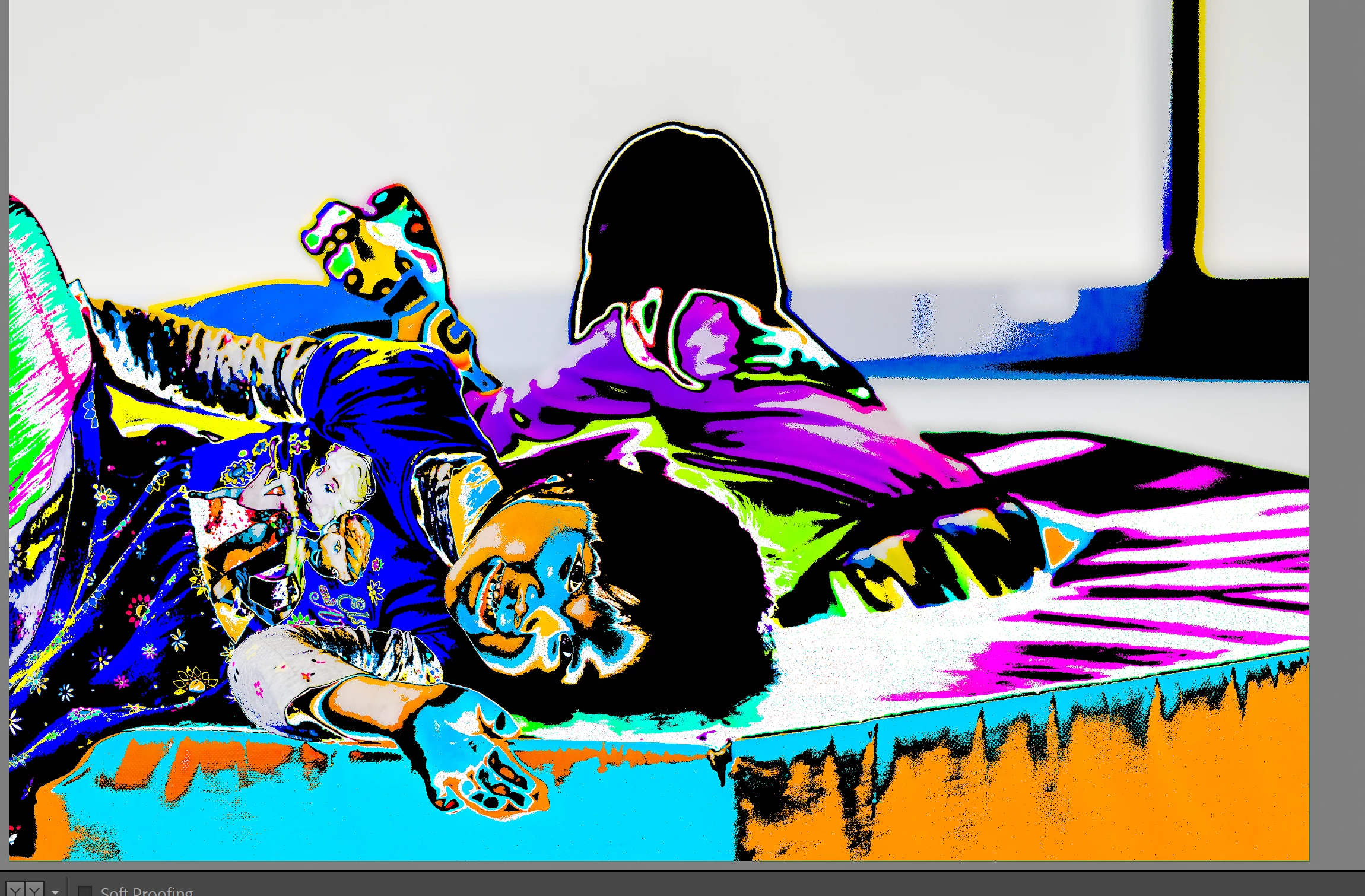
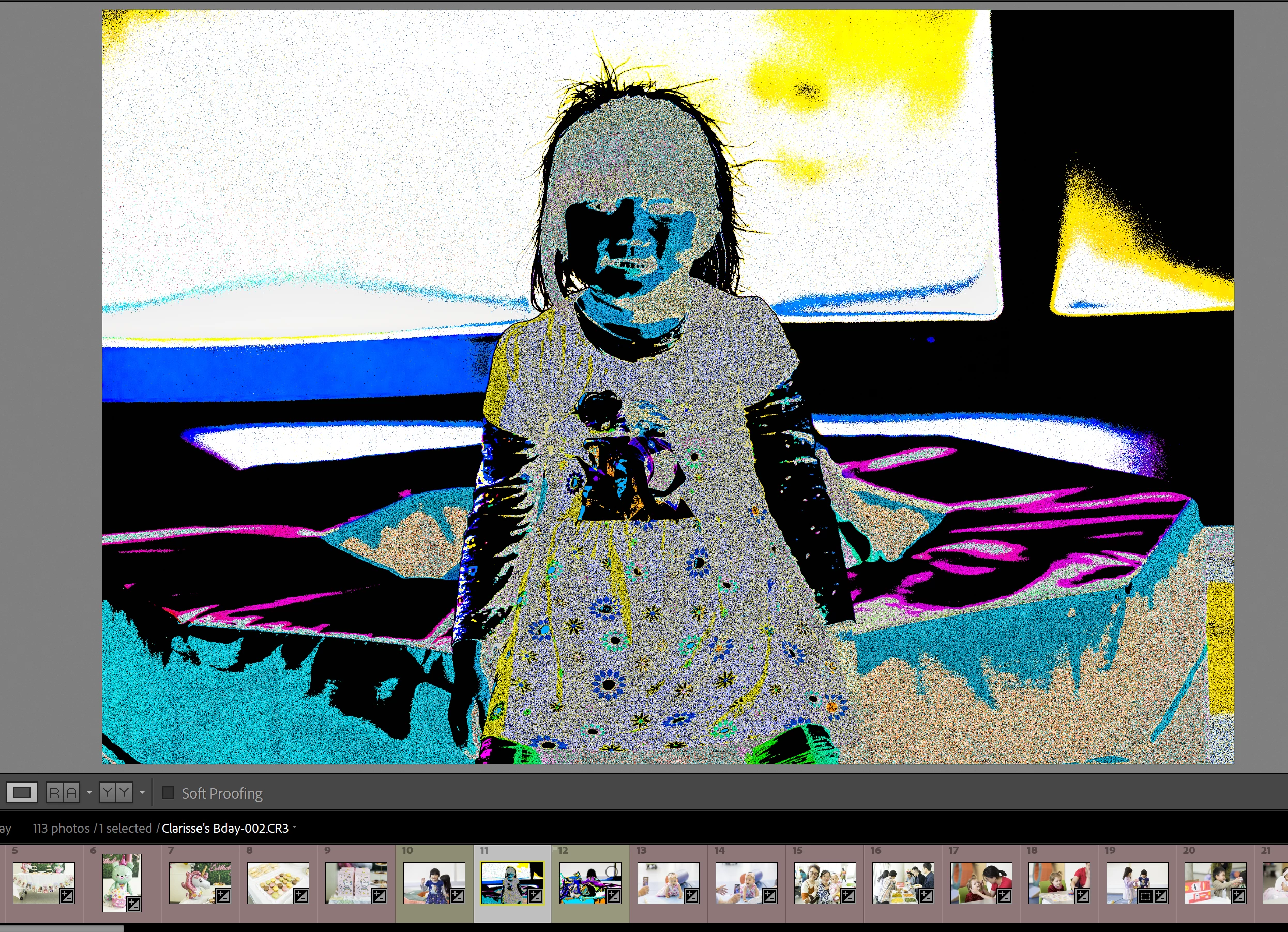
Images look corrupted in lightroom develop module

  • May 17, 2024
  • 1 reply
  • 620 views

I don't know why but lightroom classic all of a sudden is displaying my photos like this when I select them for editing. This is happening with every image I look at, even ones I've downloaded months ago. Tried reinstalling lightroom, and restarted my computer multiple times. Anyone familiar with this issue?


[moved from bugs to discussions according to the community rules - Mod.]

This topic has been closed for replies.

1 reply

johnrellis
Legend
May 18, 2024

1. Try resetting LR's preferences:
https://www.lightroomqueen.com/articles-page/how-do-i-reset-lightrooms-preferences/


LR sometimes soils its preferences file, and resetting it can fix all sorts of wonky behavior. That article explains how to restore the old preferences if resetting doesn't help.


2. Try updating your graphics driver by going directly to the manufacturer's web site:
https://helpx.adobe.com/lightroom-classic/kb/troubleshoot-gpu.html#solution-4


If that doesn't help, please copy/paste here the entire contents of the LR menu command Help > System Info -- that will let us see exactly which versions of hardware and software LR thinks you're running.