
Inspiring
February 1, 2025
Answered

Installing Lightroom 6 for Windows: what is going on?

  • February 1, 2025
  • 1 reply
  • 625 views

(First and foremost, this is not about downloading. I already have a previously-downloaded copy of Lightroom 6 installer.)


Lightroom 6 installer successfully unpacks itself and begins setup. However at the very start it produces the following screen
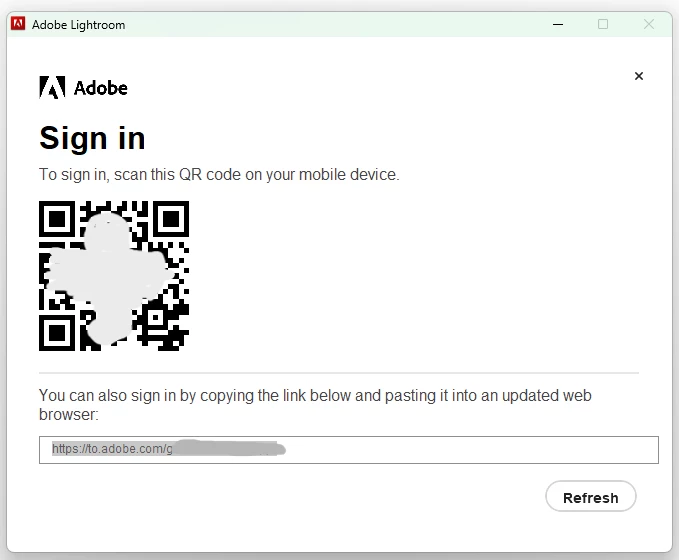


The link (and the QR code) leads to a web page, which wants me to sugn in using my Adobe ID. It asks me to enter my registered email and then states that a verification code has been sent to that email address.
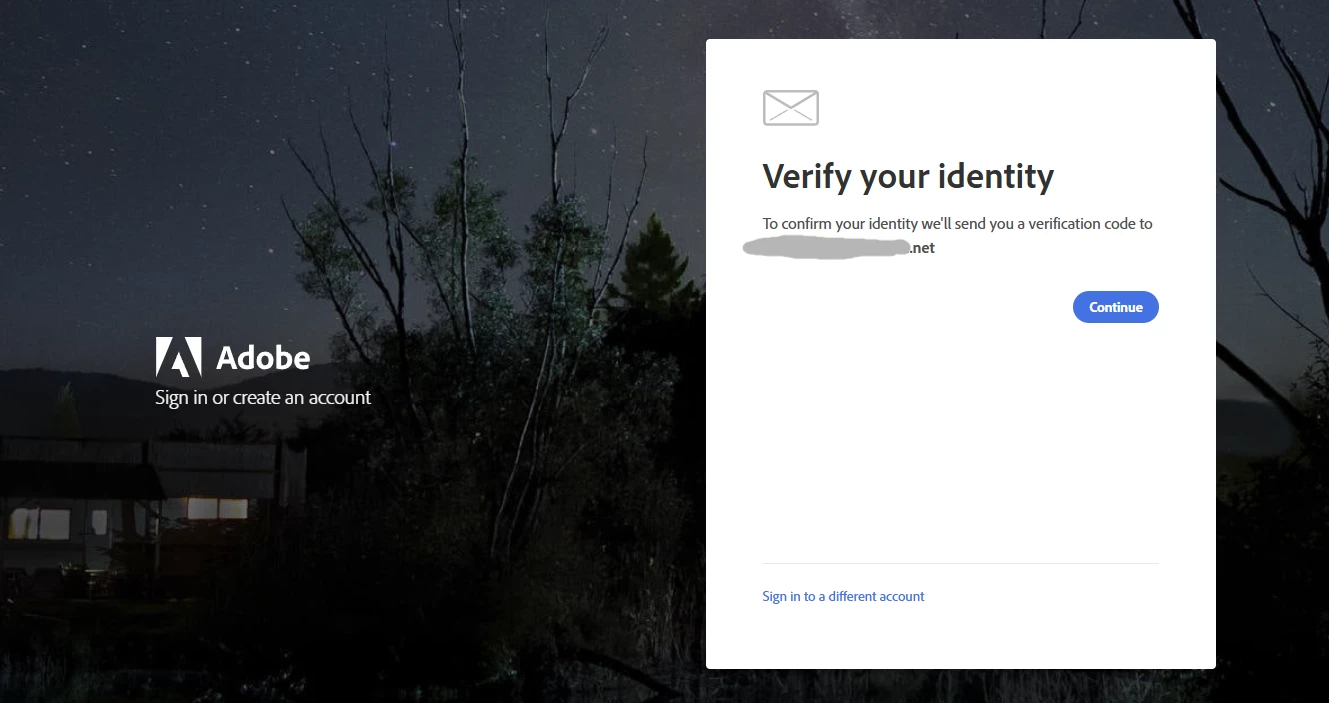
 

However, the code never arrives. I made several attempts, nothing was sent to my email address.


So, what exactly is going on here? I understand that Lightroom 6 is out-of-support, but I don't care about support. What's more important is why there is still an active sign-in server, which pretends to send verification codes, when in reality nothing is being sent? And, even more importantly, how do I work around this. I would like to have Lightroom 6 installed on my machine.


Thank you.
Correct answer AndreyTT

Well, thanks. This is useful, but not immediately applicable to my question. The post by 'kglad' decribes activation procedure for an alredy installed Lightroom. Meanwhiole, the issues I described above pop up during the installation. The installer itself expects me to sign in, and signing in does not work. I.e. it is impossible to even install Lightroom. Activation is not an issue yet.

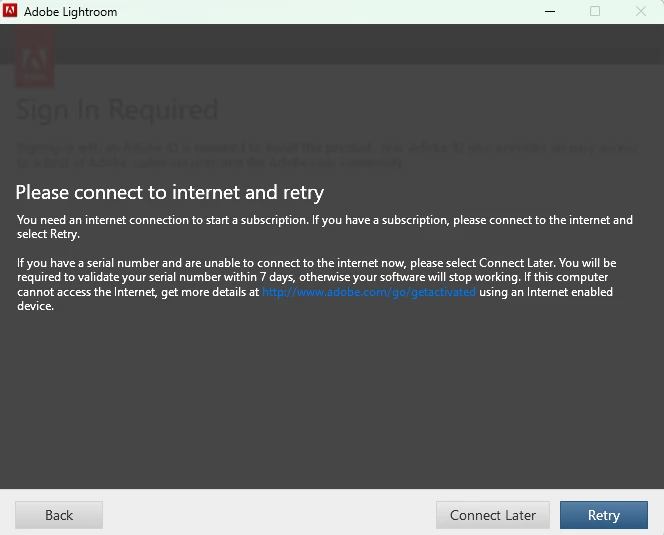
However, the genaral idea - disconnect from the Internet - works here as well. In order to successfully run the installer one has to disconnect from the Internet. When asked to sign in, agree to sign in. The next screen will look as follows


This is is where you will have a chance to select "Connect Later". If I remember correctly, there will be another step  further down the install procedure when you will have to select "Connect Later" as well.


In the end, this will successfully install Lightroom. After that one can launch it and use the activation procedure described by 'kglad' to activate it.

1 reply

AxelMatt
Community Expert
Community Expert
February 1, 2025

You have to use the off-line activation procedure described by 'kglad' in below linked thread:

https://community.adobe.com/t5/download-install-discussions/lightroom-6-on-a-new-pc/m-p/14638713#M58...


My System: Intel i7-8700K - 64GB RAM - NVidia Geforce RTX 3060 - Windows 11 Pro 25H2 -- LR-Classic 15 - Photoshop 27 - Nik Collection 8 - PureRAW 5 - Topaz Photo
AndreyTTAuthorCorrect answer
Inspiring
February 1, 2025

Well, thanks. This is useful, but not immediately applicable to my question. The post by 'kglad' decribes activation procedure for an alredy installed Lightroom. Meanwhiole, the issues I described above pop up during the installation. The installer itself expects me to sign in, and signing in does not work. I.e. it is impossible to even install Lightroom. Activation is not an issue yet.

However, the genaral idea - disconnect from the Internet - works here as well. In order to successfully run the installer one has to disconnect from the Internet. When asked to sign in, agree to sign in. The next screen will look as follows


This is is where you will have a chance to select "Connect Later". If I remember correctly, there will be another step  further down the install procedure when you will have to select "Connect Later" as well.


In the end, this will successfully install Lightroom. After that one can launch it and use the activation procedure described by 'kglad' to activate it.