
Integrate sync files into normal folder structure?
Just finishing off cleaning up a few bits of mess on a new Lightroom Classic installation on a new disk.
The last (hopefully!) thing I'm trying to deal with is a folder which contains images synced from LR mobile on my iPhone. I have paused syncing until I understand what's going on here.
The folder is showing under a mysteriously named 'device' called "Other Lightroom Device", as shown below -
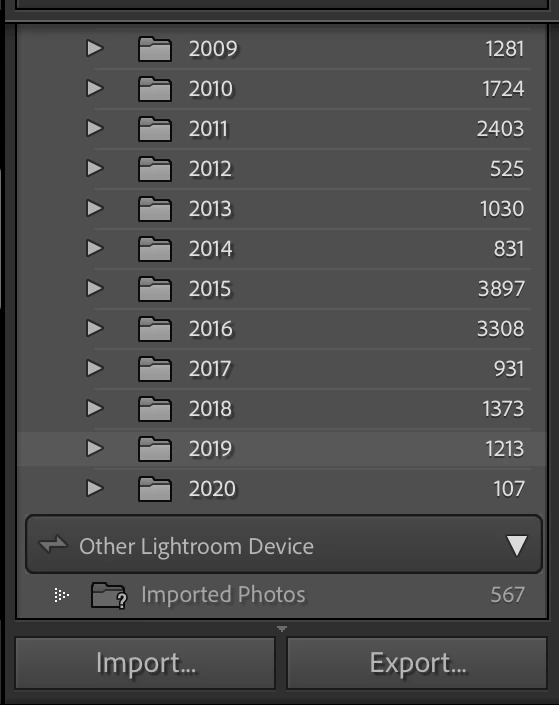
The folder "Imported Photos" has the ? indicating it's missing. However, I can't re-locate this folder, as I don't know where it was to begin with. Is it online? If so, and I re-sync, where do the files get stored locally? In the usual date structure on the hard-drive, as above, or in an unspecified 'default' location?
What I'd like to do, before doing anything, is try to understand what my options are for these iPhone cloud files in LRC. My 20GB storage, which comes with the Photography Plan is nearly full, so I'd like to download these files to LRC locally, integrate them into the existing library and folders on my SSD, which I can backup separately to Adobe Cloud storage, then delete them from Adobe Cloud to free up space for the new images I take with my camera...
 AdChoices