Participant
January 13, 2017
Question

Invalid Path Representation Folders in Lightroom

  • January 13, 2017
  • 1 reply
  • 1524 views

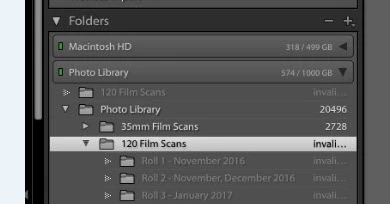
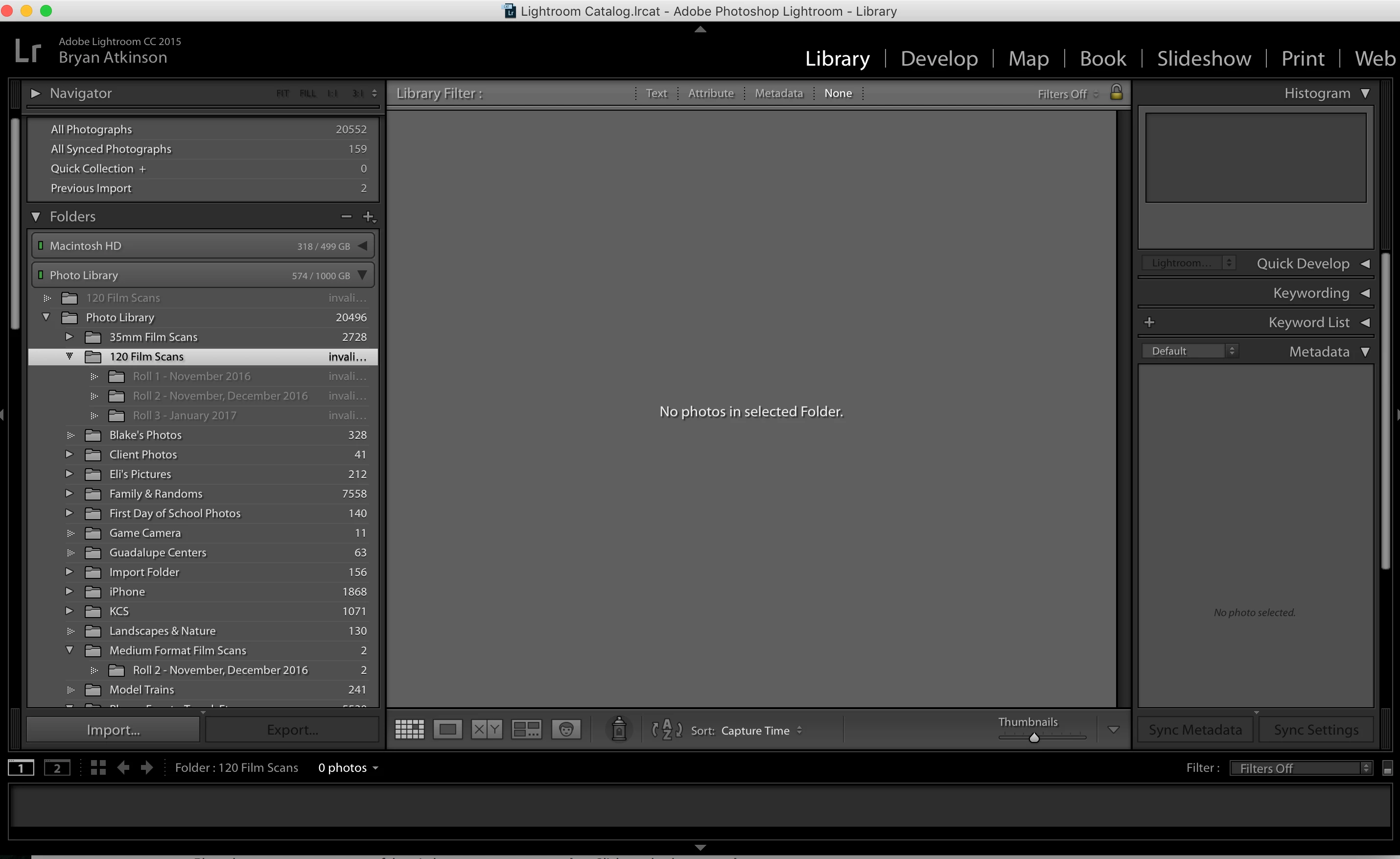
In error I did somethings to my photo library outside of Lightroom. I thought I got everything fixed but there is a folder and a couple of subfolders that show invalid. There is nothing in them that I need, I already have the stuff elsewhere and now I just want to remove/delete the folders. When I right click and try to remove nothing happens. I attempted to rebuild them on my drive and refind them but that does not work.

Any thoughts on how to remove these folders from my catalog? I have seen several discussions about this issue, but I have not seen a solution.
    This topic has been closed for replies.

    1 reply

    Just Shoot Me
    Legend
    January 13, 2017

    After rebuilding the exact path to those folders in LR right click on the top level folder and select Update Folder Location then browse to the top level folder. If that works then you should be able to right click and select Remove. Start with one of the subfolders and work your way up. If all of that works then you can go back into Finder and delete those folders from the drive.

    Participant
    January 13, 2017

    Thank you for the suggestion. When I right click on any of the invalid folders I only get these options:

    When I attempt to update this folder location, and find it on the drive I get this message below. Is there a specific way I should rebuild the paths to these folders?

    Participant
    January 13, 2017

    I went ahead and restored a back up catalog from a couple of days ago. I had not done much editing in the last two days, so it was no major loss. After doing so, that removed these folders. Had I done a lot of editing, updates, etc, it would be nice to know how to fix this though.