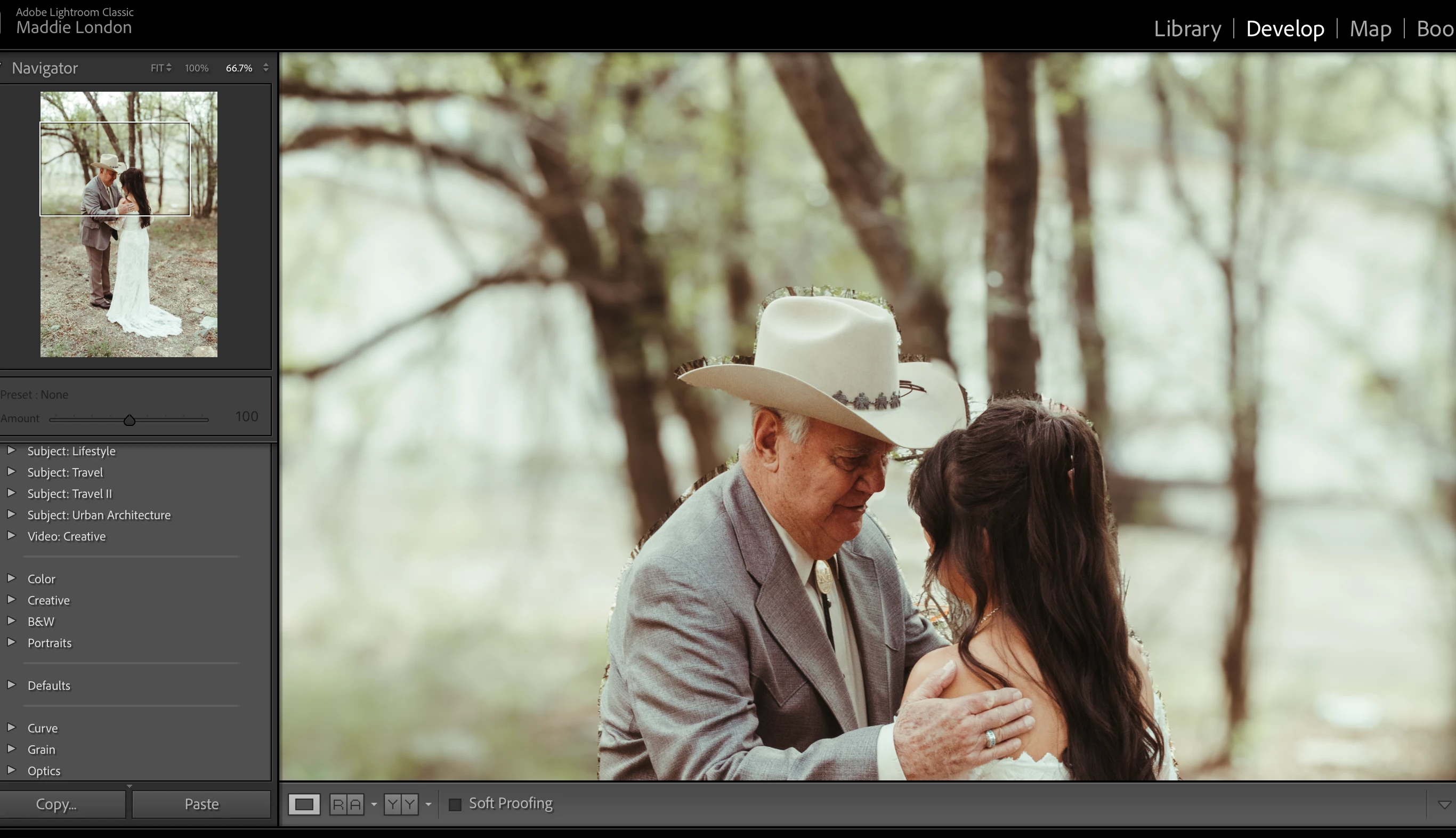
Lens Blur relies heavily on the GPU in your computer. For those who just posted a 'me too' message without giving any details: make sure your GPU drivers are up to date. Outdated drivers on Windows computers (this does not apply to Macs) are often the cause of problems like these. Do not rely on Windows updates, regularly check the website of your GPU manufacturer for driver updates. If you use a Ndivia GPU, then use the Studio drivers, not the Game Ready drivers.
@madelinec59480065 as you are using a Mac, this does not apply to you. Macs use a built-in MacOS driver. You can still check if this has something to do with the GPU however. Go to Preferences- Performance and disable to use of the Graphics processor. See if that improves the quality (speed will suffer).



 AdChoices