Answered
lens profile for Leica Q2
searching Leica Q2 profile in lens correction any leads how to include / tried with similar LEICA 28mm R AND S lens profiles !nothing work out!

searching Leica Q2 profile in lens correction any leads how to include / tried with similar LEICA 28mm R AND S lens profiles !nothing work out!
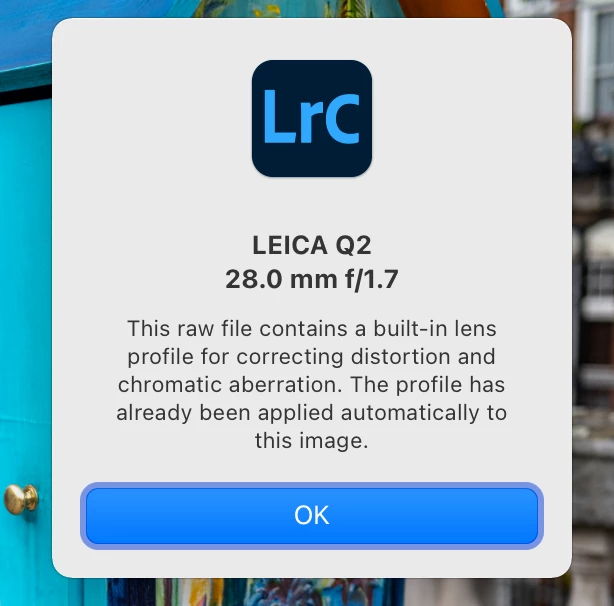
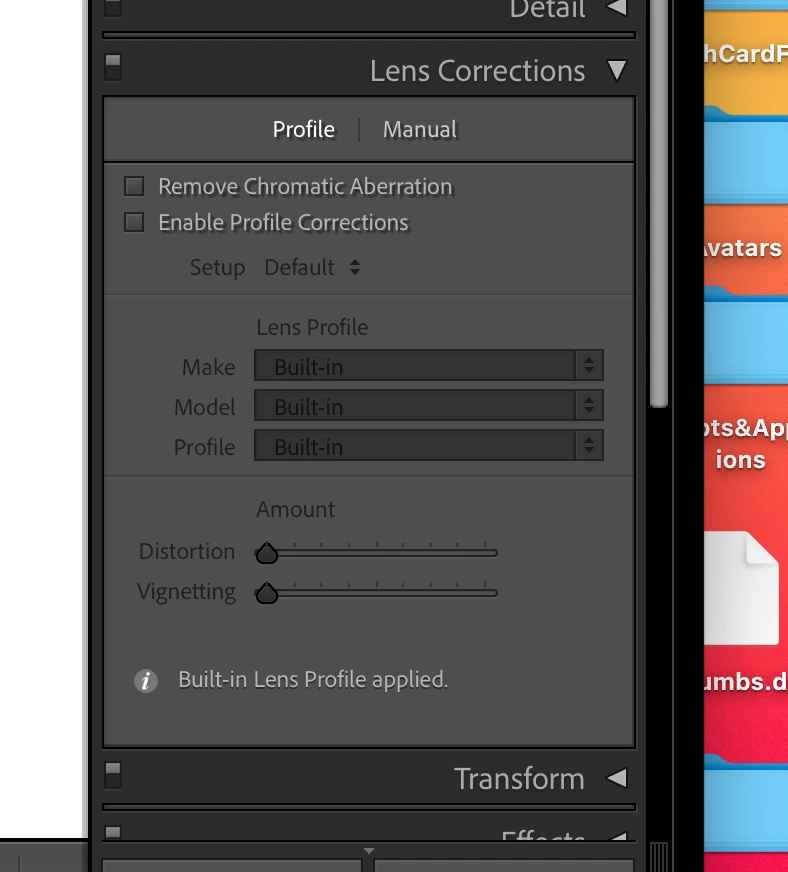
Ok, so I downloaded couple sample raw files and did a test and there is "built-in profile" applied. This profile is placed there by the camera in the raw file header, it is created by Leica and applied by LrC at import there is no option to turn off.
See the screen capture.
Already have an account? Login
Enter your E-mail address. We'll send you an e-mail with instructions to reset your password.
 AdChoices