Participating Frequently
October 22, 2023
Question

Lightroom 12.5, 13 or 13.01 Does Not Load - This is my trial membership, too!

  • October 22, 2023
  • 3 replies
  • 2463 views

Hello Community,


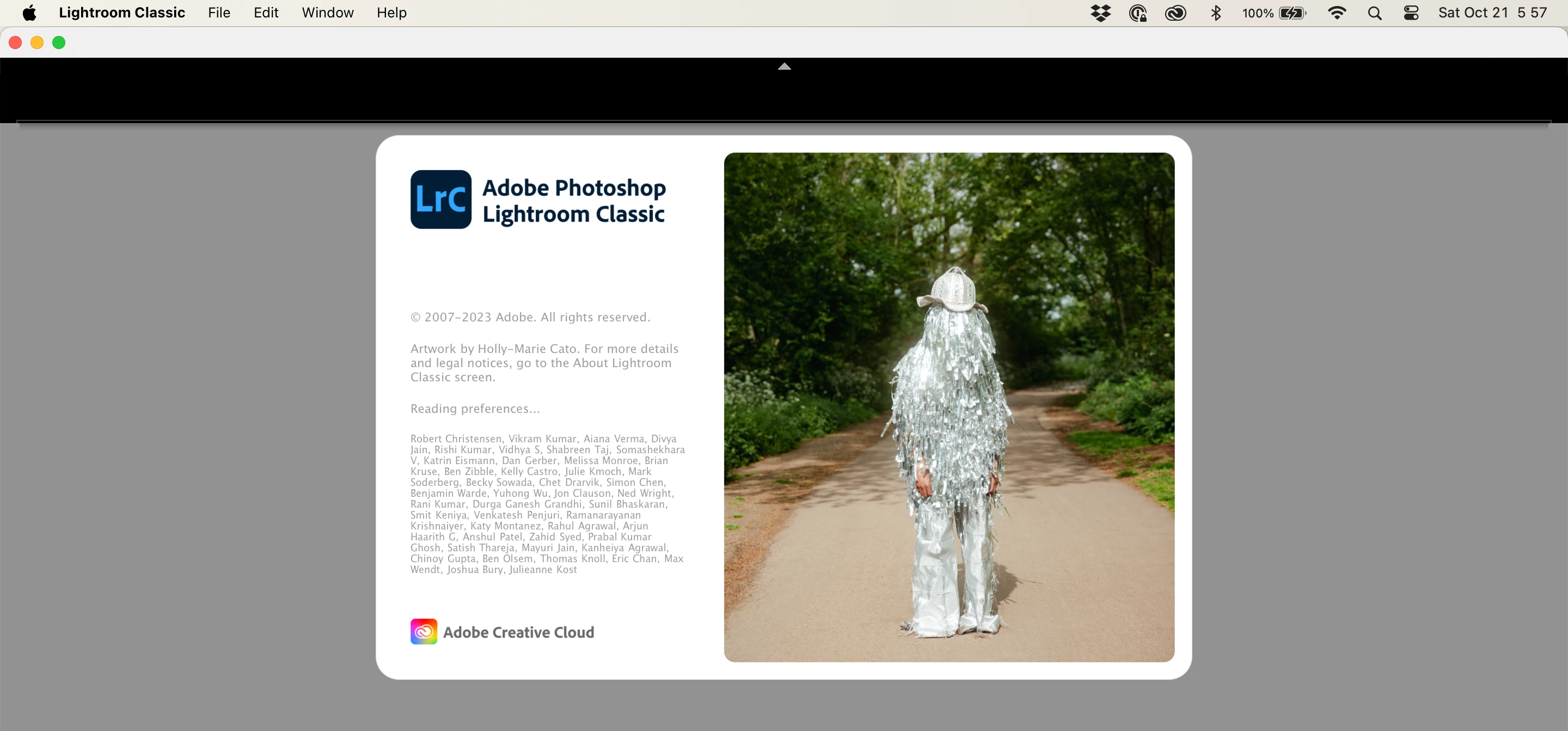
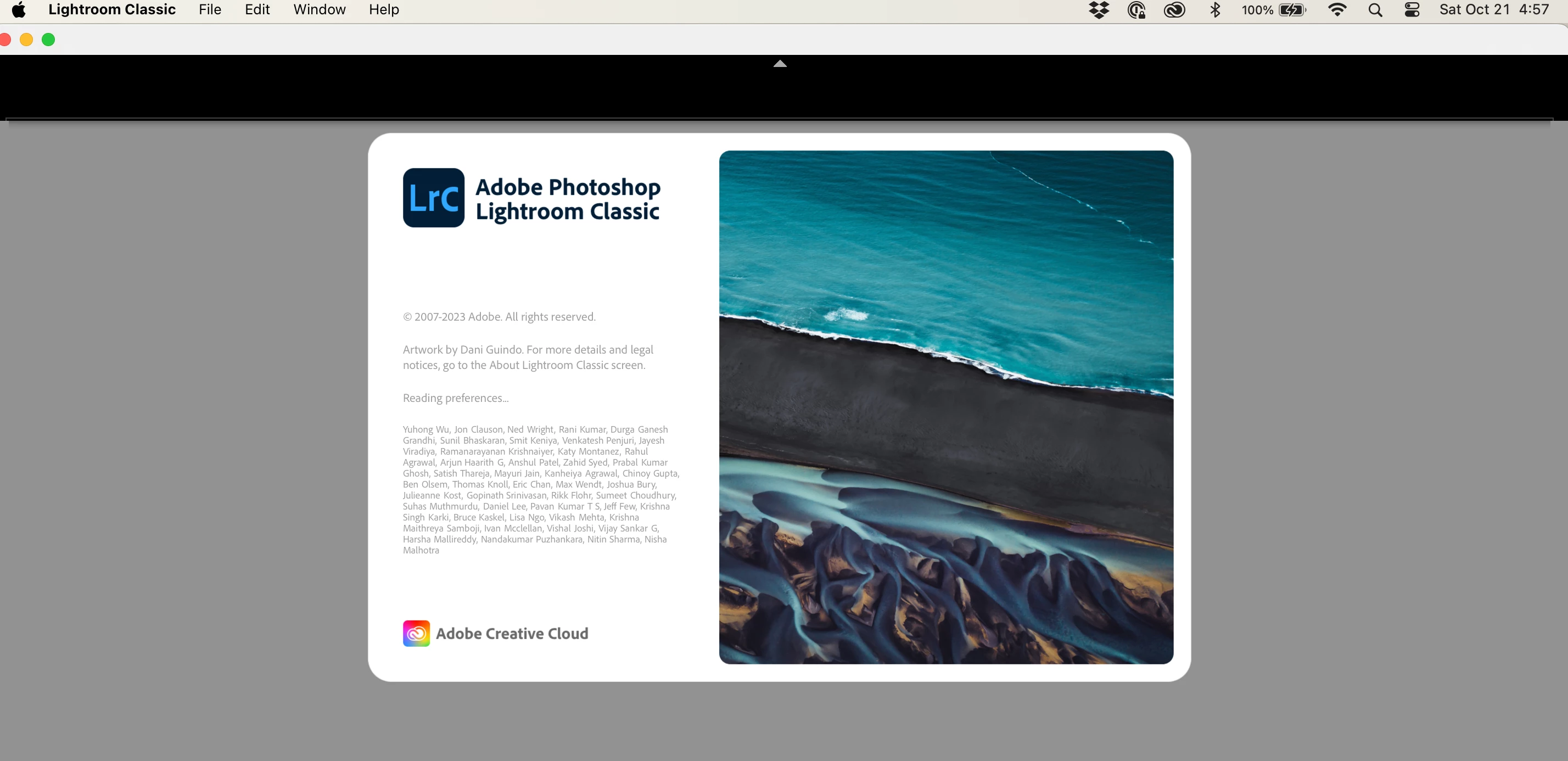
Over the course of a full day I have installed, troubleshot, researched and uninstalled Lightroom more times than I care to count, yet each time, I am not able to get past the beginning screen and the message, "Reading Preferences...". I am a new Lightroom customer and downloaded the trial version. Yet, so far, I've burned through one day out of my seven and have yet to have it load on my MacBook Air so I can use it.


During the course of downloading and installing the current version (13.01) and previous versions (13.0 and 12.5), I have gone through removing the Lighroom .plist file (I only have one since I believe the second .plist file is created once you actually load and use Lightroom). But, each time I tinkerd with Lightroom, I'd trash it.

I also even upgraded from the Mac OS Ventura (13.0) to Sonoma (14.0) in hopes that might work but it's still the same issue.


Does anyone know what else I could try to get this program to work for me?


If  you need more information or files (crash reports?), I can provide that.


Oh, and for the record, Photoshop loaded just fine and is working swimmingly.


This topic has been closed for replies.

3 replies

GoldingD
Legend
October 23, 2023

And if that fails. Perhaps a complete uninstall of LrC, of the Adobe Creative Cloud Desktop App, of PS, etc, is called for, then a new install, first the Adobe Creative Cloud Desktop App, then the various apps in your plan.


By the way, it is recommend when you do install those app, to Install PS first, before installing LrC or Lr.


A complete uninstall, involves a utility from Adobe, the Creative Cloud Cleaner Tool. Just using Windows OS to uninstall, or the Adobe Creative Cloud Desktop App (the normal method) to uninstall, will not get rid of bits of junk that may be fouling things up.


see the following:


https://helpx.adobe.com/creative-cloud/kb/cc-cleaner-tool-installation-problems.html


then see:


https://helpx.adobe.com/creative-cloud/help/uninstall-creative-cloud-desktop-app.html


And after all is clean, go and download a fresh new copy of the Adobe Creative Cloud Desktop App, and install that.


https://www.adobe.com/creativecloud/desktop-app.html


Participating Frequently
October 23, 2023

Hi @GoldingD,

I want to thank you for taking pity on me and helping me troubleshoot this issue. I really appreciate your time.


I went through, uninstalling and installing all of the Adobe suite in the recommended order then first loaded up Photoshop. It loads and I can use the program though when I quit, I get the dreaded spinning beach ball on my Mac as it doesn't shut down but only hangs until I can force the application to quit, which it does.

Loading up LightroomClassic sadly produces the exact same "Reading Preferences..." screen as before with absolutely no way to bypass it (that I can find).


How this is something affecting my computer and nobody else's is beyond me. I guess I just have that kind of luck!

I'm starting to wonder if having Lightroom as my photography editing program is just not in the cards, for whatever reason.

Sean McCormack
Community Expert
Community Expert
October 23, 2023

I'd run the Creative Cloud Cleaner Tool as @GoldingD recommends. Something somewhere is messed up and that tool is the only proper way to start again. 


Sean McCormack. Author of 'Essential Development 3'. Magazine Writer. Former Official Fuji X-Photographer.
GoldingD
Legend
October 23, 2023

Q1) First an inquiry, that might lead to different issues.


What Adobe Plan have you subscribed to?


(and was this not already questioned in a similar post?, perhaps someone else very similar)


Q2) An additional inquiry, did LrC ever work, perhaps just once, may have been in trial, but did it ever launch?


Participating Frequently
October 23, 2023

Thank you for the reply for clarification, @GoldingD

The Plan I subscribed to is below and no, LrC never worked. Not once, no matter how many times I troubleshot it, in any version. It always hung at the picture at beginning with "Reading Preferences..." in the message area.

Participating Frequently
October 23, 2023

Also, for what it is worth, I haven't tried launching cloud-based Lightroom, only LrC.

Participating Frequently
October 23, 2023

Help! Anyone!

I don't really like CaptureOne...