
Inspiring
January 14, 2023
Question

Lightroom Book Module

  • January 14, 2023
  • 2 replies
  • 1029 views

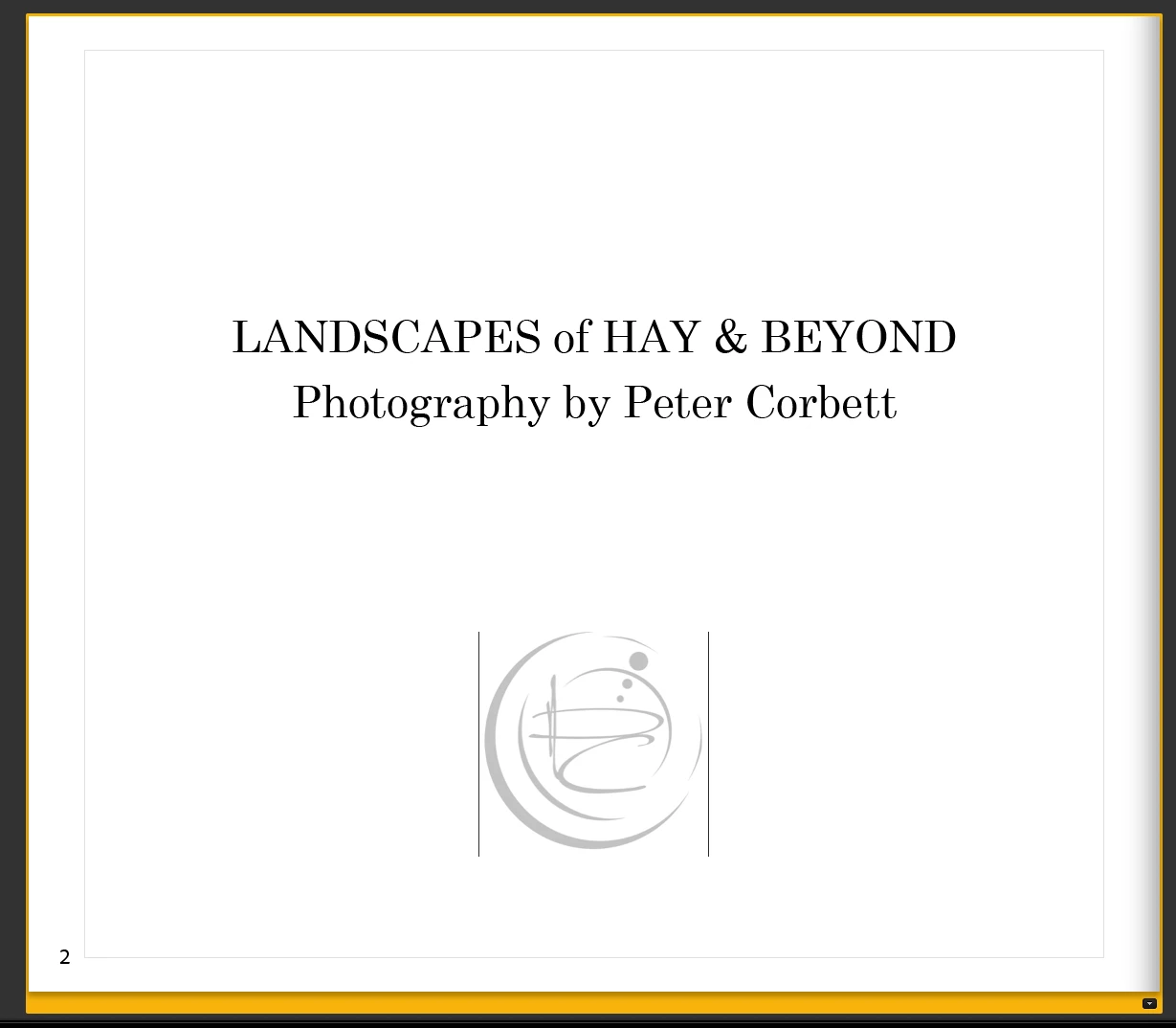
I am trying to import my "logo" onto a blank page (this includes text) The file is a PSD file without a background. The logo apears on the page OK but has a vertical line on each side. These lines are not in the original image – I do not want them to appear here.
 

This topic has been closed for replies.

2 replies

Rob_Cullen
Community Expert
Community Expert
January 14, 2023

Strange lines!  My approach might be to [Trim] the image in Ps to remove transparent pixels around the Logo, then [Save As] a .PNG type file (preserves transparency).

Use the .PNG Logo in the book.

I cannot reproduce lines like yours in my LrC by using files of PSD TIF JPG.


Regards. My System: Windows-11, Lightroom-Classic 15.1.1, Photoshop 27.3.1, ACR 18.1.1, Lightroom 9.0, Lr-iOS 10.4.0, Bridge 16.0.2 .
cmgap
Community Expert
Community Expert
January 14, 2023

@705730 - Exactly. Trim the image or make it a transparent png. I did wonder if the OP had tried this already.

Inspiring
January 15, 2023

The first thing I did was to crop the image. I have tried jpg converted to png. (it is a transparent image) and also I have original png. ai, and eps files of my logo. I have tried them all and still get the two vertical lines shown in my example?

cmgap
Community Expert
Community Expert
January 14, 2023

Lovely logo. Is the file a.jpg? Do you have the original art for the logo? Can you try another version of your logo just to be sure that the vertical lines are not in your file?

Inspiring
January 14, 2023

Thank you. I have tried PSD and jpg files converted from the original and the lines still appear in the LR module. However I exported to a pdf and the lines are not there. I am still not happy about submitting it for print until I understand why they show in LR buit not in PS. Thank you

Sean McCormack
Community Expert
Community Expert
January 14, 2023

What happens if you turn off 'Show Guides' in the Guides panel? 

Sean McCormack. Author of 'Essential Development 3'. Magazine Writer. Former Official Fuji X-Photographer.