

Lightroom Camera Calibration
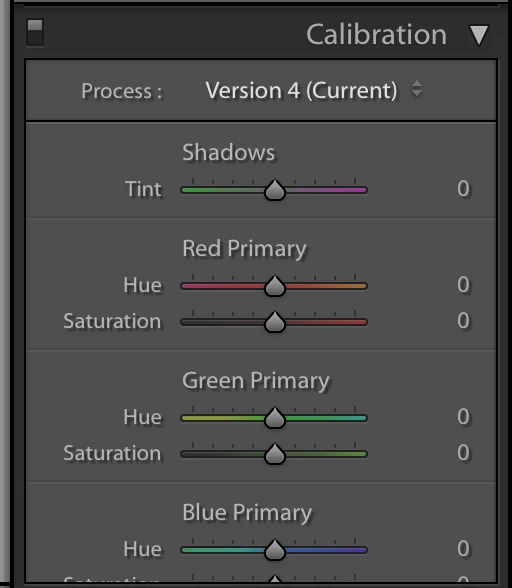
I recently purchased a Color Checker Passport and want to use camera profiles. I watched several video's on this and I am pretty certain I know the correct workflow. I shoot the subject holding the passport. Then in lightroom, under file->Export with Preset->ColorChecker Passport then give it a name. My problem comes in the development module. When I scroll to the bottom where I expect to find the Camera Calibration tab, I only find Calibration. I've gone under Windows->Panel and selected Camera Calibration, but it still only shows Calibration and does not give me the option to select a profile, see below. I can't seem to turn on the Camera Calibration panel, no matter what I do. I'm running Mac OS 10.13.4 and Lightroom Classic CC ver 7.3 Camera Raw 10.3. Any suggestions?
 AdChoices