Participant
November 15, 2023
Question

Lightroom Catalog won't open and cycling new -shm, -wal, lock files

  • November 15, 2023
  • 1 reply
  • 648 views

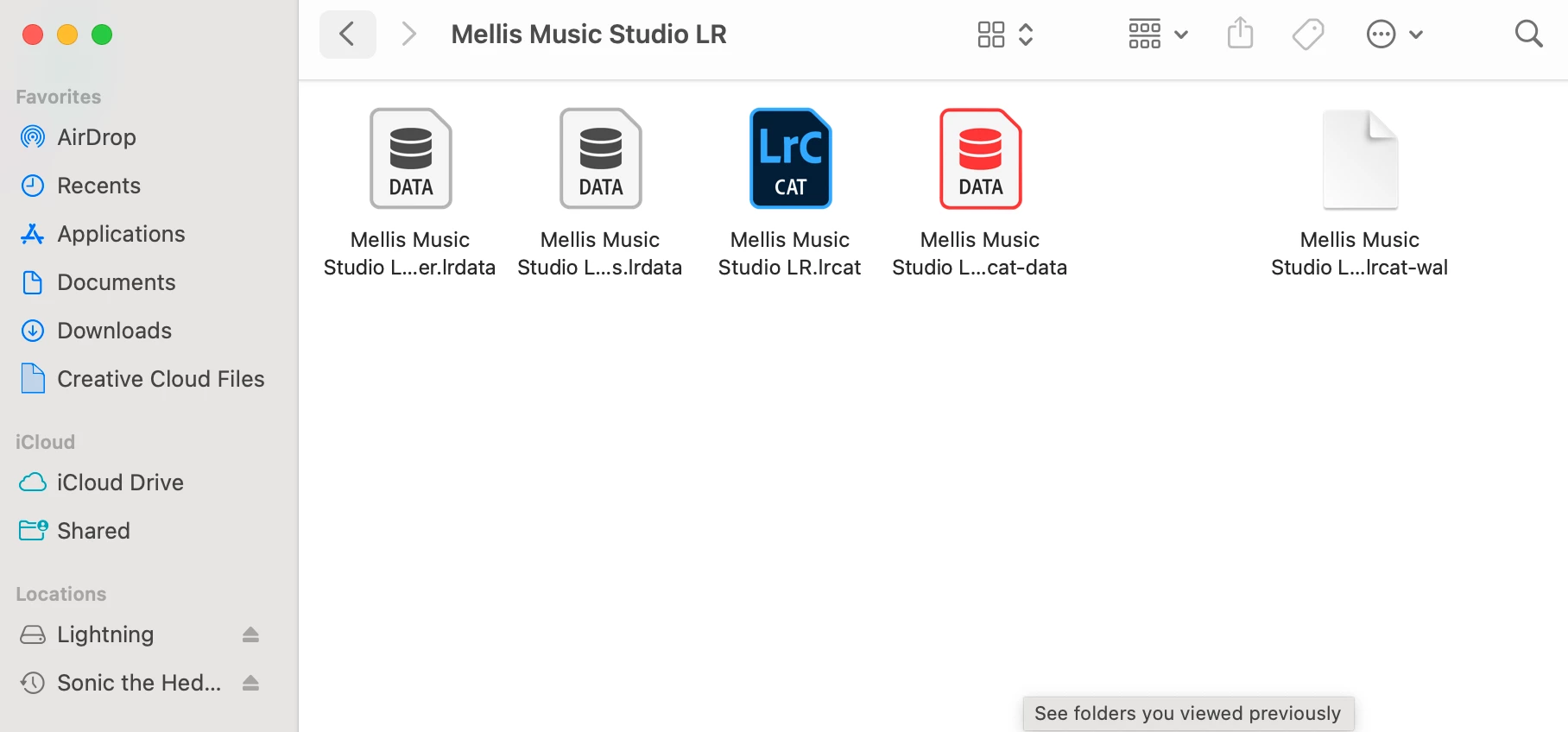
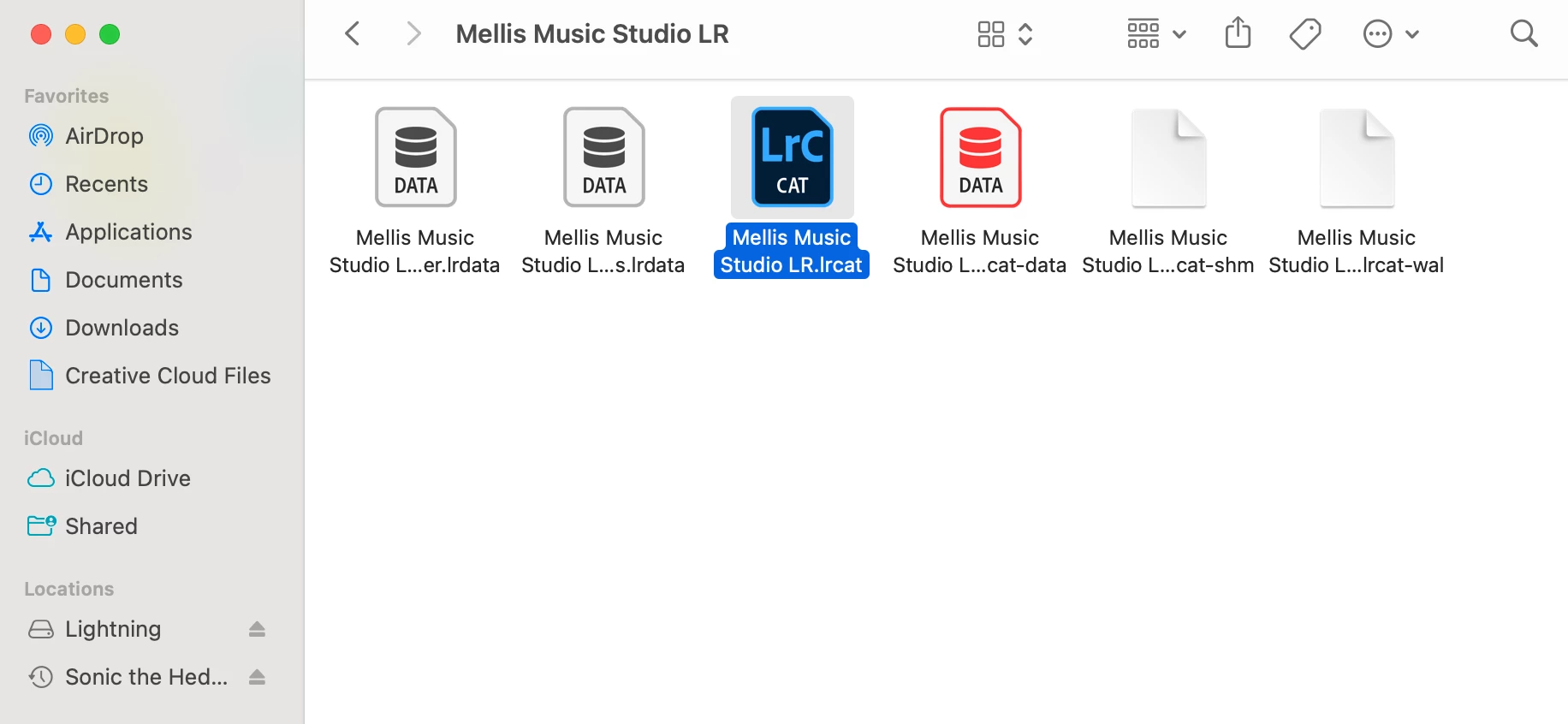
Help, please!  Trying to open a Lightroom catalog and instead of offering and updated version to 13 or whatever the current preferred version is to open, the folder is cycling new -shm, -wal, and lock files. The -shm and -wal files disappear and reappear like the folder is attempting new ones. I attempted deleting just the lock file and closing everything and restarting, but it cycles the same. The Lightroom program never opens and it never offers the option to reformat to the new version #. 
  

This topic has been closed for replies.

1 reply

dj_paige
Legend
November 15, 2023

When LrC opens (or tries to open), it creates files such as the .lock file, there is nothing wrong here and nothing you have to do.


The Lightroom program never opens and it never offers the option to reformat to the new version #. 
 

This is the real problem, please describe this part in a lot more detail. Include your operating system version number, and any error messages.

Participant
November 15, 2023

I didn't think so, but saw offered as the solution to most people's "won't open" question so wanted to be thorough just in case related! Thank you so much!!! OS is Ventura 13.0.1 (22A400), current Lightroom version is v 13.0.1 (have had for 20+ days with zero issues opening old catalogs, normally just offers updates and creates new v 13.0.1 folder with others). There are no error messages until it offers to send an error report, the -shm and -wal files disppear and reappear for an unpredictable amount of time as screenshotted above (sometimes not stopping until I quit Lightroom as a program, even though it never formally opens visibly) and then I just get the "send error report?" message. 

dj_paige
Legend
November 15, 2023

Yes!! Haven't gotten any sort of messages back (if they do that sort of thing).


Maybe @Rikk Flohr: Photography can check to see if your error message was received and what it means.