Participating Frequently
April 3, 2018
Answered

Lightroom CC Automatic Upgrade Lost Edits ~ How can I get them back?

  • April 3, 2018
  • 2 replies
  • 5496 views

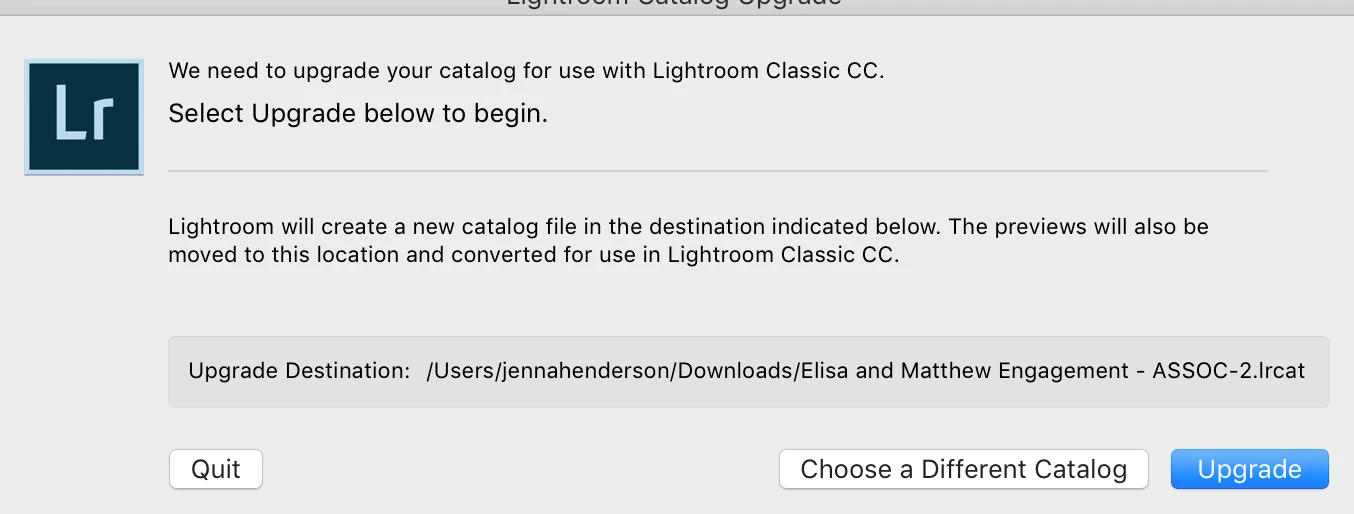
I've been working on a project for two days. When I opened Lightroom CC, it prompted me to upgrade the catalogue and all of my edits are gone. Is there a way to get my old catalogue/edits back? This is the prompt I received.

    This topic has been closed for replies.
    Correct answer Just Shoot Me

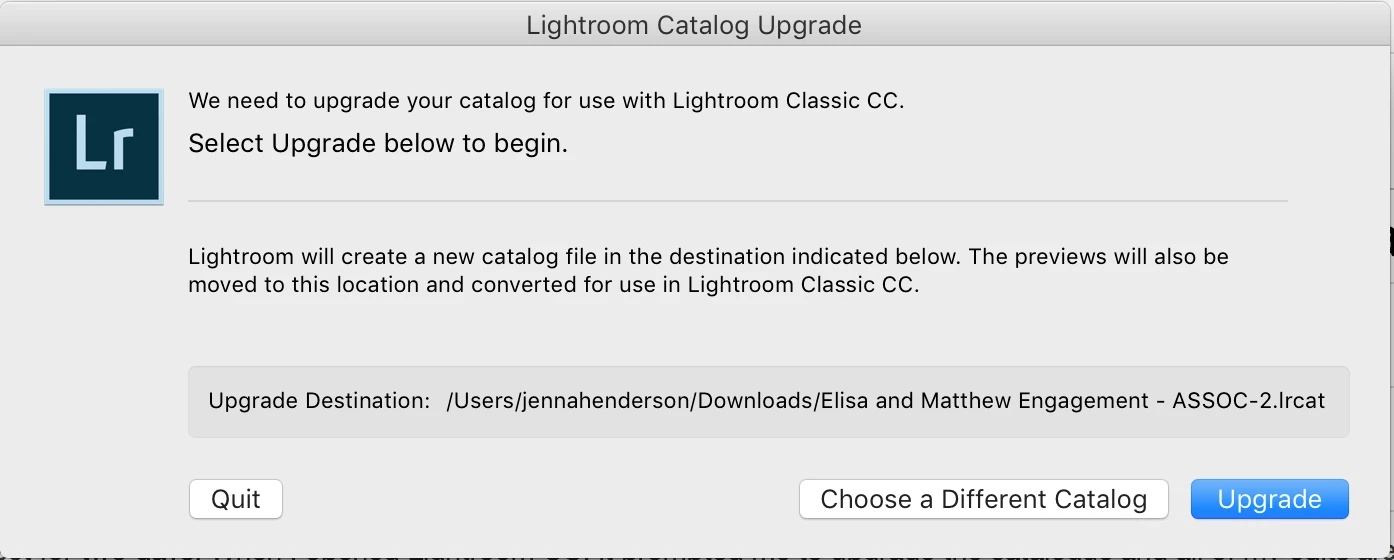
    Thank you ~ I had searched my drive for lrcat to see my files, I clicked all of the lrcat files I've used within the past few days, but every time I'd open them I would get the following message, which forced me to upgrade to be able to open the file. Do you think this means my work is gone?

    Could be but in my experience no files get deleted, go missing, unless it was by the user deleting them, either on purpose or by accident, or some type of hardware failure.

    You should also have backup catalogs as by default LR creates a backup of the catalog file once a week. Those backup catalog files will end with a ZIP extension. Try to locate the most recent backup and unzip it and try opening that.

    If you still get that same message about Upgrading the catalog then you must of been using a older version of LR, like LR CC 2015.x, and somehow upgraded LR to the newer LR Classic CC V7.

    You can reinstall LR CC 2015 from the Creative Cloud Desktop app or from the link below. That link will point to LR 6 but LR 6 and LR CC 2015 are the exact same program.

    Download Photoshop Lightroom

    2 replies

    Participating Frequently
    December 15, 2023

    It happened the same to me today!

    Help!

    Rikk Flohr_Photography
    Community Manager
    December 15, 2023

    You’ve posted to an ancient thread. It is highly unlikely that the issue described in this thread, though not impossible, is the same one you are currently experiencing. Rather than resurrect an old thread that is seemingly similar, you are better off posting to a new thread with fresh, complete information, including system information, a complete description of the problem, and step-by-step instructions for reproduction. 


    If the issue is the same, we will merge you back into the appropriate location. 


    Thank you!


    Rikk Flohr: Adobe Photography Org
    Just Shoot Me
    Legend
    April 3, 2018

    What version of LR are you using? I suspect you opened the wrong, older, catalog that was created by a previous version of LR.

    Open LR and go to the Help menu and select System Info and copy the first 5 lines of text then paste it into a reply.

    As far as I know LR does not Auto Upgrade itself. The CC DTA might notify you that there is an Upgrade but it doesn't Auto install it.

    That dialog box you posted a screen shot of is what you get when a new version of LR is installed and you try to open a previous version catalog. The new version of LR must update the catalog to work with the new version.

    Yes there have been reports of the History of edits you have done on images being removed but the actual edits are still being applied to the images.

    Participating Frequently
    April 3, 2018

    Thank you for your help, I had been culling a catalogue and specifically what I had lost were the amount of stars I had applied to the images.

    Lightroom Classic version: 7.2 [ 1156743 ]

    License: Creative Cloud

    Language setting: en

    Operating system: Mac OS 10

    Version: 10.11.6 [15G1108]

    Participating Frequently
    April 3, 2018

    Could be but in my experience no files get deleted, go missing, unless it was by the user deleting them, either on purpose or by accident, or some type of hardware failure.

    You should also have backup catalogs as by default LR creates a backup of the catalog file once a week. Those backup catalog files will end with a ZIP extension. Try to locate the most recent backup and unzip it and try opening that.

    If you still get that same message about Upgrading the catalog then you must of been using a older version of LR, like LR CC 2015.x, and somehow upgraded LR to the newer LR Classic CC V7.

    You can reinstall LR CC 2015 from the Creative Cloud Desktop app or from the link below. That link will point to LR 6 but LR 6 and LR CC 2015 are the exact same program.

    Download Photoshop Lightroom

    I wanted to give an update, I contacted customer service by phone. You were correct in that I had made my edits on an older version that was upgraded. I unknowingly had two versions of lightroom and accidentally began working on the older version. They were not able to locate a backup catalogue and I did lose my edits from a few days ago, but they were able to restore my work from yesterday. Thank you again for all of your help.