
Lightroom CC & Lightroom Classic only showing up in trial mode, I feel like I've tried everything.
When I go to open the Lightroom CC app from my Creative Cloud, it's showing options for trail mode (5 days left of your trial). Lightroom Classic is also showing up in trial mode, but it says the trial is expired as I said f it, and just used it in trial mode while I tried to work this issue out on my own. 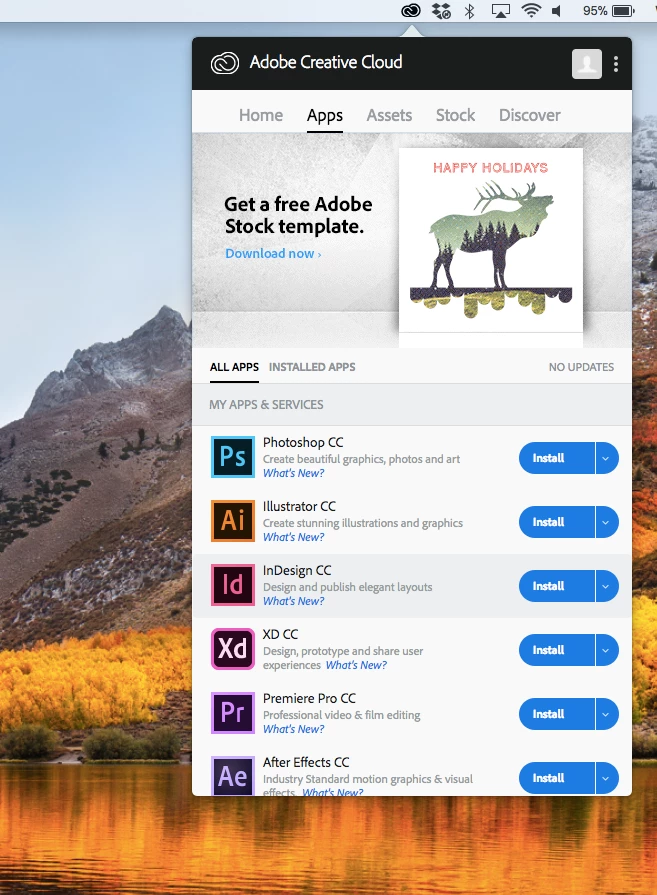 When I go to open Lightroom Classic, it gives me an error message telling me to purchase a membership (picture included).
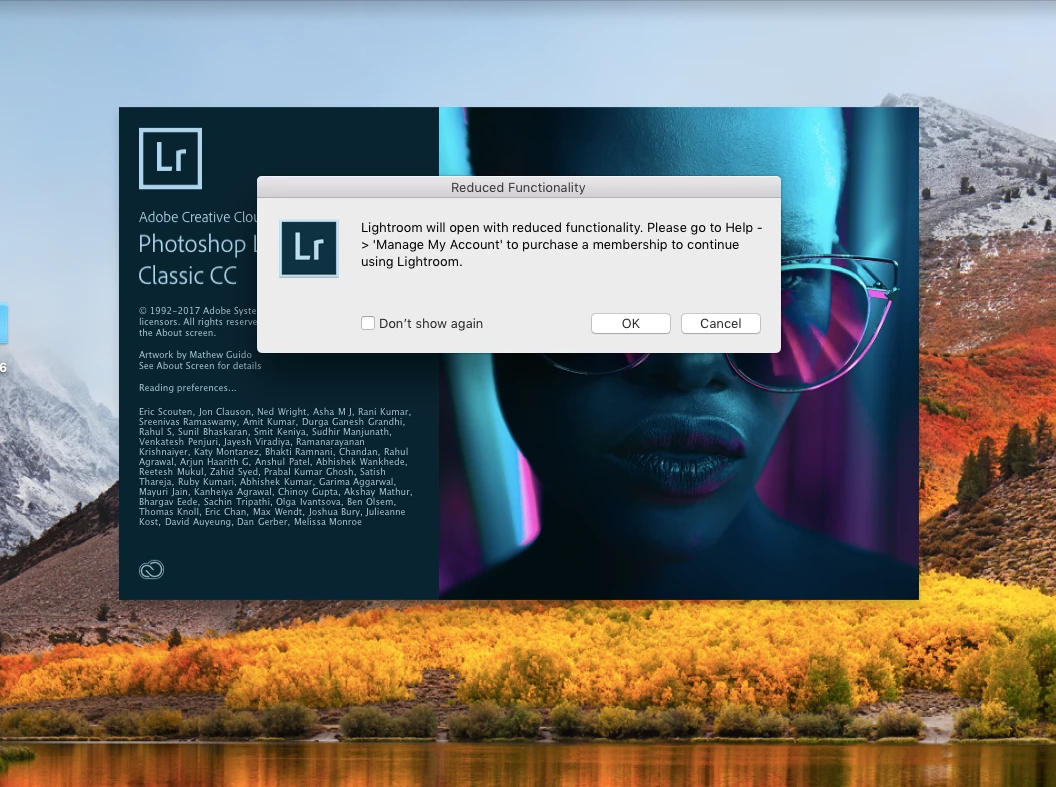 From there, it continues to open another Lightroom Classic window over and over again until I shut my computer down. When I try to click "ok" or "cancel," nothing happens and new Lightroom windows continue to open. I've tried deleted my locked catalogs, I've signed out and signed in, I've uninstalled the cloud and any other Adobe programs from my computer and then reinstalled them, I've used the Adobe Cleaner tool, I've upgraded my cloud and I've upgraded my computer and I pay monthly for the student package and it shows that the money has been taken out of my account. I'm at a loss of what else to try, any help/suggestions are appreciated.
 AdChoices