
Participating Frequently
September 30, 2023
Question

Lightroom Classic (12.5) tools only functioning on certain parts of the image

  • September 30, 2023
  • 1 reply
  • 462 views

Hello!


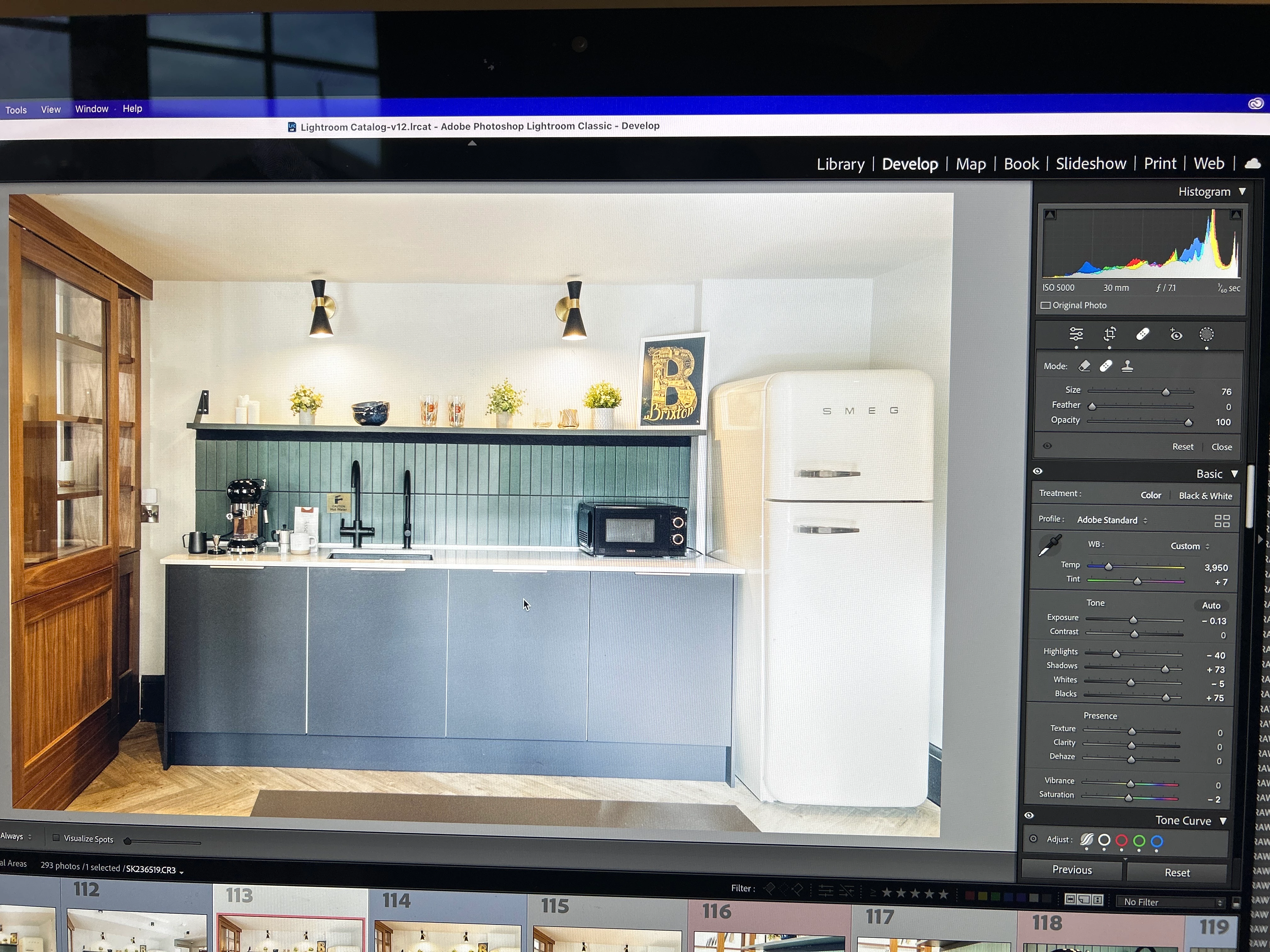
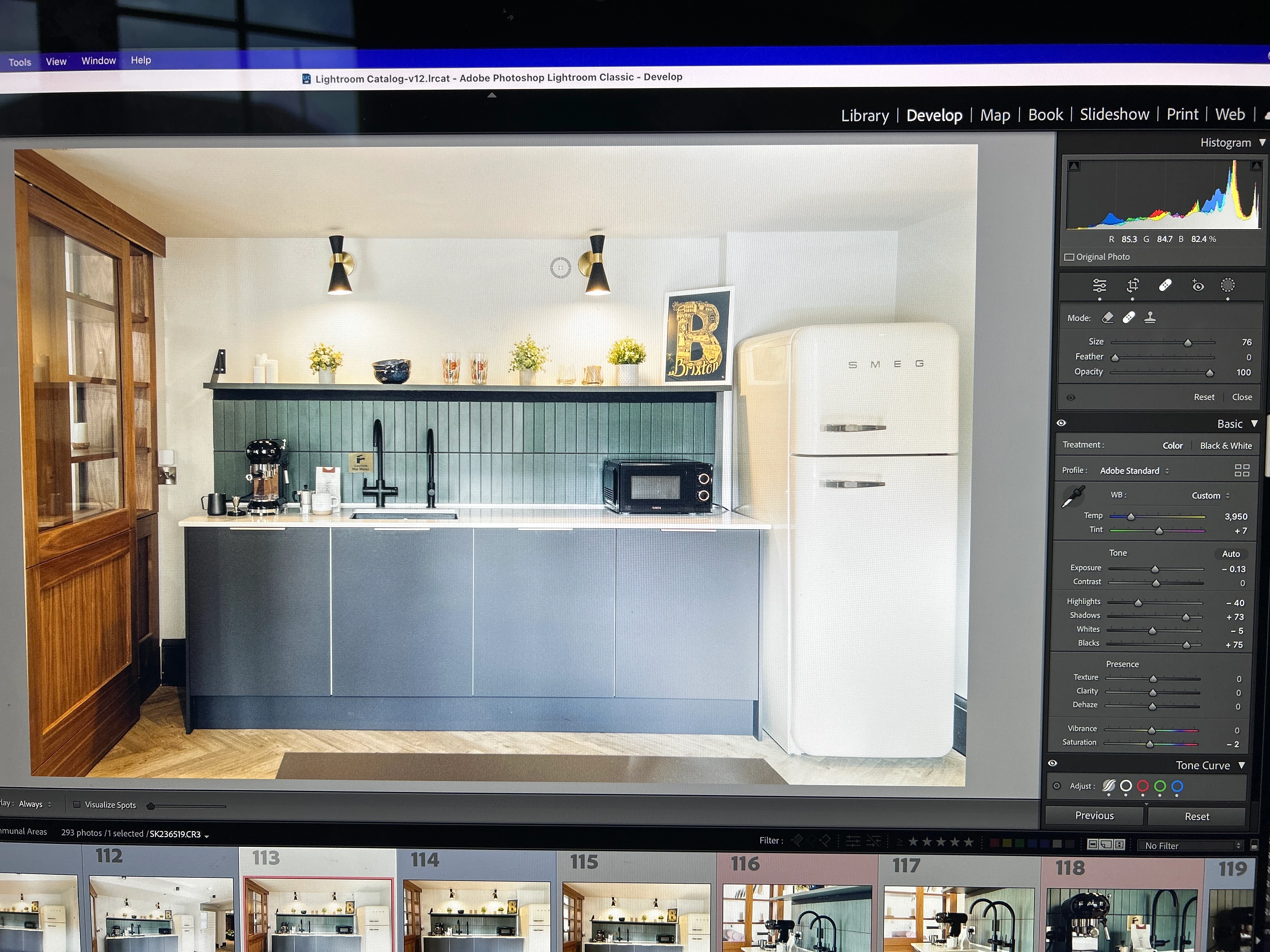
I am editing a job and finding it so frustrating because the tools (crop, mask, heal) are only working when I hover over certain parts of the image. If I try and add a mask or crop in from the side of the image, or heal a part of the image that the icon doesn't appear in, it takes me to another photo. I want to revert to a previous version but I am in the middle of a job and don't want to lose my work. 
I am using an iMac operating on macOS Monterey version 12.6.9

Graphics: AMD Radeon R6 M390 2GB.


Please can anyone help, it's stopping me from being able to do my job 😌. I've attached a photo as an example of the icon appearing in one area of the photo but not another.
 

This topic has been closed for replies.

1 reply

GoldingD
Legend
September 30, 2023

So you are stating that when you click on the location that you show your mouse pointer over in the first photo, nothing happens? the Heal overlay does not show up?


P.S. see:

Take a screenshot on your Mac.

Good photo, many members taking a photo of their screen do a lot worse (as in useless), but actual screenshots via computer work a lot better. And more complete screenshots can help, can barely see that Tool Overlay: Always is shown.


Participating Frequently
September 30, 2023

Correct, the heal pointer doesn't show up. It shows up on parts of the picture but not others. 

I've attached a screen recording.


Shanice 

Participating Frequently
September 30, 2023

This happens with the mask tool aswell. The crop tool also jumps to another photo when I try and crop in from anywhere other than the corners.