I FOUND THE SOLUTION!! :)... I found it on a different thread, I'll post it below.
... ...............................
I just had this same issue but without the error initialing Lightroom.
I first determined using a different user account on my mac that I was able to launch Photoshop and Camera Raw and Lightroom Classic without error or issue there.
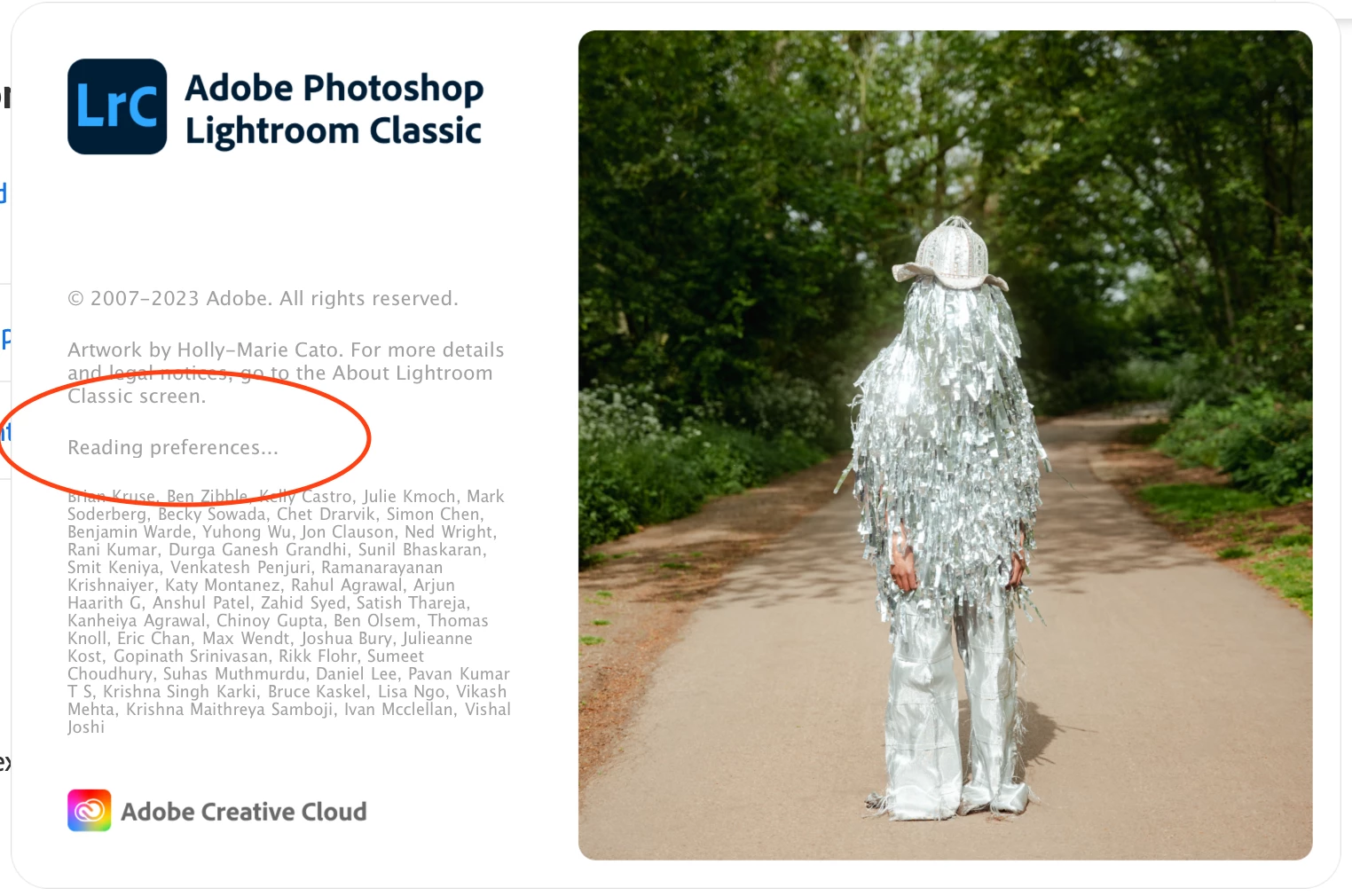
In the end, after removing all the adobe software and rebooting into Safe Mode I was able to launch all three pieces of software except that Lightroom for the first time (while in safe mode) gave me a user permission error (see attached photo), clicking the learn more link took me to this adobe help page.
I used the LightroomCorrectPermission.zip to download and run the script in Terminal and this fixed all my issues. Now I can open LrC, Camera Raw, and Raw files in Photoshop.
I will be interested to see if this also fixes your issue.
.....................
I opened the script I downloaded when clicking their link with Terminal on my affected computer (You have to select "all applications" because my mac didn't have Terminal as a recommended app to open that file.)
Then it prompts you to type your password....
Type it and press enter and that's it! Problem fixed.


 AdChoices