

Lightroom Classic changes WB for RAW images on its own
I'm using LR Classic 13.5, but this has happened in the previous version as well.
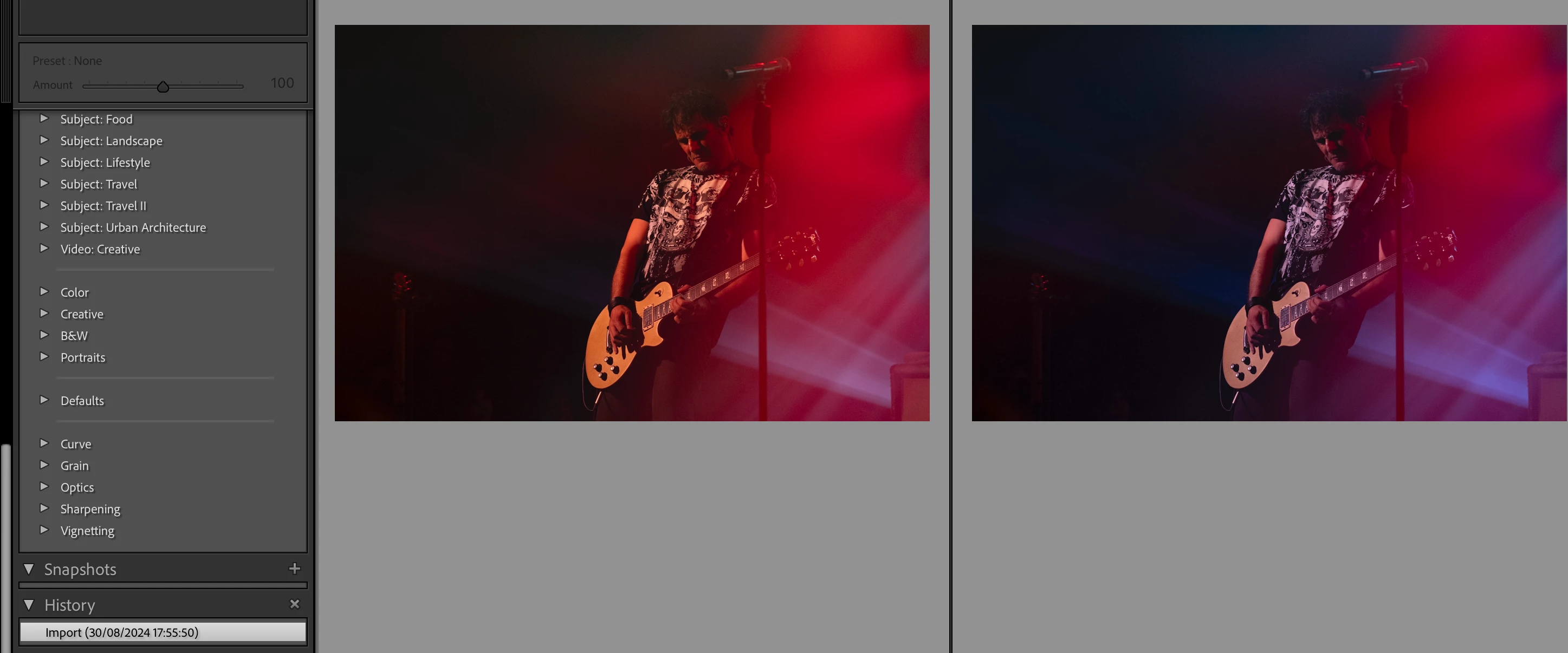
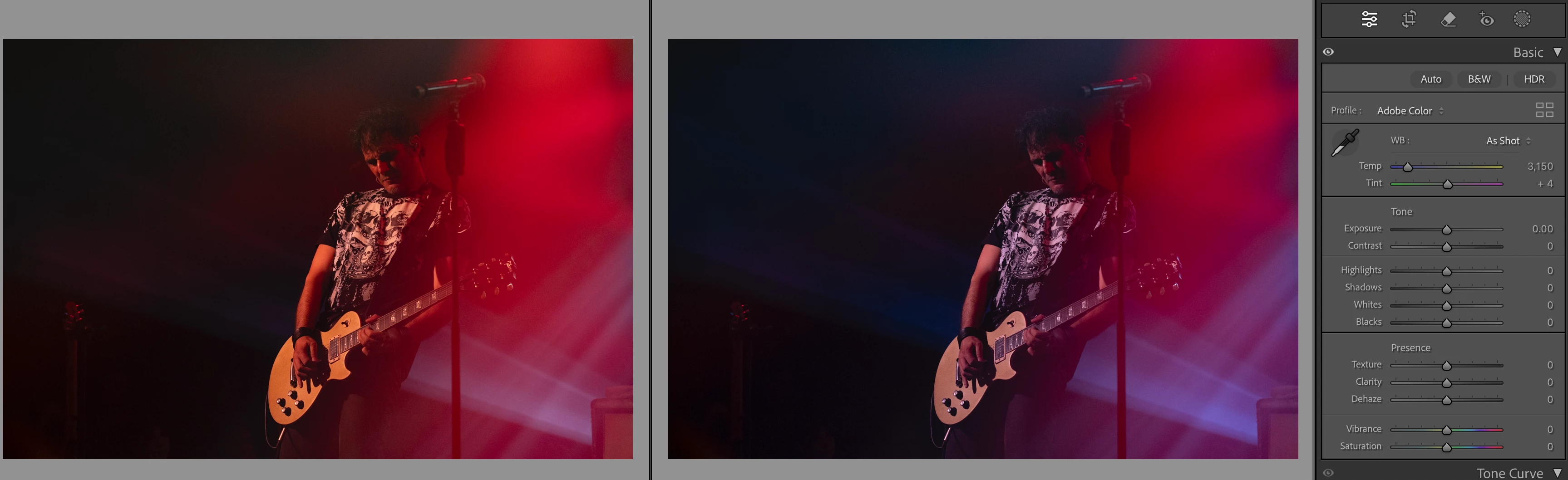
After uploading an image i'm viewing it in the preview (with or w/o preview builder, behaviour is the same) when i go to the image to edit it i notice that it's WB has changed by itself.
There is no step in the history for it, but using the "before/after comparison" it is clearly visible that some WB change was done.
Pressing the "Reset" button doesnt help. and this leaves me with images that i now need to correct even if the WB was spot on.
I have tried removing the GPI and adding it, it didnt help. I am using a rather large catalogue but i am moving my previously edited files to an external HDD after editing is done.
No preset has been applied on upload of the images.
I am using Macbook Pro with latest version.
Please advise and/or correct.
Supporting images attached.
 AdChoices