Participant
May 10, 2025
Answered

Lightroom Classic export error

  • May 10, 2025
  • 1 reply
  • 177 views

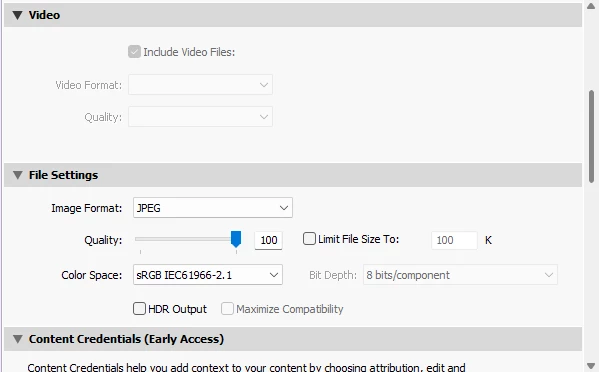
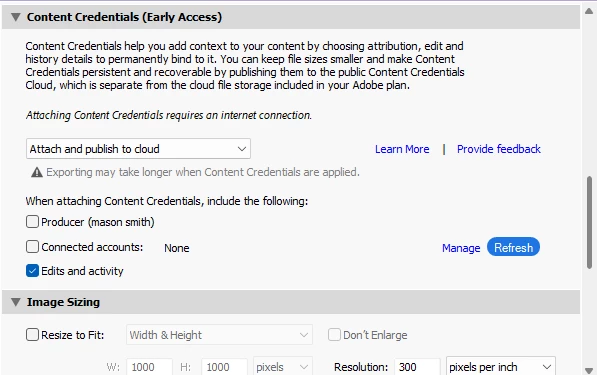
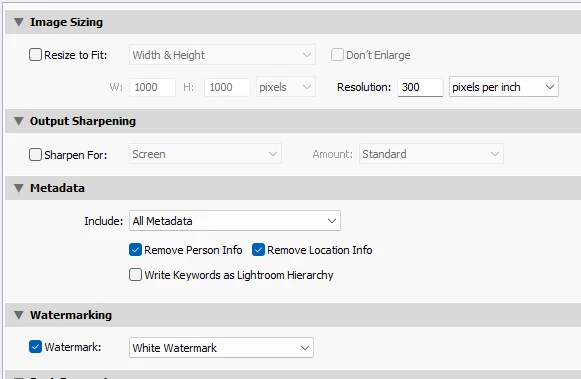
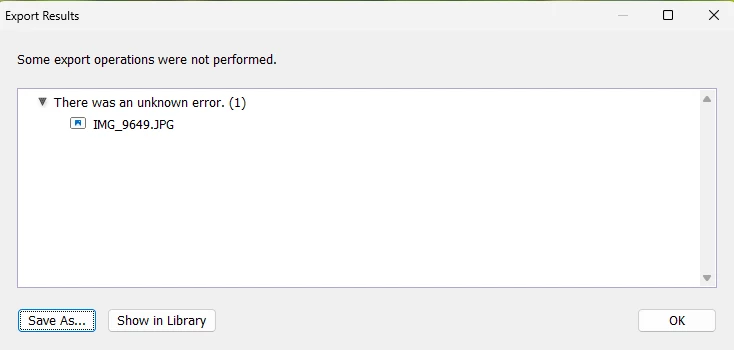
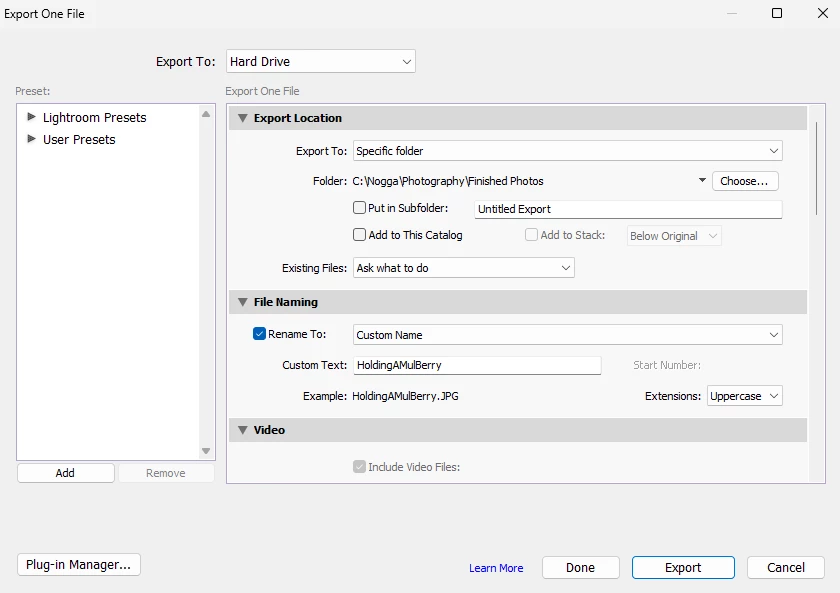
Every single time I try to export my photo to my computer, it just keeps on saying "Some export operations were not performed." "There was an unknown error. (1.) I even tried restarting Lightroom Classic along with updating it. Nothing is working for me. 


Correct answer johnrellis

Try updating your graphics driver by going directly to the manufacturer's web site:
https://helpx.adobe.com/lightroom-classic/kb/troubleshoot-gpu.html#solution-4

If that doesn't help, please copy/paste here the entire contents of the LR menu command Help > System Info -- that will let us see exactly which versions of hardware and software LR thinks you're running.

1 reply

johnrellis
johnrellisCorrect answer
Legend
May 10, 2025

Try updating your graphics driver by going directly to the manufacturer's web site:
https://helpx.adobe.com/lightroom-classic/kb/troubleshoot-gpu.html#solution-4

If that doesn't help, please copy/paste here the entire contents of the LR menu command Help > System Info -- that will let us see exactly which versions of hardware and software LR thinks you're running.