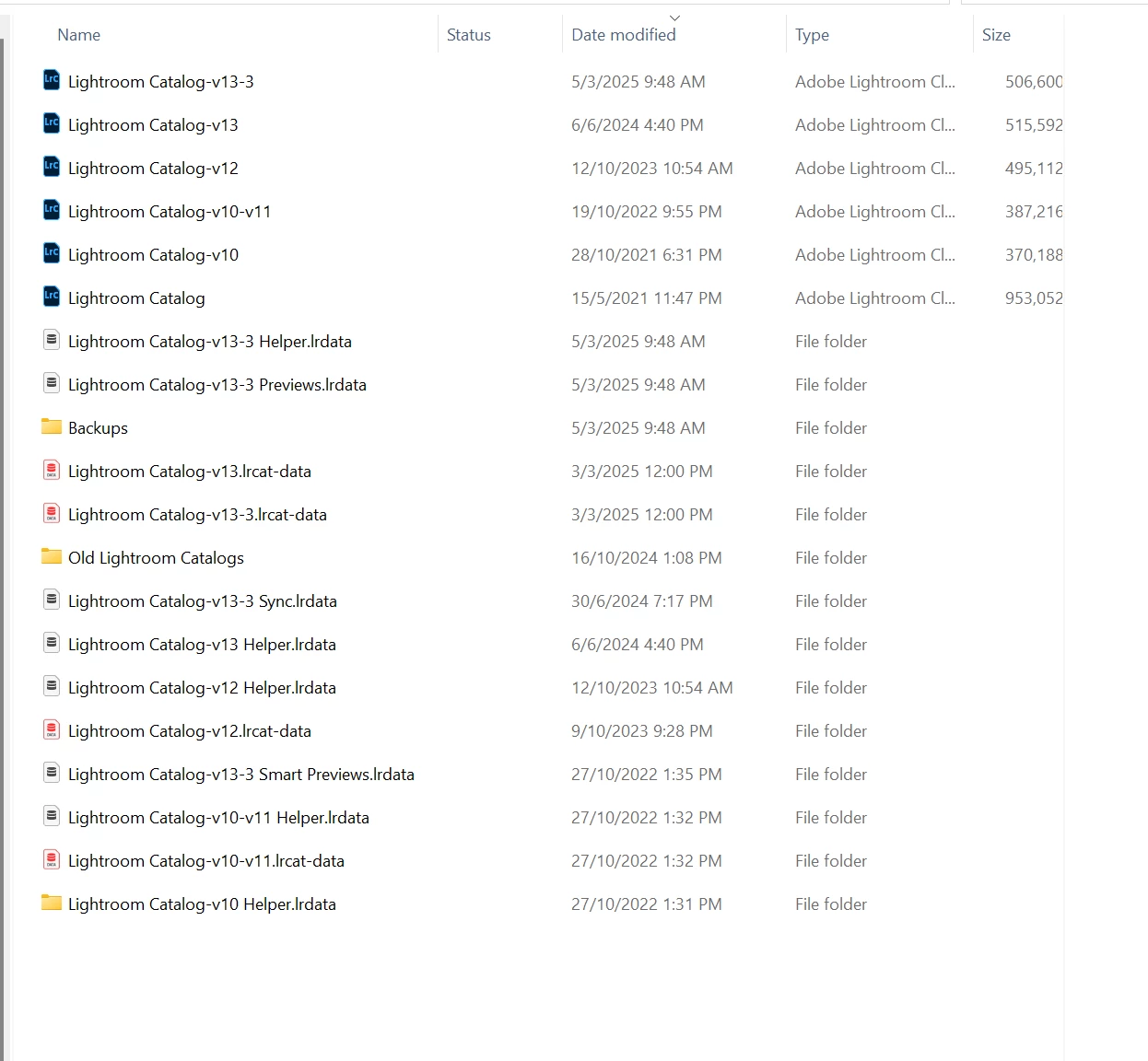
Anything and everything that has "-v13-3" in a file name IS your current catalog and ancilliary files. Do NOT delete any of the files that are "-v13-3". (The rest you can archive until you know your catalog is working correctly with all your imported images. I note different sizes for the .LRCAT files!)
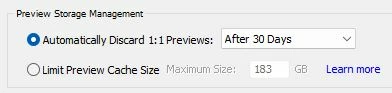
The Preview cache can get very large with many photos in your catalog:
There is now a facility in LrC 'Catalog Settings' to control (Limit) the space that Previews occupy. (Some find it is not an immediate result.)
The old method was to delete or 'refresh' the {Lightroom Catalog Previews.LRDATA } and then slowly allow the catalog to re-build its previews.
And a Hint- Rename your catalog to make sense to you. [Menu > File > Rename Catalog...]


 AdChoices