
Participant
June 21, 2025
Answered

Lightroom classic - remove with generative ai not working after last update on June 20 2025

  • June 21, 2025
  • 1 reply
  • 914 views

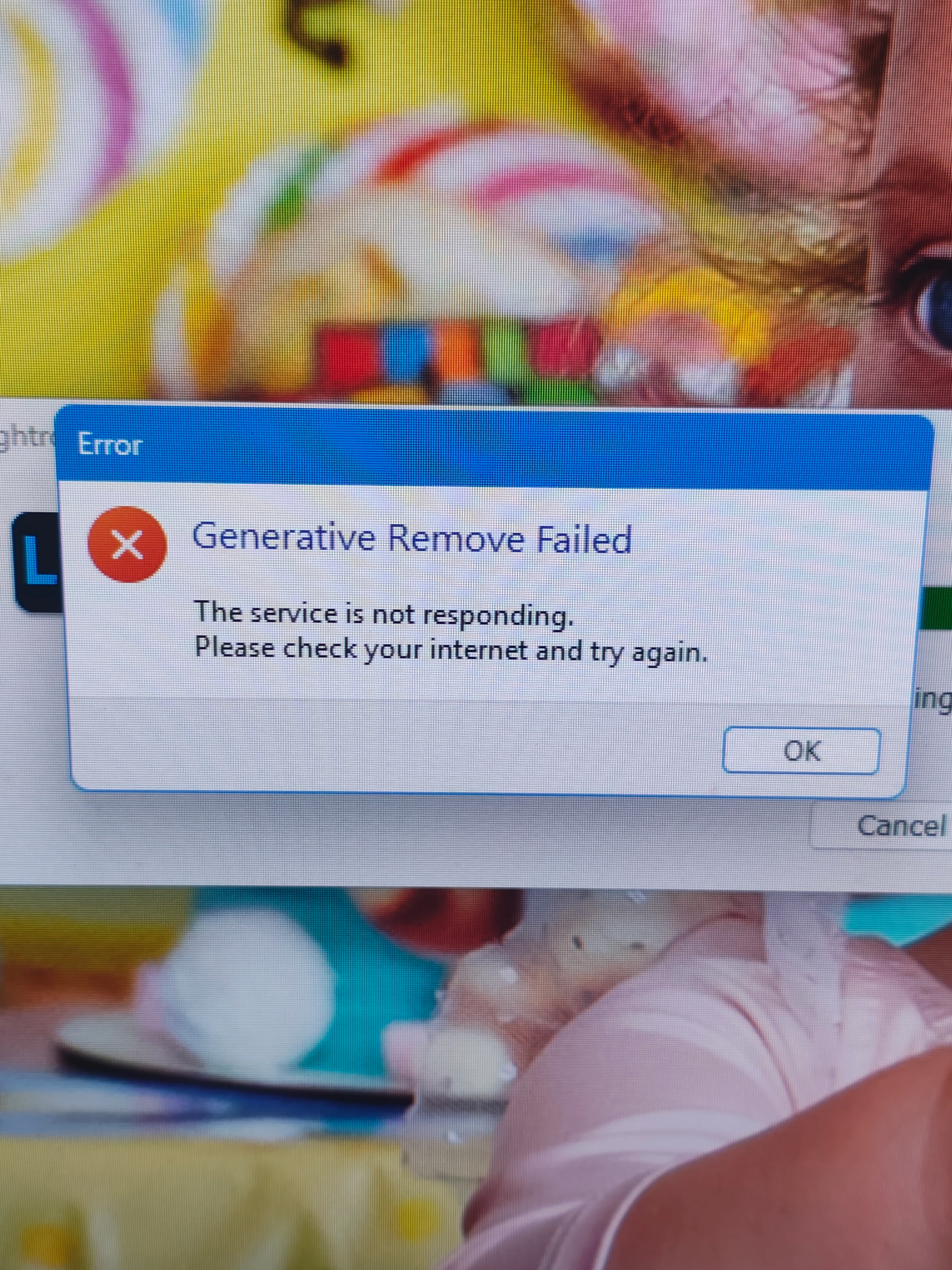
After the update that came both in Lightroom and Photoshop (normal and beta) in June 20. 2025, I found out that in Lightroom classic the remove with generative ai is not working. Not only it takes ages to process, but in the end it gives an error. I mention that my internet connection is on and working properly.
 

[Moved from ‘Lightroom ecosystem Bugs’ to ‘Lightroom Classic Discussions’ by moderator, according to forum rules.]

Correct answer bibi2085

wierd, but now works, even though i haven't done anything.

1 reply

JohanElzenga
Community Expert
Community Expert
June 21, 2025

I'm not a Windows expert so I can't tell you how to fix this, but this looks like a firewall issue on your computer. Although your internet connection is fine, something prevents Lightroom from using it. Anti-malware software could also be the culprit.


-- Johan W. Elzenga
bibi2085AuthorCorrect answer
Participant
June 21, 2025

wierd, but now works, even though i haven't done anything.

JohanElzenga
Community Expert
Community Expert
June 21, 2025

Maybe the server was indeed offline for a short while.


-- Johan W. Elzenga