
Known Participant
January 30, 2023
Question

Lightroom Classic Settings Dialogue Blank

  • January 30, 2023
  • 3 replies
  • 558 views

I experience this first time when I upgraded my MacOS to Ventura.  It's been like this for two months, or more, and I thought it's not a big of a deal, just a bug that will be fixed soon, but now I suspect it's just me, because this is a major bug and should be alredy fixed.


I can see only the content of General and Presets tabs. Everything else is blank, like on this screenshot.
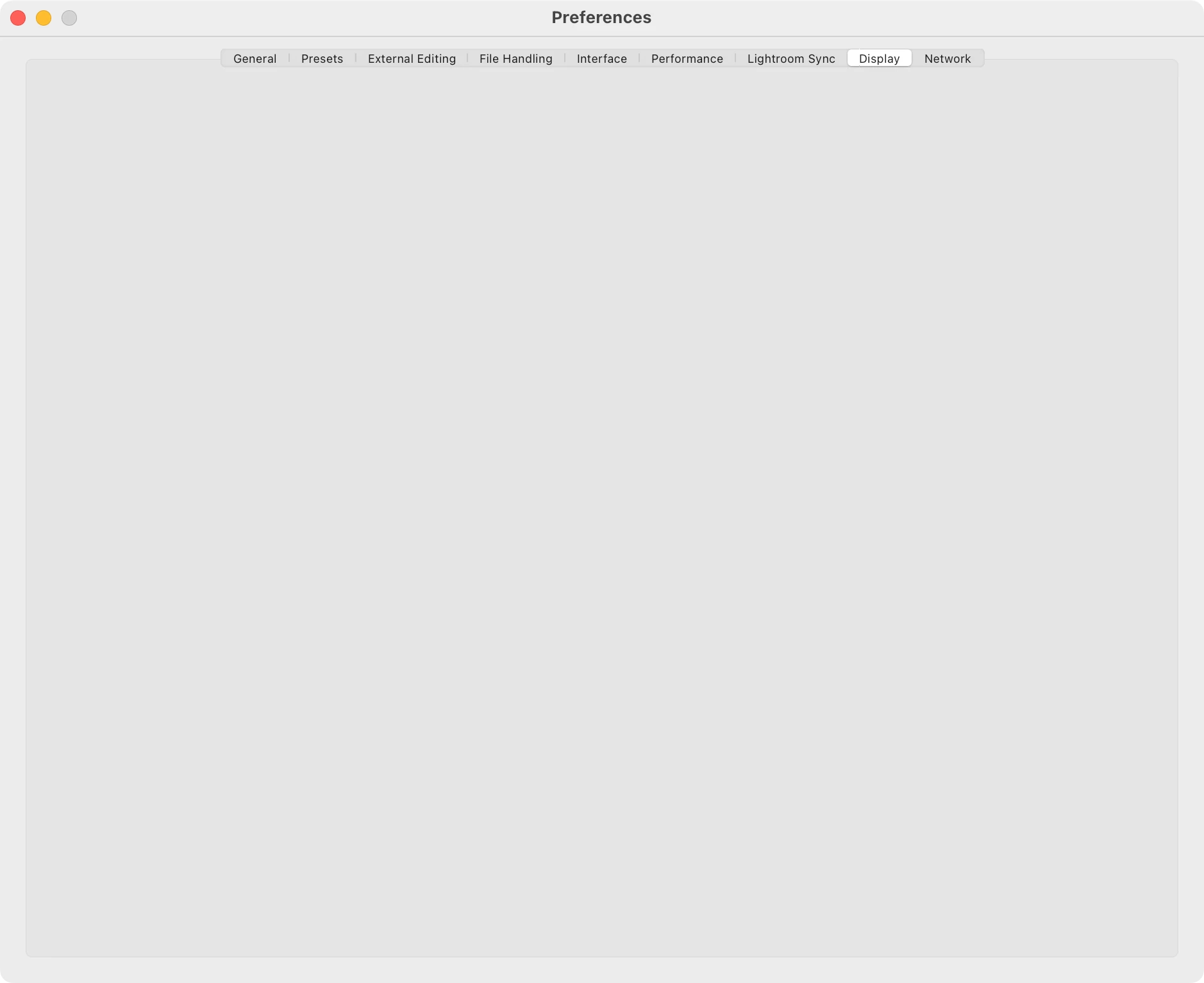
 

Does anyone else have this issue, or do you know what would be the solution to fix it?


I'm currently on Ventura 13.2 (22D49), but this bug first appeared in the v13 and v13.1.

Lightroom Classic version is 12.1

This topic has been closed for replies.

3 replies

Known Participant
January 30, 2023

Ha, fixed without reseting preferences!


I just disabled and enabled again option "Store presets with your catalog" which is in the Settings > Presets tab. I closed LrC and when I open it, I was able to see the content of all tabs again!


How and why, I don't know, but it worked.


Rob_Cullen
Community Expert
Community Expert
January 30, 2023

There is a chance that Folder permissions are not allowing LrC to access the Preferences file location.

(I am not a Mac person) but- See this link-

FULL DISK ACCESS -MAC

And Resetting the Preferences is worth trying-

PREFERENCES RESET


Regards. My System: Windows-11, Lightroom-Classic 15.1.1, Photoshop 27.3.1, ACR 18.1.1, Lightroom 9.0, Lr-iOS 10.4.0, Bridge 16.0.2 .
Known Participant
January 30, 2023

Also, I noticed sometimes when I go to File > Settings (ex Preferences), it does not open in LrC. Then I have to shut down LrC and open it again. This happens only in LrC, and not in any other application.

Per Berntsen
Community Expert
Community Expert
January 30, 2023

Try resetting the preferences.

Go to Preferences > General, press the Option key, and a button labelled "Reset all preferences and relaunch" will appear.

Click the button.


Abambo
Community Expert
Community Expert
January 30, 2023

Before doing this, where can I see what exactly will be reset. I maintain this catalogue for 7 years and I customized it completely to my liking. In case it resets my LrC to default, would I be able to return it from the Backups that my LrC does automatically every day? I guess yes, but it's just something I've never done before.


See here for file locations used. You may save the files in those directories to be able to restore them, if not conclusive.


You could also take screenshots of your different settings screens to be able to reset some parameters if wanted.


ABAMBO | Hard- and Software Engineer | Photographer