
Lightroom Classic Sync wrong photo count?
I have just purchased the latest Lightroom Classic and Lightroom. I previously had Lightroom Cassic 6, but I wanted to have all my photos online.
I imported my Lightroom 6 catalogue into Lightroom to get all photos on the web. I then logged into Lightroom Mobile and synced my camera roll on my iPhone. SO now all my photos are in the cloud.
When that was complete, I uninstalled Lightroom Classic 6 and then installed Lightroom Classic (the latest version). I then turned on Sync to get all my photos back in Lightroom Classic. Now I have Lightroom and Lightroom Classic on a laptop and Lightroom Mobile on my iPhone.
Problem: I can't reconcile the different number of photos shown in Lightroom Classic to Lightroom. I am worried some photos are missing or there are errors or virtual copies are counted differently of some file types do not sync or the is an error.
On the web I get 72,274 photos
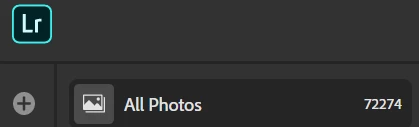
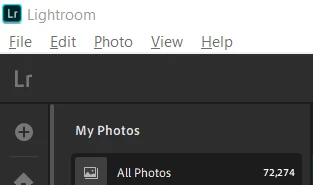
On Lightroom on my laptop I get 72.724 photos:
In Lightroom Mobile I get 68,883 photos:

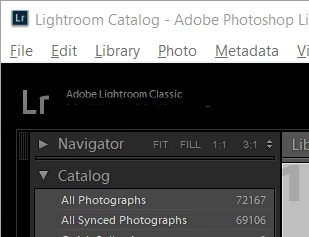
In Lightroom Classic I get two different numbers (72,167 as "All Photos" and 69,106 as "All Synced Photos")
I have not imported an photos into Lightroom Classic other than via Sync to Lightroom.
I do not have any Sync errors, Sync is not paused on any device, Sync is complete on each device.
I am on Windows 10.
Can anyone help me to figure out why there would be a difference? I have done a lot of research via Google, so help is very much appreciated.
 AdChoices