

Lightroom color (profile) difference in development module
I'm having an issue with the colors in Lightroom. The photos are displayed differently in development mode when I see them in full view or in any other mode (Fit, Fill, 1:1).
In full view the photo is displayed normal, but in any other modes, the photos look more contrasty and darker.
I have a macbook pro which is color calibrated, and this might cause the issue.
I restored the color profile back to the original in the operating system and found that in this case in LR both the 1:1 and full view photos are displayed the same way: more contrasty and darker.
It seems like in full view the actual color profile is used, but in any other development modes (fit, fill, 1:1) the factory default color profile is used.
At least it would explain why I do not experience this issue when using the original color profile. The original color profile is - by default - really off, too dark and contrasty.
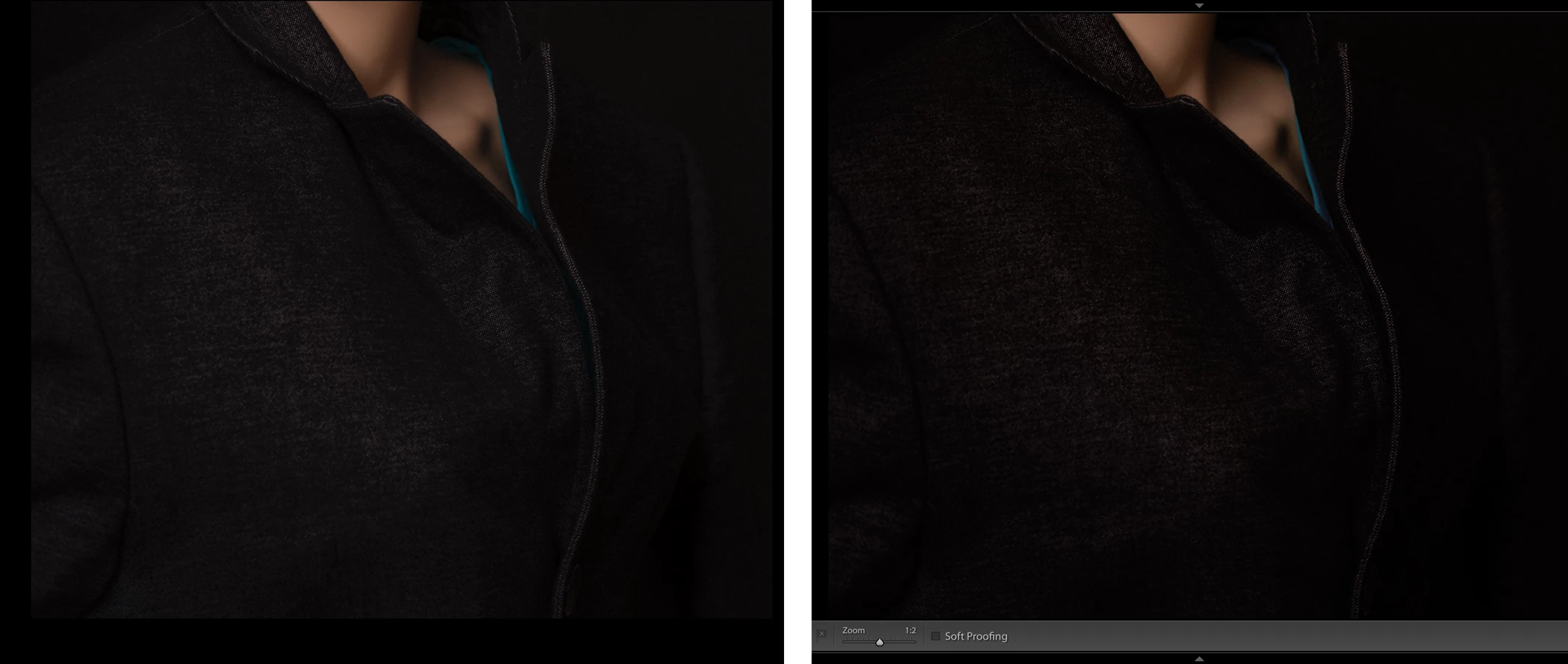
Any idea how to fix this?
thanks!
 AdChoices