
Participating Frequently
February 6, 2017
Question

Lightroom colors wrong compared to Ps and print

  • February 6, 2017
  • 2 replies
  • 2017 views

Hi,

I'm having an issue with the way Lightroom reproduces the images. I have recently purchased a wide gamut monitor, an Eizo ColorEdge CS2420, which I hardware calibrated, so maybe that is the issue. Before that I was using my laptop screen and never saw color differences between Lightroom / Photoshop / inkjet print. Now I consistently see quite a huge difference in colors in Lightroom, while Photoshop still matches the print very closely. I have already turned off GPU processing in all applications, since by reading other posts I understood that it could lead to color differences between the programs.

Just for information, I develop in Lightroom, then open a .tiff copy in Photoshop for further edits, and finally soft proof and print the .tiff copy from Lightroom.

If anybody can help I would appreciate it. At the moment I'm very confused and thinking about soft proofing in Photoshop, since Lightroom is not reliable. But I would prefer to keep my old workflow.

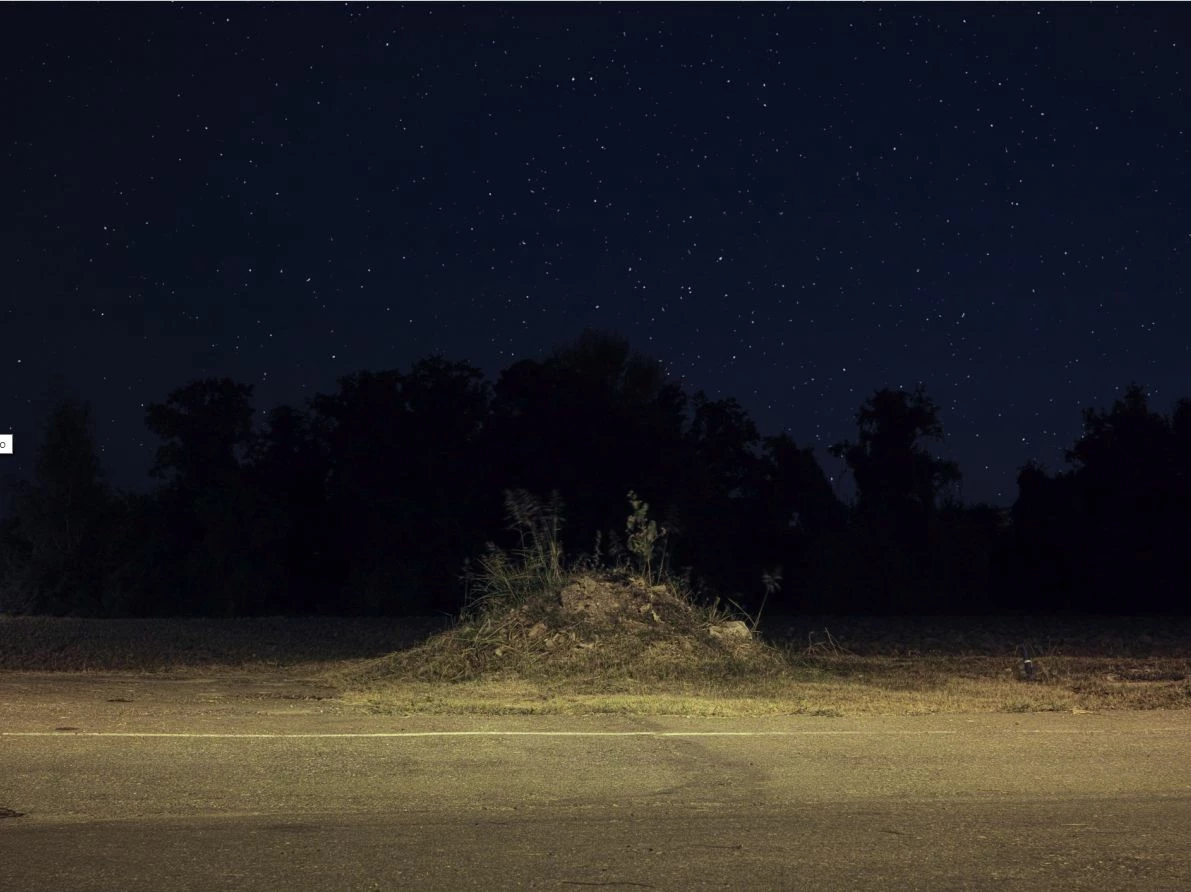
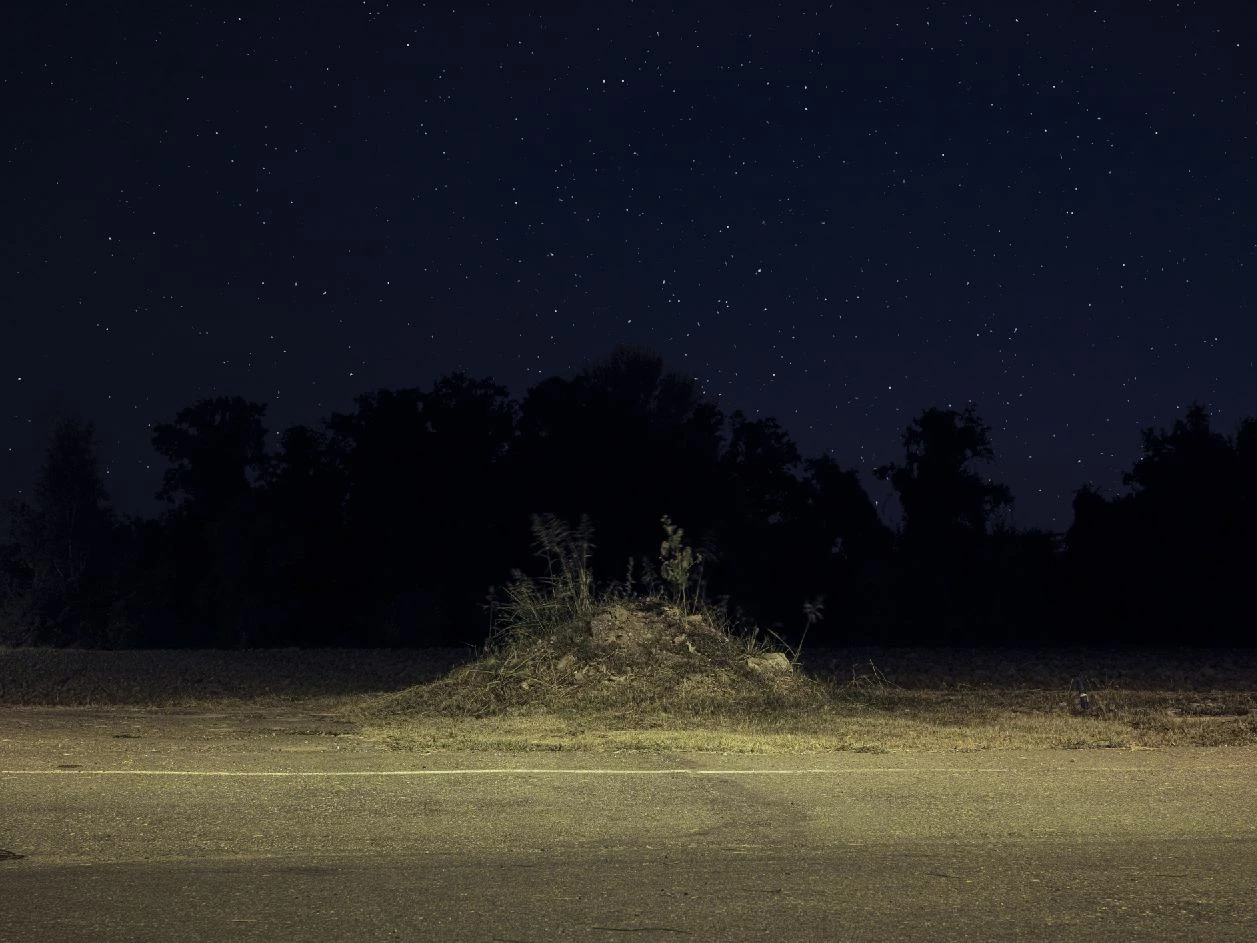
Below the same image from Lightroom (top) and from Photoshop (bottom) (the one from Photoshop is correct as it closely matches the final print).
This topic has been closed for replies.

2 replies

Per Berntsen
Community Expert
Community Expert
February 6, 2017

Yes this is most likely a corrupted or incompatible monitor profile.

Are you on Mac or Windows?

What make and model is your calibrator?

Are you using the Eizo Color Navigator software when calibrating, and if yes, what version?

alephzAuthor
Participating Frequently
February 6, 2017

Thanks for the quick feedback guys. I am on Windows 10, running the latest versions of Lightroom and Ps. I am calibrating my Eizo CS2420 with Color Navigator using an i1 Display Pro. Color Navigator is the latest version as well.

I created two sets of calibrations/profiles with Color Navigator, one for photo editing (native gamut) and one for web browinsg (sRGB gamut). Is it possible that I switched color profiles from Color Navigator while Lightroom was running and so messed up the color rendering? In any case I removed Lightroom, installed it again, then rebooted my PC and now colors between Lr, Ps and print match very closely.

I will also re-calibrate the monitor, just to be sure.

Per Berntsen
Community Expert
Community Expert
February 6, 2017

When calibrating, make sure to set up Color Navigator to create a version 2.2 profile.

Lightroom is not compatible with version 4.2 profiles.

To set the profile version, start out by creating a new target. Highlight an existing target, and click Create a new target.

Go through the process until this screen appears, and click Customize profile. Then choose Version 2.2.

Having a separate monitor profile for web browsing shouldn't be necessary, and I can't really see that it would offer any advantage.

I also have an Eizo wide gamut monitor, and I have no problem with color in web browsers, as long as I use a color managed browser.

That means practically every browser, except Edge and Internet Explorer.

Firefox will in addition to being color managed also assign the sRGB profile to untagged images, provided it is set to Color management mode 1.

Just Shoot Me
Legend
February 6, 2017

Re-calibrate your monitor and test. Change the monitor profile to sRGB and test (just for testing).

Sounds like a corrupted monitor profile.