
Lightroom distorting DJI Inspire DNG photos
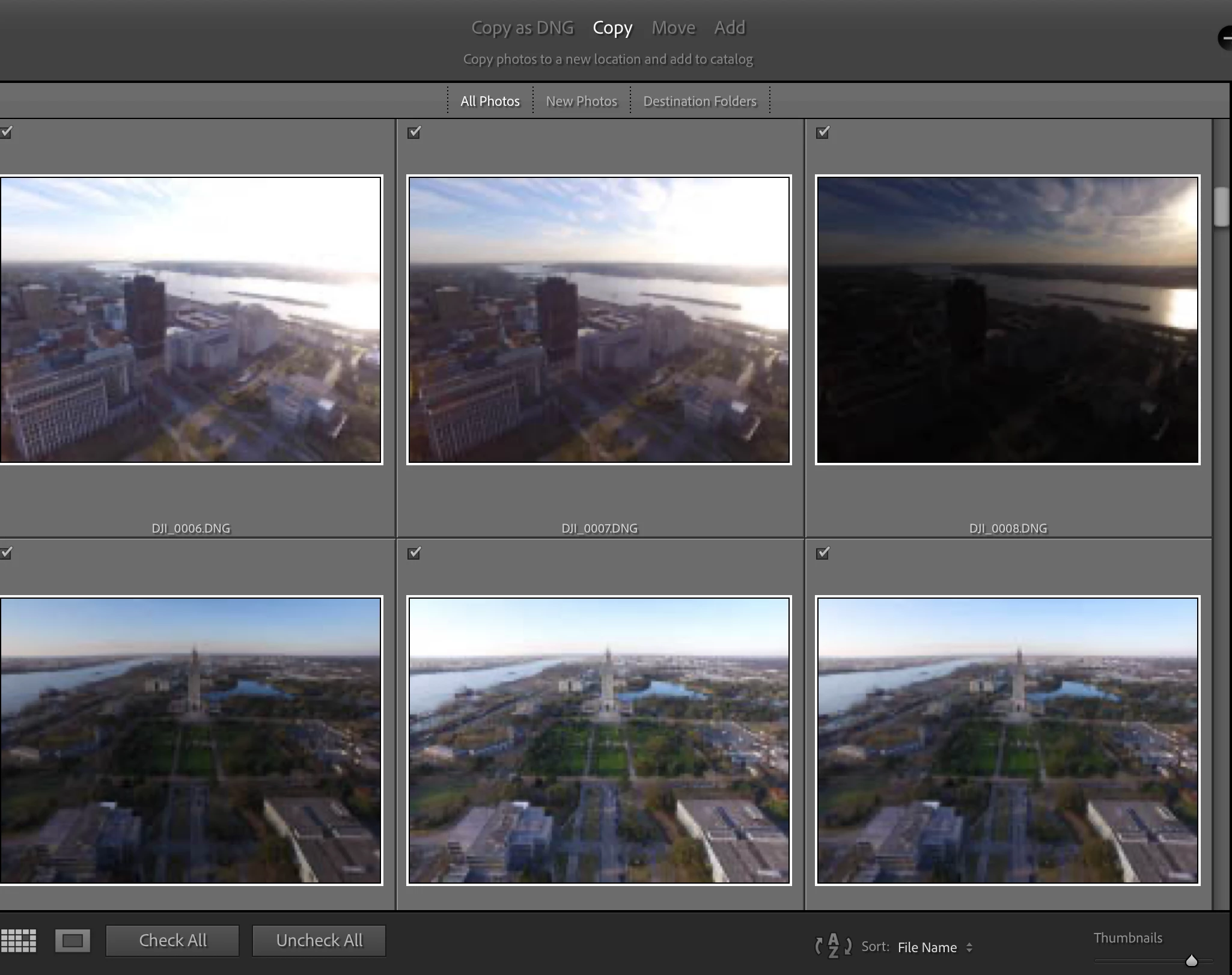
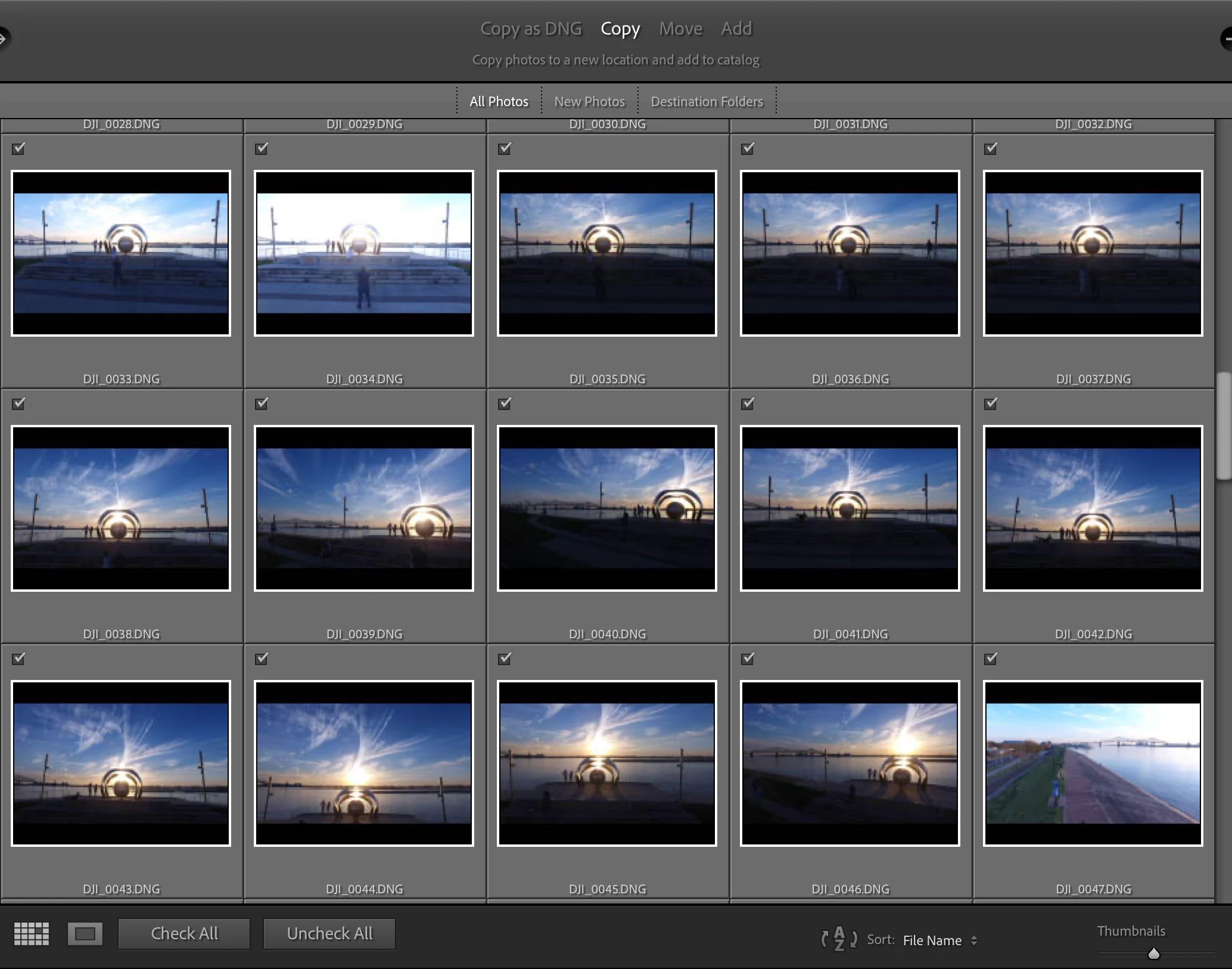
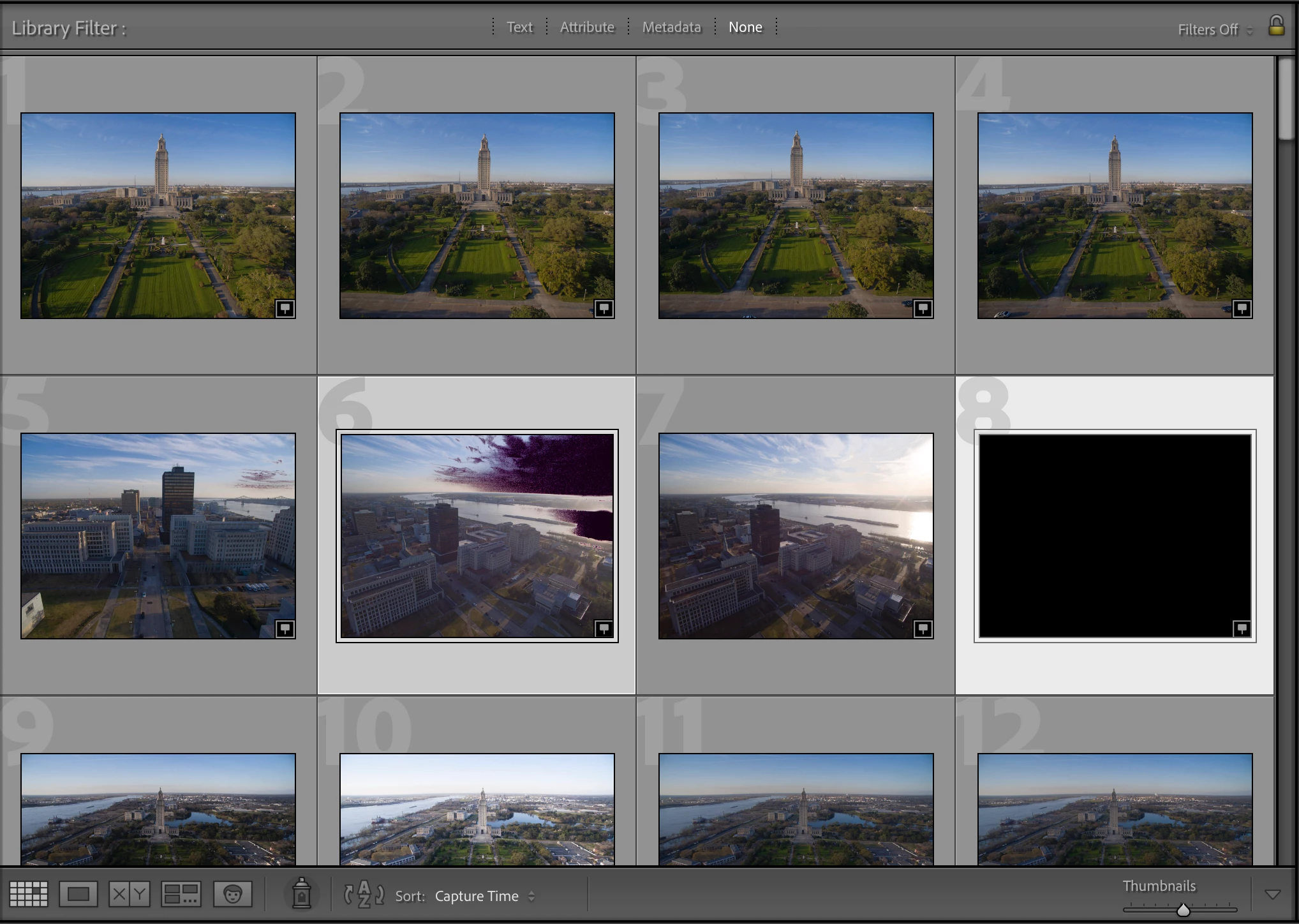
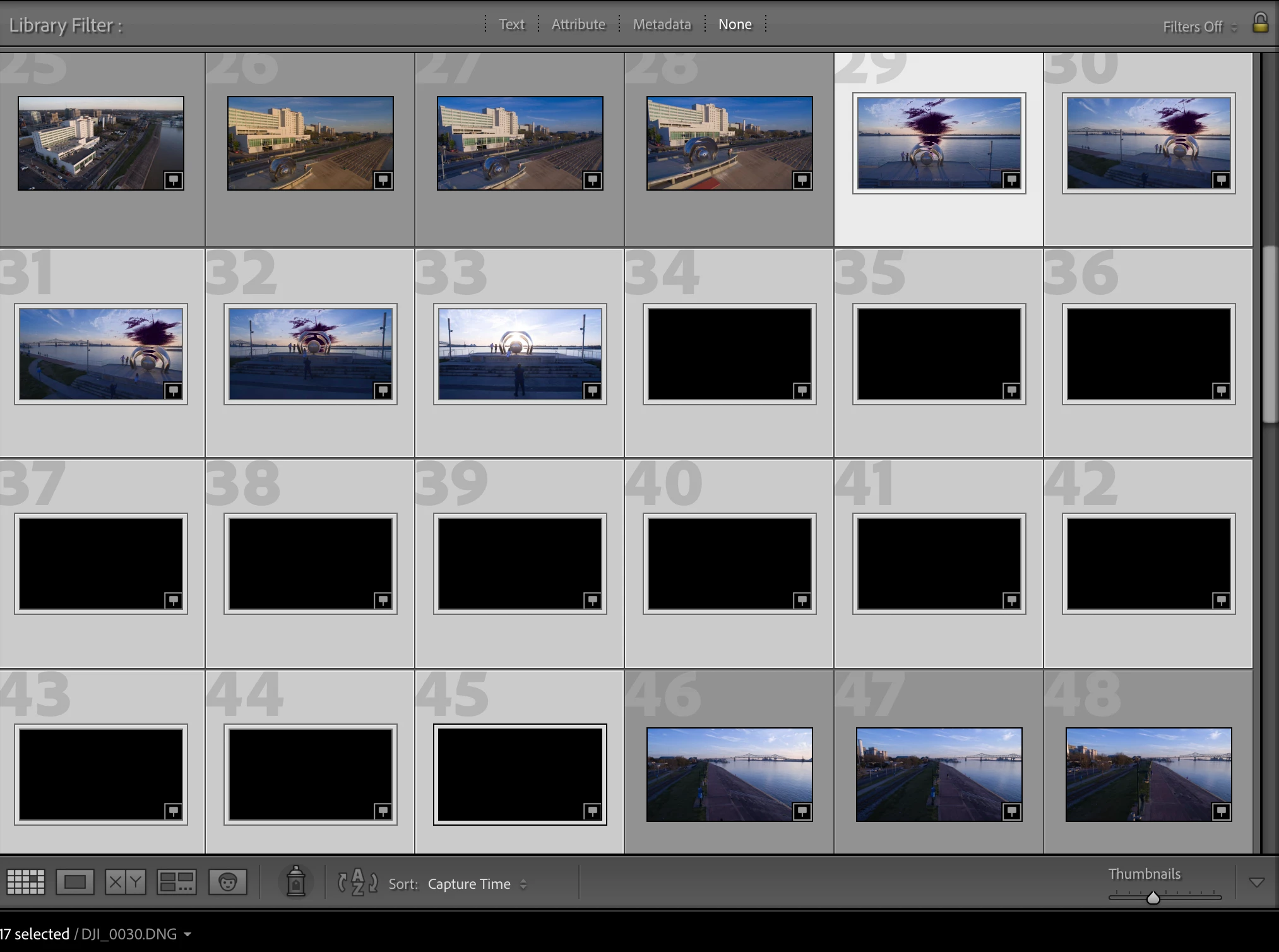
I took some photos at sunset on March 10. Importing to Lightroom has been attempted on a Mac Pro and a MacBook Pro with the same results. Some photos are turned back (DJI_0008 & 35-46). Others get shaded purple in the overexposed areas (DJI_0006 and others).
The only thread I could find on this topic suggests there's no image in the raw data of the black pictures. That doesn't appear to be true. Please see the screenshots I took of the Lightroom import window. The photos appear as they were taken. The screenshots post-import show the changes. I could watch the thumbnails visibly change after import.
However, prior to importing, if I opened these photos in Preview or Photoshop, they also presented as black images.
Editing the photos in Lightroom does not recover or restore any of the image.
The "black" pictures were generally heavily underexposed in an attempt to keep the information from the sun and glare with the hope of bringing up the dark areas in editing. FYI, when checking the photos during flight in the DJI Go Fly app, the photos appeared as intended.
The MacBook Pro is on Big Sur 11.6.2. Lightroom Classic is on the 11.2 release.
 AdChoices