
Participant
May 4, 2017
Answered

Lightroom Exports Blurry

  • May 4, 2017
  • 1 reply
  • 10917 views

Hello,

I am recently having a hugely frustrating problem with my Adobe Light room program. Now this problem only started about a week and a half ago and i cant figure out how to fix it. I import crisp clean and not blurry images into light room for editing then edit them. Get them perfect and how i want them and then go the export them. They export to my computer normally but when i go look at the image its all blurry, i then email them to my phone for posting and they're still blurry. I have uninstalled and recently updated and re downloaded the program and the problem is still there. I am using an acer laptop and have been editing on lightroom completely fine for months without issue. I am getting paid for pictures and this problem is preventing me from being able to do so. Can someone please help? Thanks in advance!
This topic has been closed for replies.
Correct answer D.A.R

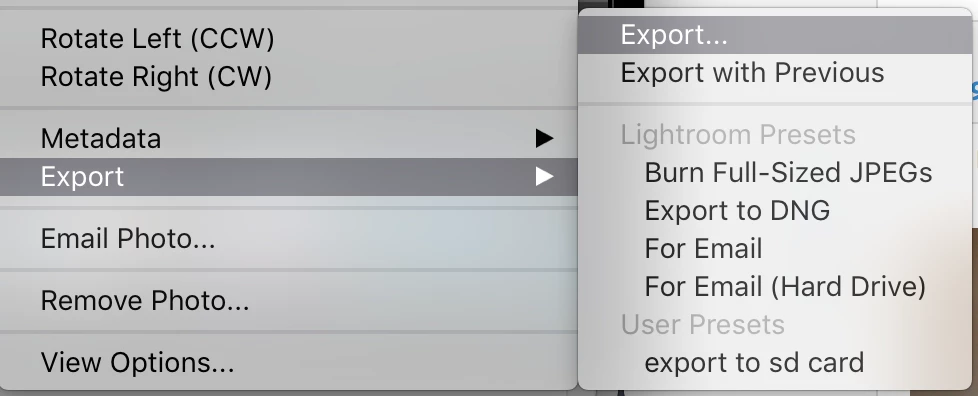
i'm just right clicking scrolling over to export and then choosing a folder to export to and then clicking export like i've always done. I haven't had a problem with it before

The fact that you haven't had any problems before doesn't mean something hasn't changed.

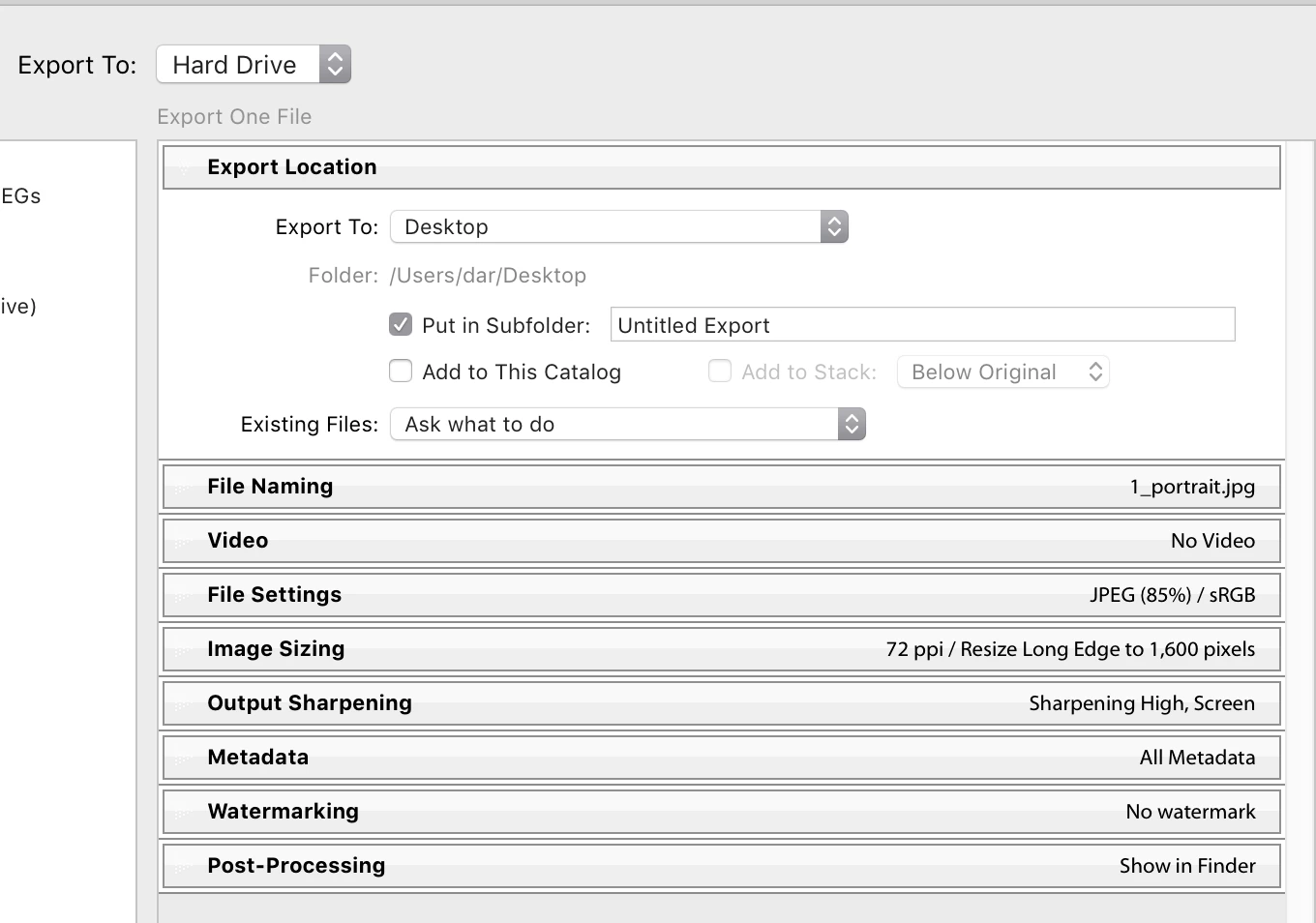
What the responders here are trying to ascertain from you is the specific settings below the folder location.

This will help to determine if you are using appropriate settings for your expectations. Specifically the Image sizing.

1 reply

99jon
Legend
May 4, 2017

What export settings are you using, notably quality which controls the level of compression. Is further compression taking place when you email the images? Have you tried direct upload to the service where you sell your photos?

Participant
May 4, 2017

i'm just right clicking scrolling over to export and then choosing a folder to export to and then clicking export like i've always done. I haven't had a problem with it before

dj_paige
Legend
May 4, 2017

Show us a screen  capture of the blurry export. Also show us a screen capture of the un-exported image in Lightroom. As 99jon said, we also need to know your export settings.