
Question
Lightroom generally not working, several issues
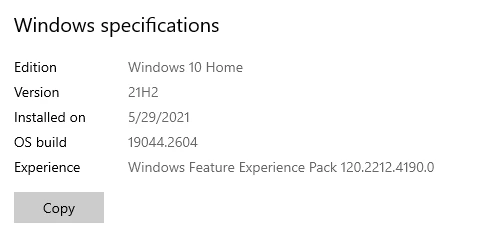
Hi there! I'm having several issues in Lightroom Classic and I'm hoping for some guidance. It seems that Lightroom is just generally not working, several symptoms are outlined below. I am operating on Windows 10 v. 21H2 and the most up to date version of lightroom. Thank you in advance!
1. Photo library out of order
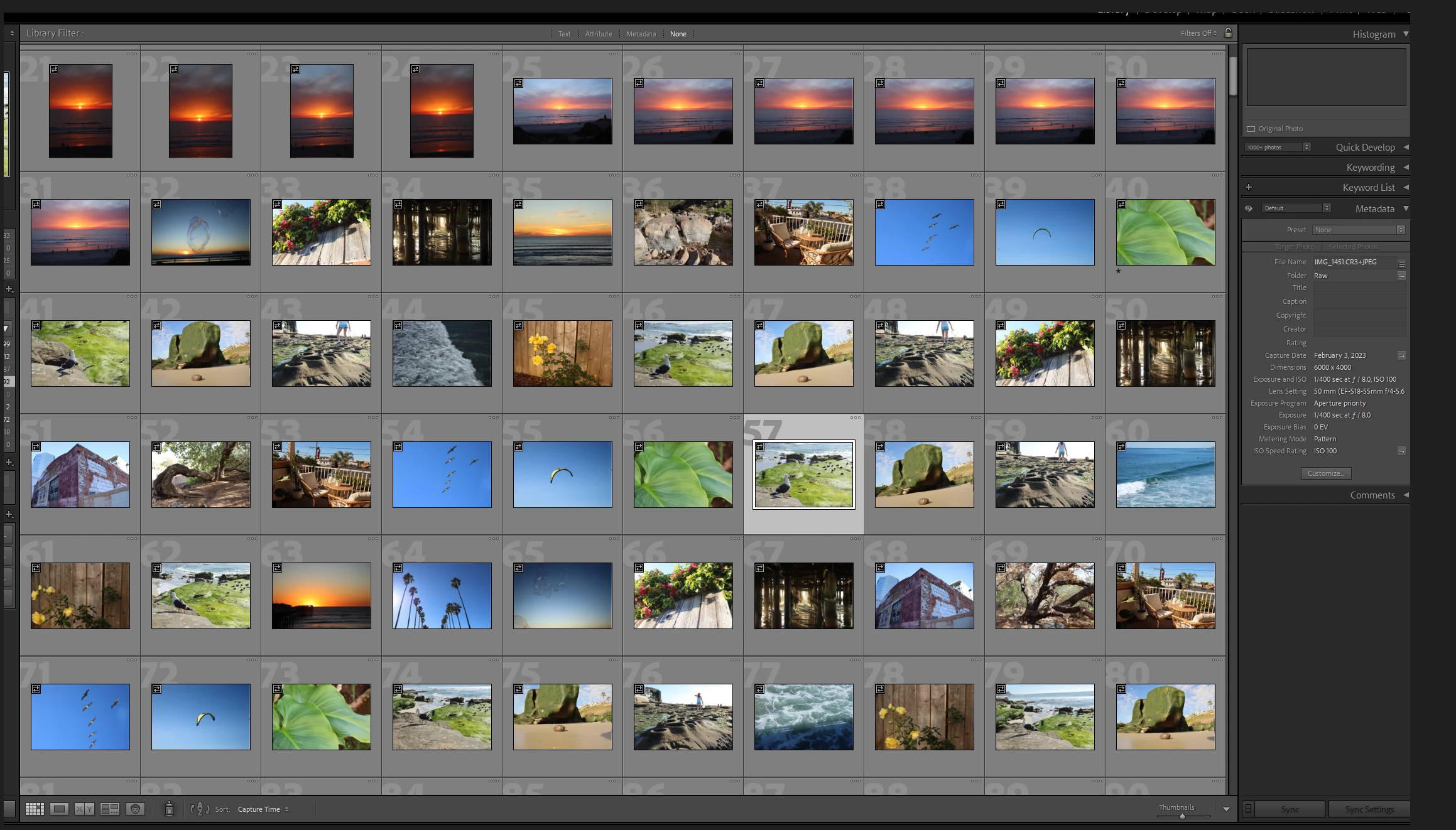
- I've used the sort function at the bottom to sort by capture time (and tested other sort methods) and nothing happens. It says it is sorted by capture time but you can see in the attachment that the images are jumbled (ex: shots of the green leaf that should be consecutive according to their metadata, rocks should be consecutive according to metadata, etc.).
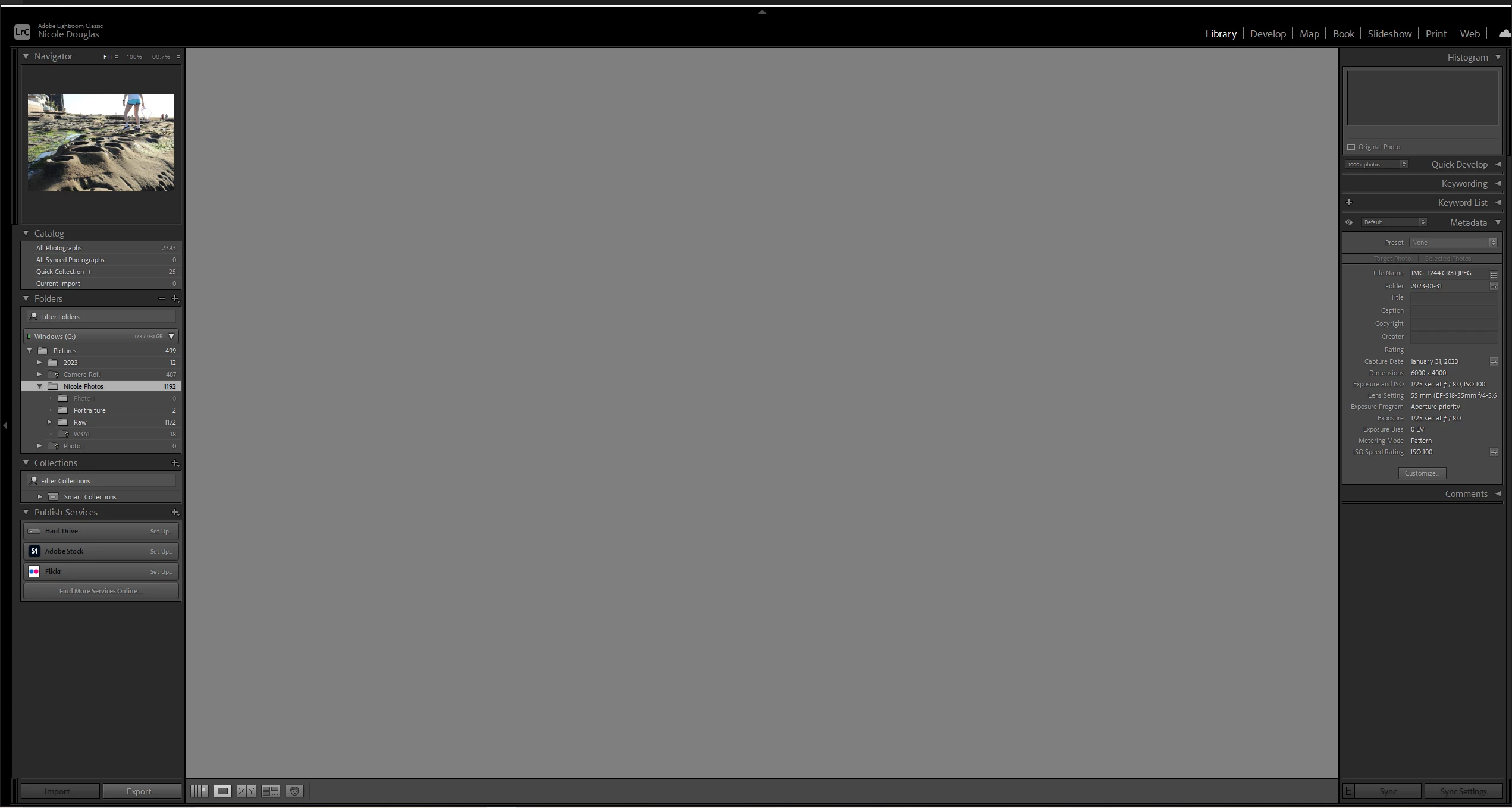
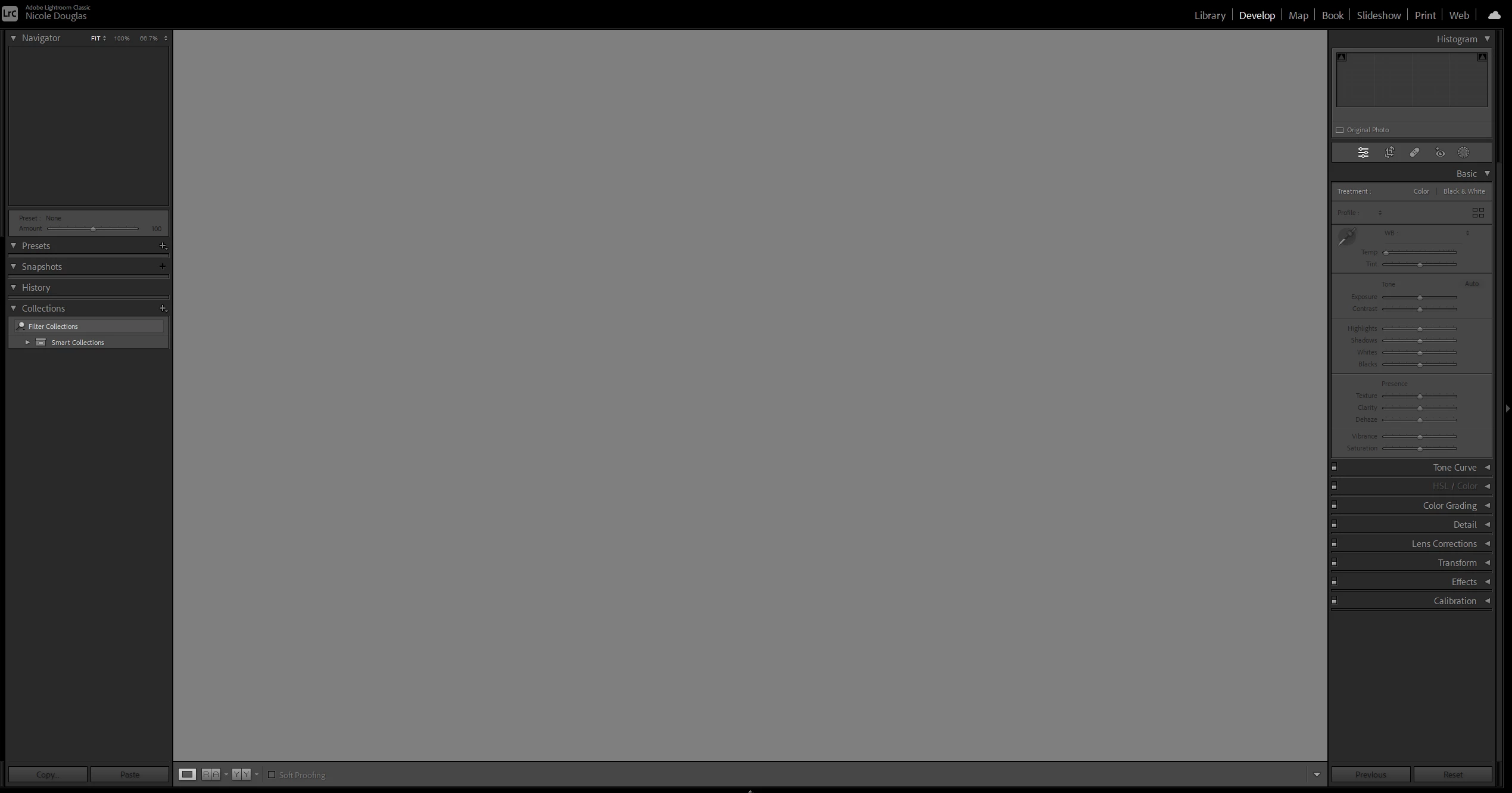
2. When I try to click into an image to view it, or develop it, the screen is grey and I cannot take any actions.
3. Lightroom gets stuck on the import screen
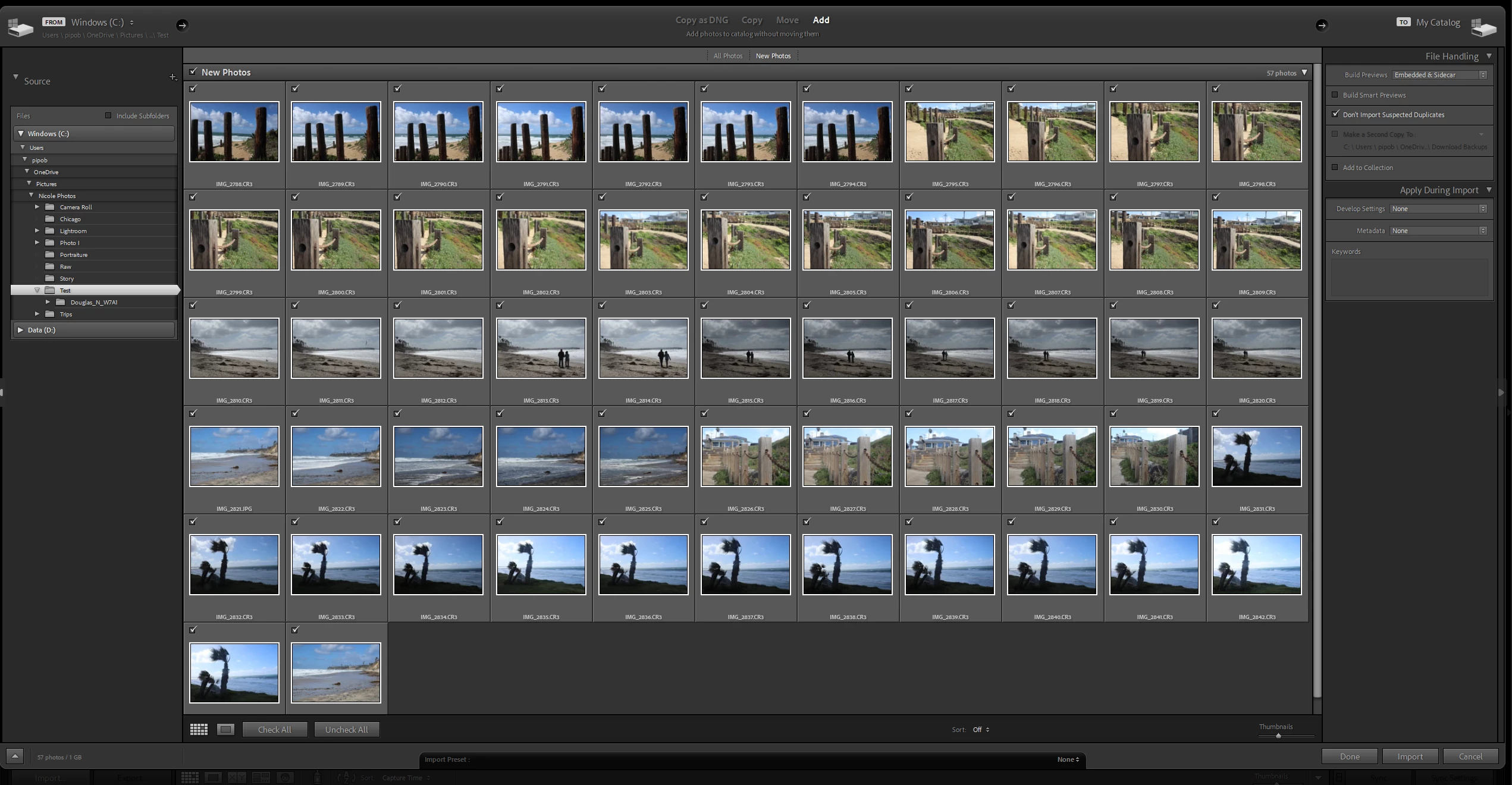
- I've tried importing photos from three different locations: My usual folder, new folder, and directly from my camera. As soon as I select images for import it gets stuck on "importing files.." and indicates that there are 0 photos, even though I have selected photos for import.
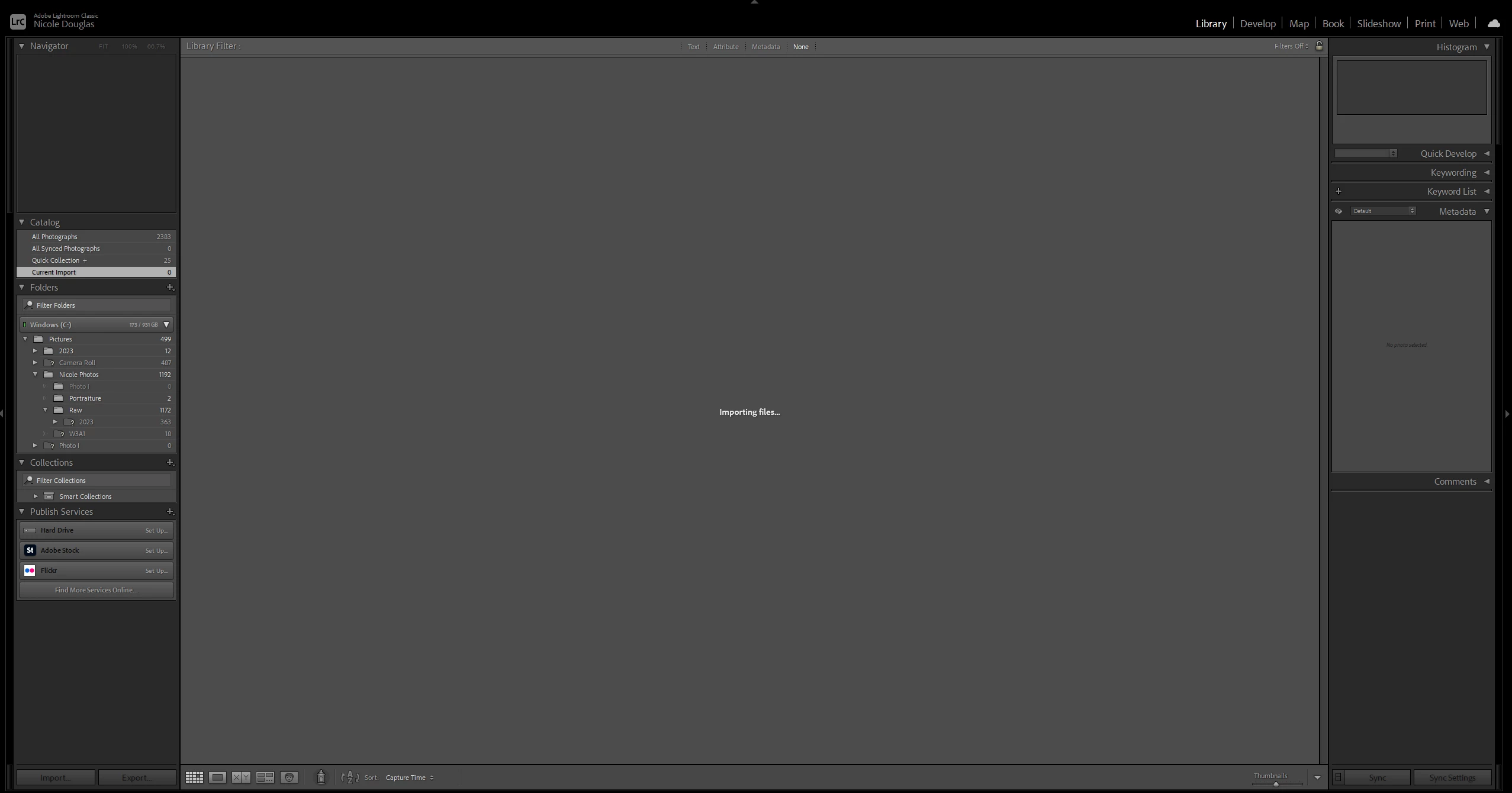
4. Folder management: When I try to find a missing folder, or remove a folder, nothing happens.
Additionally, I have tried the following:
1. RAM check
2. Uninstall & reinstall Lightroom

 AdChoices