
Lightroom has pixelated all my photos
Hello!
I have been using Lightroom for a couple months now (my subscription covers Lightroom classic, desktop, and mobile) and recently all of my photos in Lightroom have become pixelated.
This pixelation occurred seemingly at random, and happened to all photos I have in Lightroom - it had never been an issue before and I adjusted no settings around the time this began. It makes the photos more difficult to edit, as I typically zoom in quite far to remove small background objects, and the pixelation best be seen once you have zoomed in. The problem goes beyond editing, however, as my photos save with this pixelation as well. This is happening on all versions of Lightroom I use (classic, desktop, and mobile).
I will attach examples photos to this post...
Here is the first photo, saved to my device in February, before the pixelation happened. This is how my photos used to look when editing them as well, even while zooming in as far as possible:
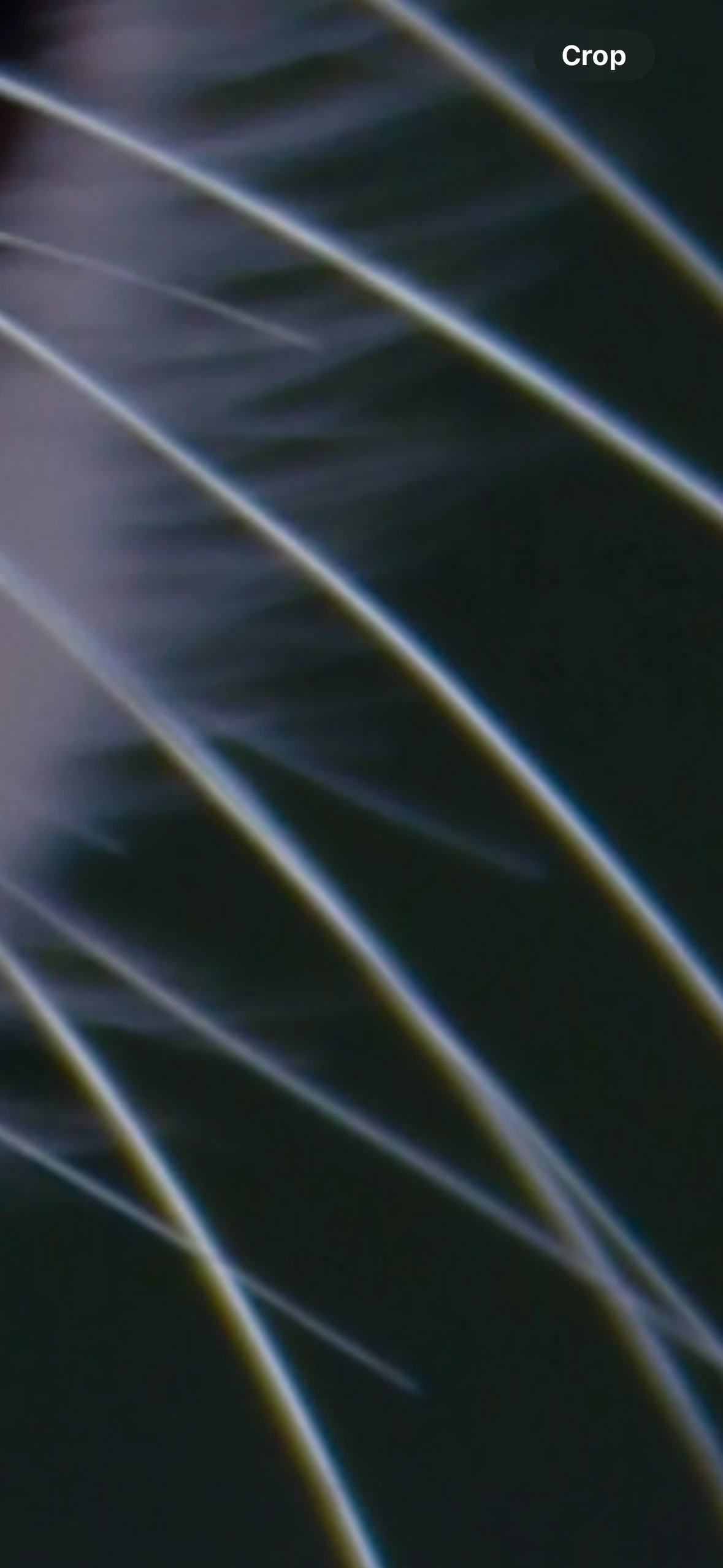
The second photo is another zoomed in version of the photo above, but is an example of how my photos now look when editing them. Again, they look this way on all versions I use and this had never occurred before.

And here is another good example of the pixelation...this is how my photos look when I save them. This is another screenshot of a zoomed in photo. (Again, on all versions, and regardless of whether I am trying to save to my phone or computer).

Please help! I have deleted all existing smart previews, and have messed around with export settings to try to get my photos to export at the highest available quality. I don't understand why this suddenly started happening and have now spent days trying to figure out how to fix it, but to no avail. I loved Lightroom before this began, but will have to cancel my subscription if I can't figure out how to resolve the issue, as this completely downgrades my photo quality.
I have no idea what to do! Any and all help is appreciated! Thank you in advance!
 AdChoices