

Question
Lightroom interface/workspace look pixelated?
This is the first time it's happened to me - I accidentally hit a setting preference to make the display performance lower for faster use/less battery use. However when my previews pull up through "fit" or "fill", the image itself, RAW or JPEG, is shown in that similar low resolution. I want to see my images in their true resolution, so that when I'm editing it is true to what I will see when it is exported. If you look at the words "Library", "Develop", the "Lightroom Catalog.lrcat - Adobe Photoshop Lightroom Classic" etc. you'll notice they're pixelated/low resolution.
I've already:
- Gone through Adobe Forums
- Contacted Adobe Customer Support
- Looked at other sites
How can I remedy this??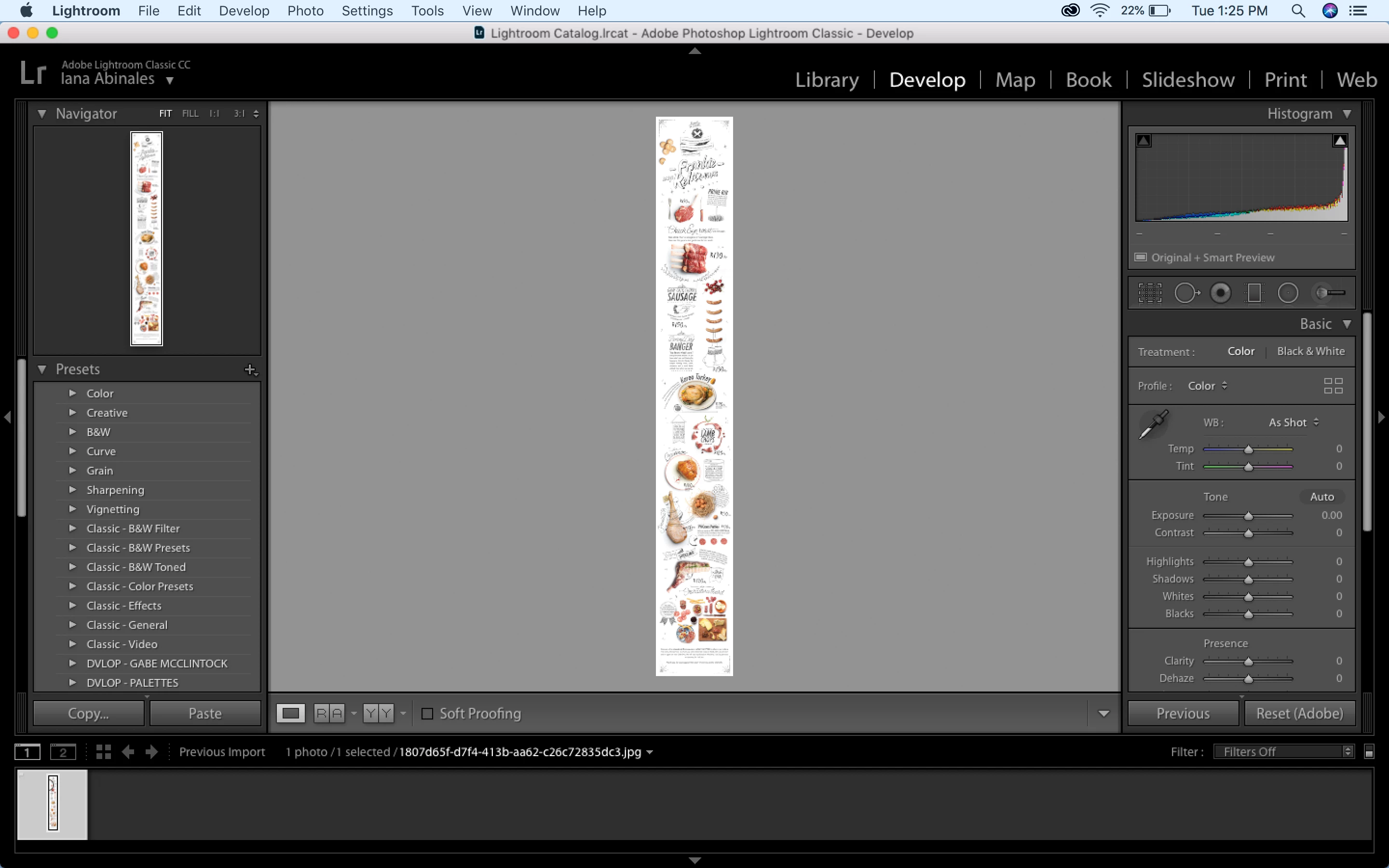
 AdChoices