

Answered
Lightroom, is gone in "Files and Folders" permission settings on Mac Ventura
Hey there,
hopefully someone can help.
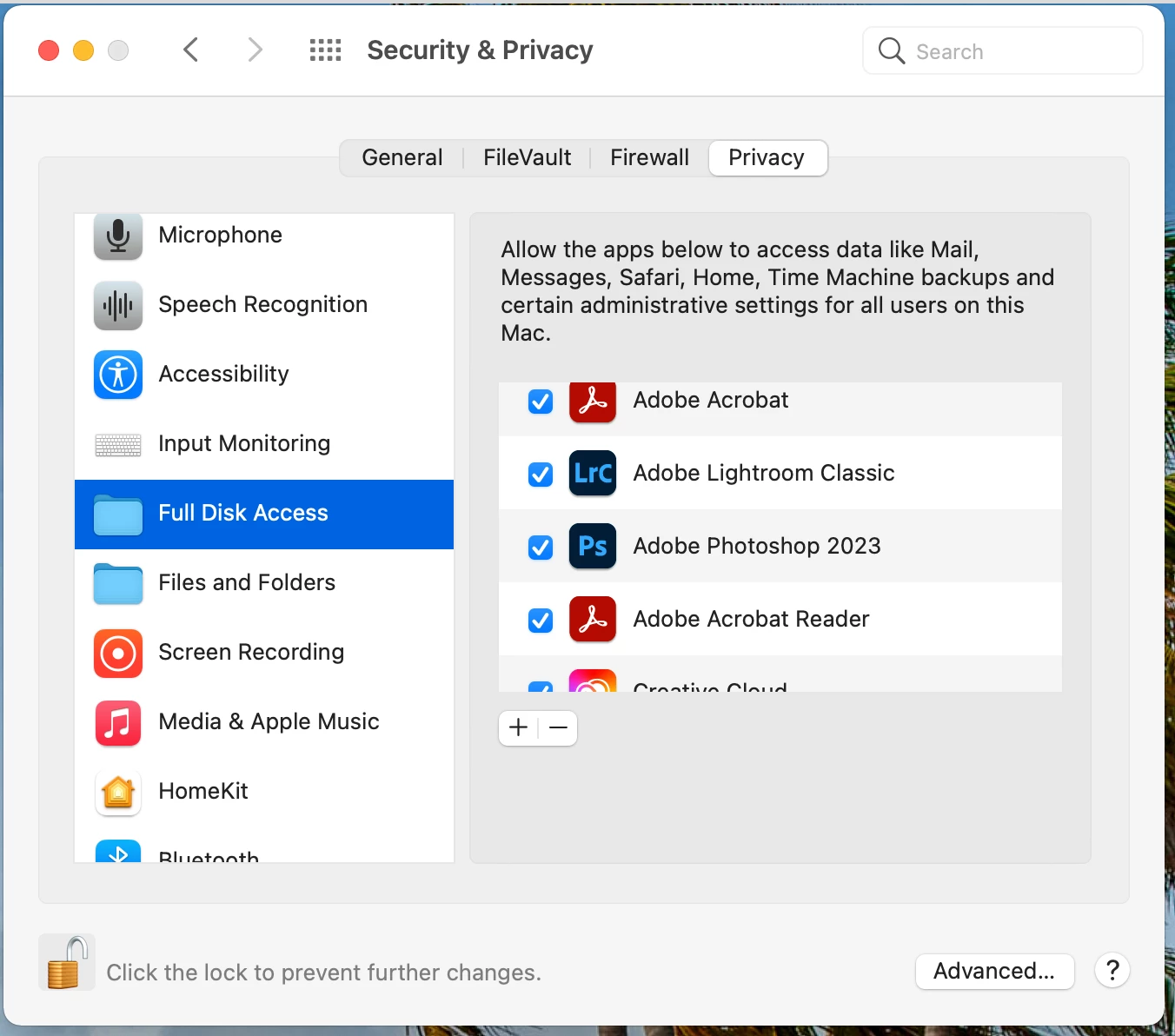
After updating our iMac to Mac OS Ventura, which we use exclusively for tethering purposes in our inhouse studio, the Adobe apps in the "Files and Folders" permission settings window are gone. Every start Lightroom mentions that there are troubles with the permissions and tethering won´t wor anymore.
We tried uninstalling, reinstalling, checked the preferences and runned the script according to https://helpx.adobe.com/lightroom-classic/kb/lightroom-basic-troubleshooting-fix-most-issues.html
Not working at all.
What to do to fix the permission issue? Thought after reinstalling they might reappear, but this is not the cas.
Thank you
regards
Artur
 AdChoices