Participant
July 12, 2016
Question

Lightroom presets disappeared

  • July 12, 2016
  • 3 replies
  • 29898 views

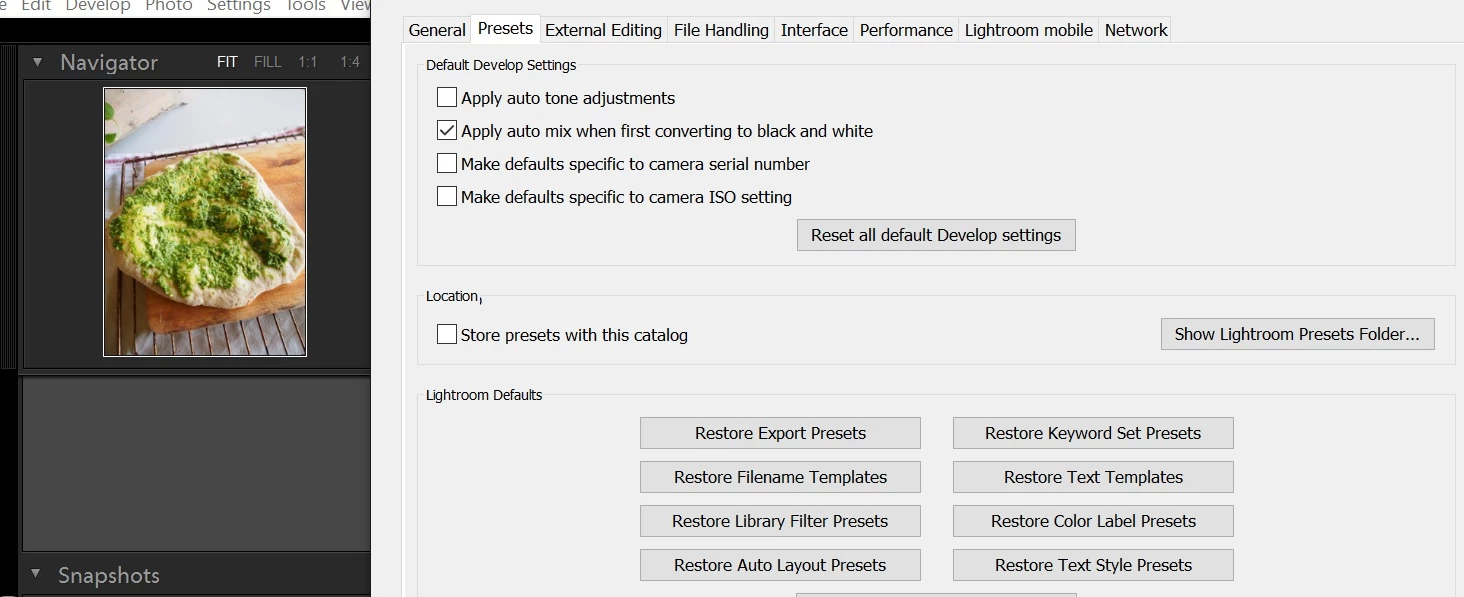
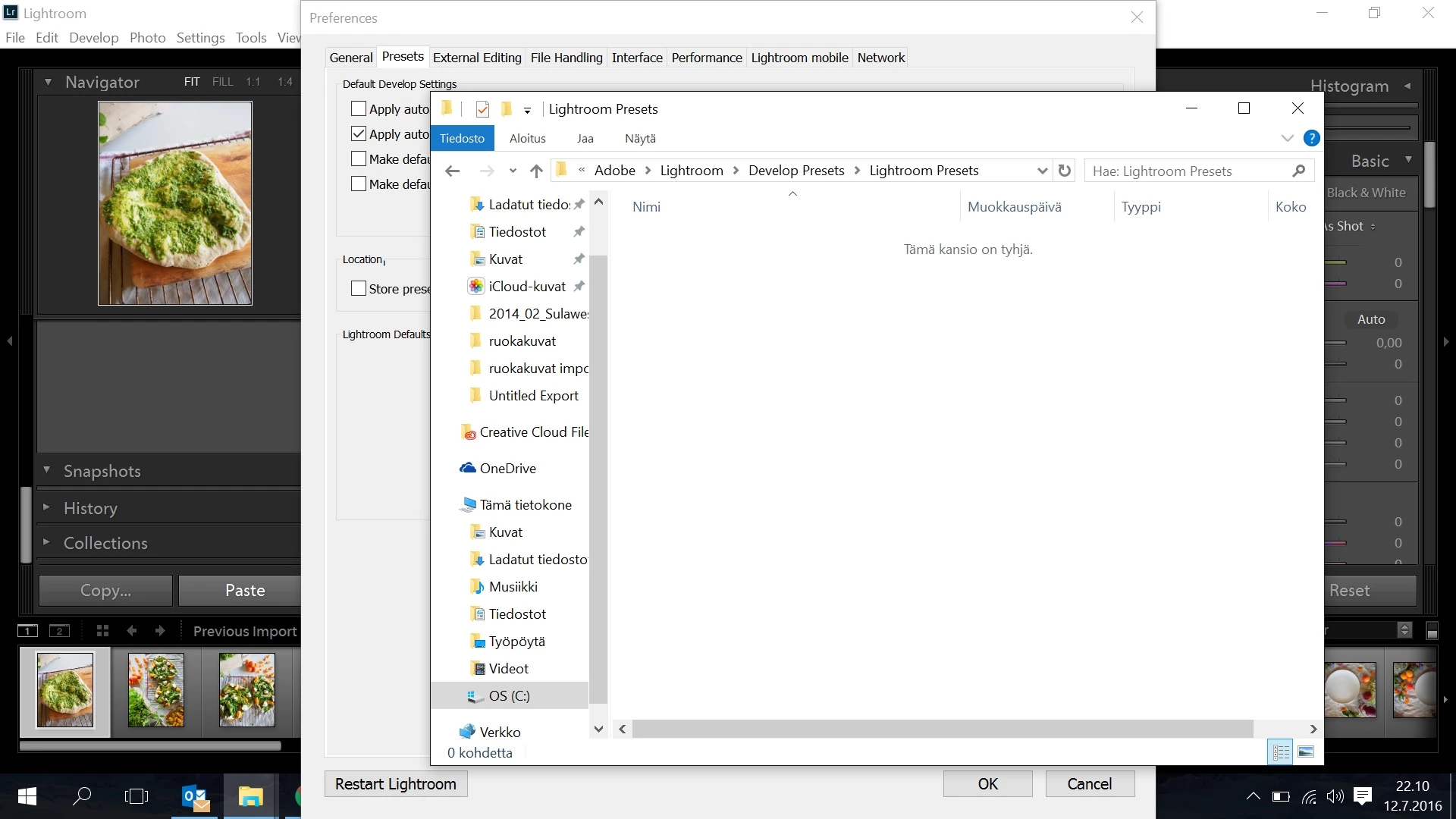
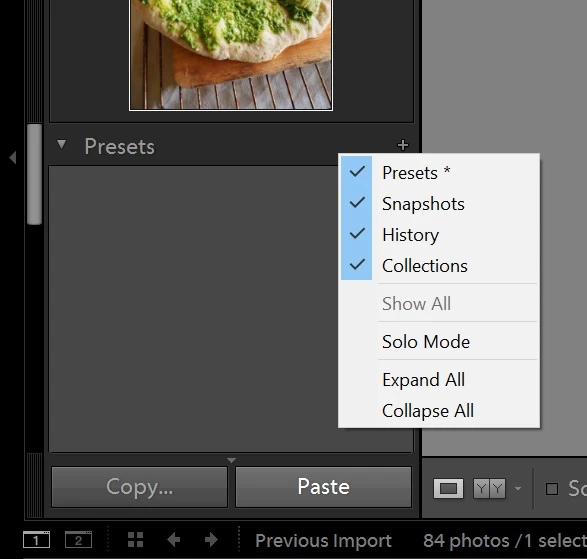
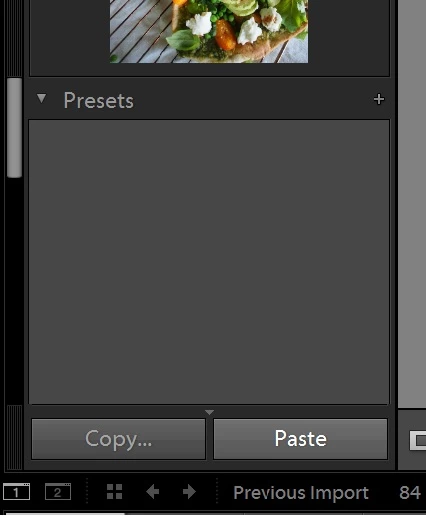
All my Lightroom presets disappeared. As the pictures below show. The Edit-> preferences-> presets, the box is unchecked. The lightroom folder shows that lightroom presets-folder is empty. And there's on the left hand side just preset-menu and nothing underneath. Also by clicking the right hand side of the mouse: the presets are checked.

Is there anything I can do? Thank you for your help!
3 replies

PaulWayland
Participant
February 16, 2017

I had the same problem; my presets and the Preset button just disappeared. Lightroom, user and downloaded presets. After trial and error, I created a new user preset and they all magically reappeared. Go figure!

Participant
May 16, 2023

6 years later and you just saved my ass after nothing else was working !

Bob Somrak
Legend
July 13, 2016

When you click the + can you create a NEW preset?

M4 Pro Mac Mini. 48GB
Just Shoot Me
Legend
July 12, 2016

Please post the Exact path to where your install of LR is looking for the presets. It should be

C:\Users\YourUserName\AppData\Roaming\Adobe\Lightroom\Develop Presets\Lightroom Presets.

In your screen shot above the Path seems to be pointing to the C drive but then to a subfolder called Adobe and not to the Users subfolder.

Bob Somrak
Legend
July 12, 2016

Even the built in presets are gone and I don't think the built in presets are located there so that shouldn't solve the problem.

I wish the built in presets were located there as I would erase about 90% of them.  Adobe should give the user a way to get rid of the built in presets as most of them are worthless for many users.

M4 Pro Mac Mini. 48GB
Bob Somrak
Legend
July 13, 2016

Yeah I deleted the ones I showed in my screen post and all of them still show up under Presets in the develop module. So I guess they are embedded someplace in the newer versions of LR. I'll have to check my notebook.


When I seen your screen clip showing the prebuilt presets in the Develop Preset folder I was hoping Adobe finally pulled them out of their hiding place and I could just delete them.  If you find the location on Windows let me know and I will search some more on my Mac.

M4 Pro Mac Mini. 48GB