
Participant
January 21, 2017
Answered

Lightroom reducing my image quality after importing

  • January 21, 2017
  • 1 reply
  • 16373 views

Hi so my issue is that when I zoom in on a picture on my mac, the image is crystal clear quality and I can see the smallest details. I shoot both in RAW and in JPEG and both images come out with the same crystal clear quality. However, when I import photos into Lightroom CC and zoom in on the picture, its just very pixelated. I've been trying to find ways to fix it but im just lost at this point.
This topic has been closed for replies.
Correct answer Just Shoot Me

I GOT IT. So turns out importing straight from SD did actually work and produced the same image quality. Thanks so much for your help!  You're a life saver


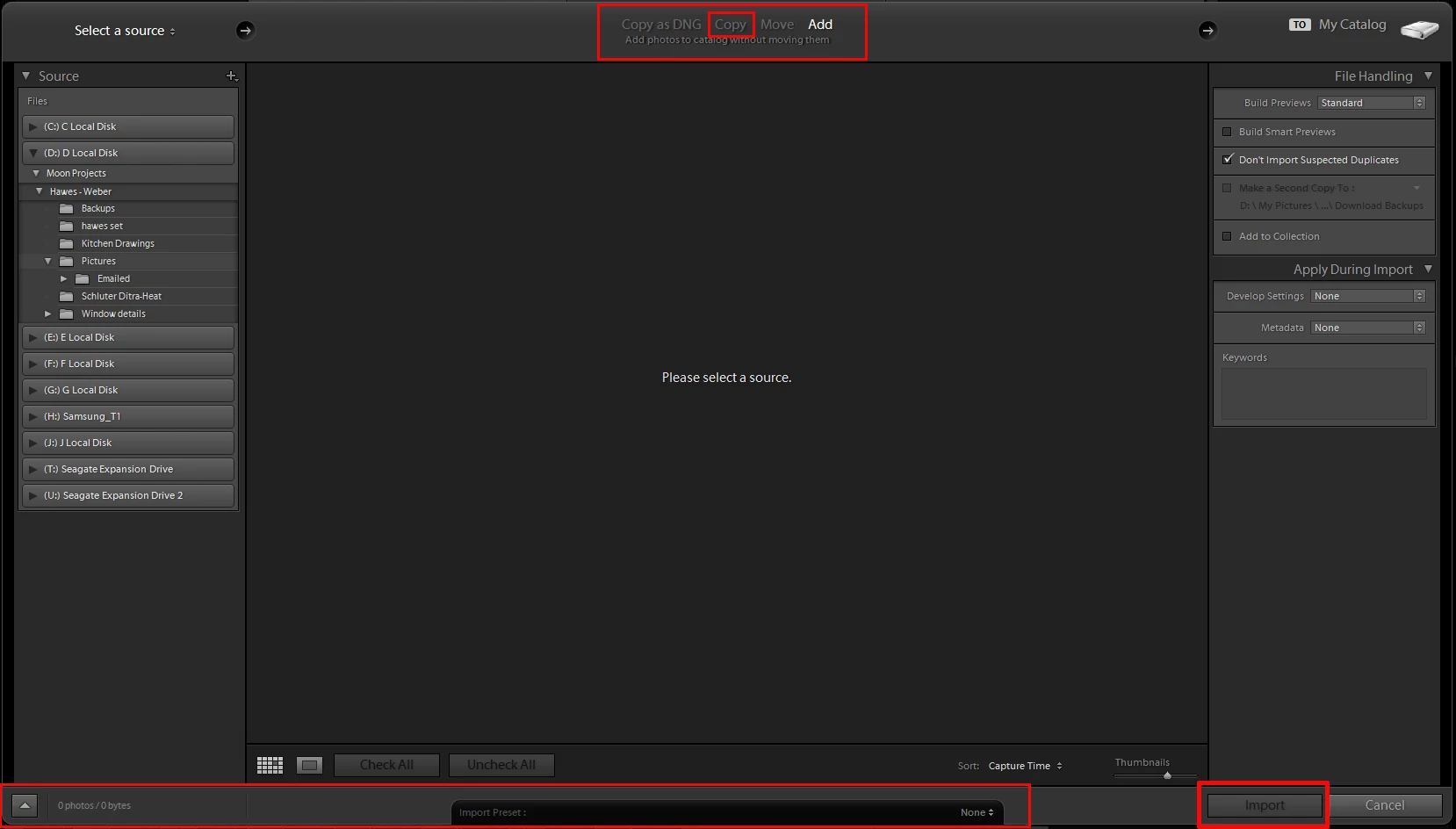
LR does not auto convert images to DNG unless that is what you select to have happen in the LR Import dialog window. There are four option at the top. Select Copy instead of Copy as DNG.

1 reply

Just Shoot Me
Legend
January 21, 2017

In what program are using to view and zoom in on them if they are not yet imported into LR.

From what source are you using to import them into LR.

Farhad OAuthor
Participant
January 21, 2017

I am zooming in on them on my macbook photos application. And i am importing them by moving the image file from my photos to my documents. Then from documents to Lightroom

Just Shoot Me
Legend
January 21, 2017

farhado60087740 wrote:

I am zooming in on them on my macbook photos application. And i am importing them by moving the image file from my photos to my documents. Then from documents to Lightroom

Then you are not dealing with the original image in LR but some type of copy exported from the Photos app.

I suggest you start by getting your images into a folder on your drive that is not controlled by the Photos app.

In all honesty if you want to use LR stop using the Photos app and do all your importing into LR first from your cameras memory card or your phone.