Participating Frequently
August 2, 2019
Answered

lost editing notation

  • August 2, 2019
  • 2 replies
  • 700 views

For years, images that had been edited were marked with a rectangle in the lower right corner. This made selection easy. That marker has disappeared in every folder. How do I get it back? Thanks, Howard

    This topic has been closed for replies.
    Correct answer richardplondon

    Hi Richard

    Sounds good. How do you change the thumbnail size in loupe view? Howard
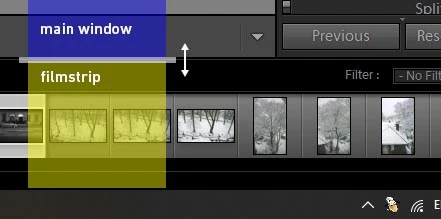

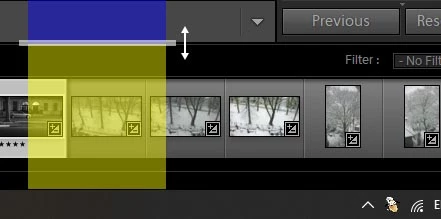
    I hope this explains it better - you can see that the badges are hidden in the first image, and shown in the second.

    2 replies

    Akash Sharma
    Brainiac
    August 2, 2019

    Hi Howardw,

    Sorry that your folders in Lightroom are no longer showing the marker that it used to. Let us help make it right.

    Have you checked in the Library module, that all options under the View > View Options menu are checked?

    Also, which version of Lightroom are you using?

    Thanks,

    Akash

    Participating Frequently
    August 2, 2019

    Thanks for the response but no, I couldn't restore the marker in Library View Options. I'm using Lightroom CC 2015 5.1. The marker occurred only on those images I had altered in Develop. So if I had 5 nearly identical photos, with small changes in focus or framing, I knew immediately which I had chosen as best. Now I literally have to open every choice, look in history, until I find my earlier choice. Obviously not possible. The marker was a rectangle, sometimes two--don't know what it represented except that I had made an adjustment to the original. Howard

    Brainiac
    August 2, 2019

    Turn on badges (the one you are referring to that indicates an adjustment had been made had a +/- icon)

    http://lightroom-blog.com/2014/10/07/badges/