

LR 4.4 Keywords filter won't select photos for *some* keywords
How can I select *any* of the keywords in my library?
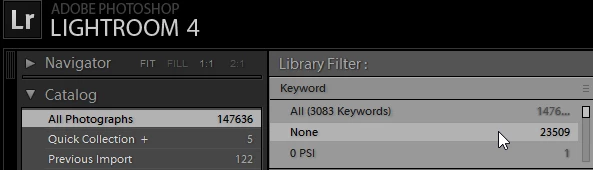
LR 4.4 Keywords filter will select photos for the keywords at the top of the alphabetical sort. For example, "None", which is the top of my keywords filter, is highlighted below with a distinctly lighter shade of gray (indicating it's been selected) and all 23509 image previews show up in the previews window.
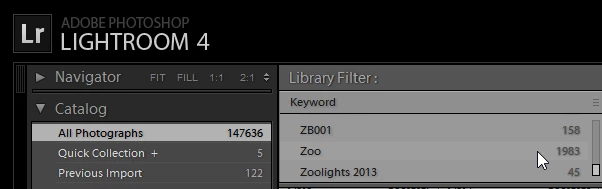
However, the keywords at the bottom of the filter don't bring up the corresponding image previews. In the image below, "Zoo" has a much less visible lighter shade of gray that indicates the cursor hovered over it, but even though I clicked on it several times, it was never selected.
I've had this problem for over a year but have been working around it by using the "Text" search field. But it's not an efficient workaround for some situations.
PC is Intel i7 CPU, 16 GB RAM, Windows 10 Pro 64-bit.
LR catalog has 3083 keywords and 147636 images
 AdChoices