
Participant
June 25, 2018
Question

LR Classic and photomerge errors

  • June 25, 2018
  • 3 replies
  • 964 views

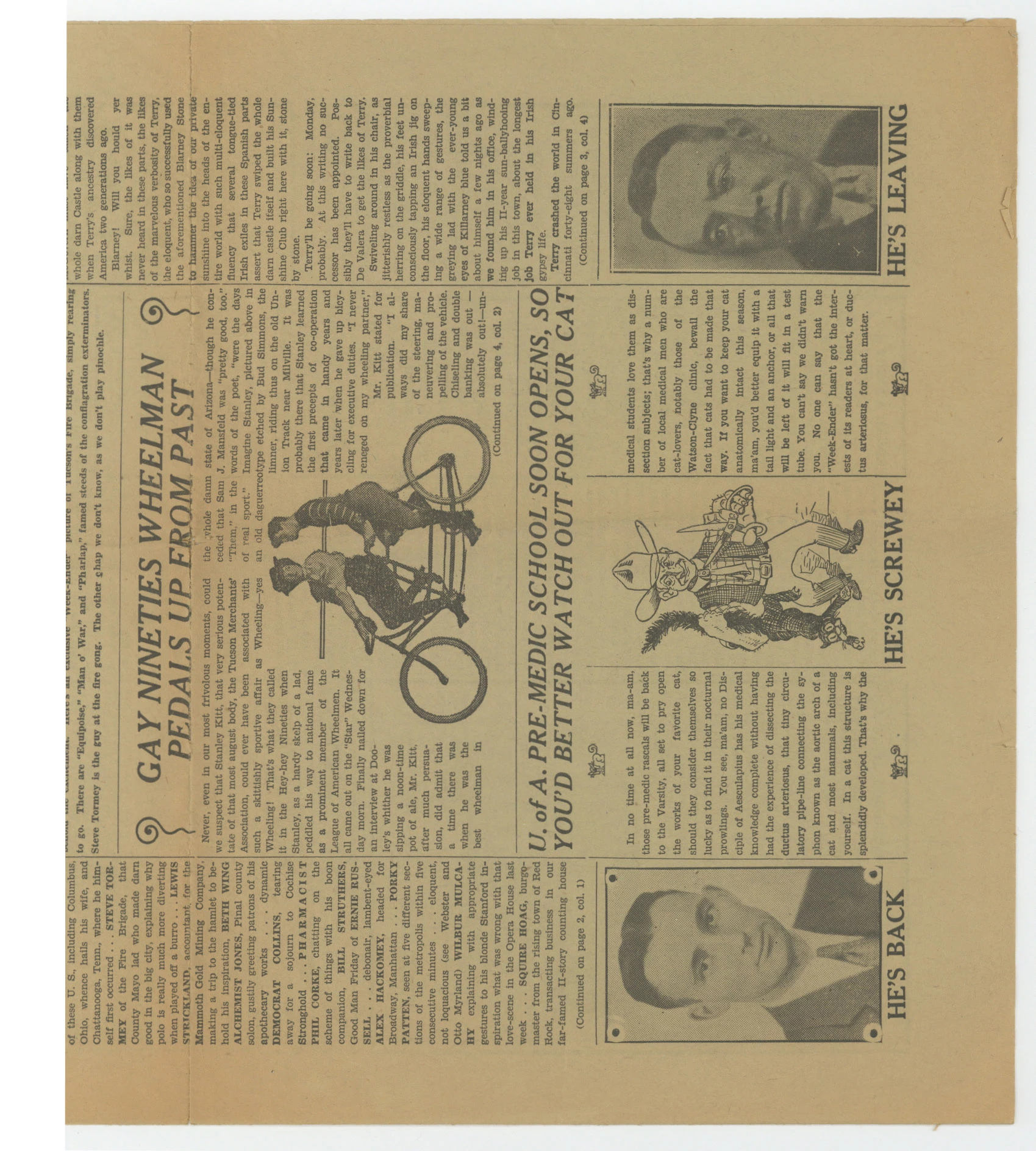
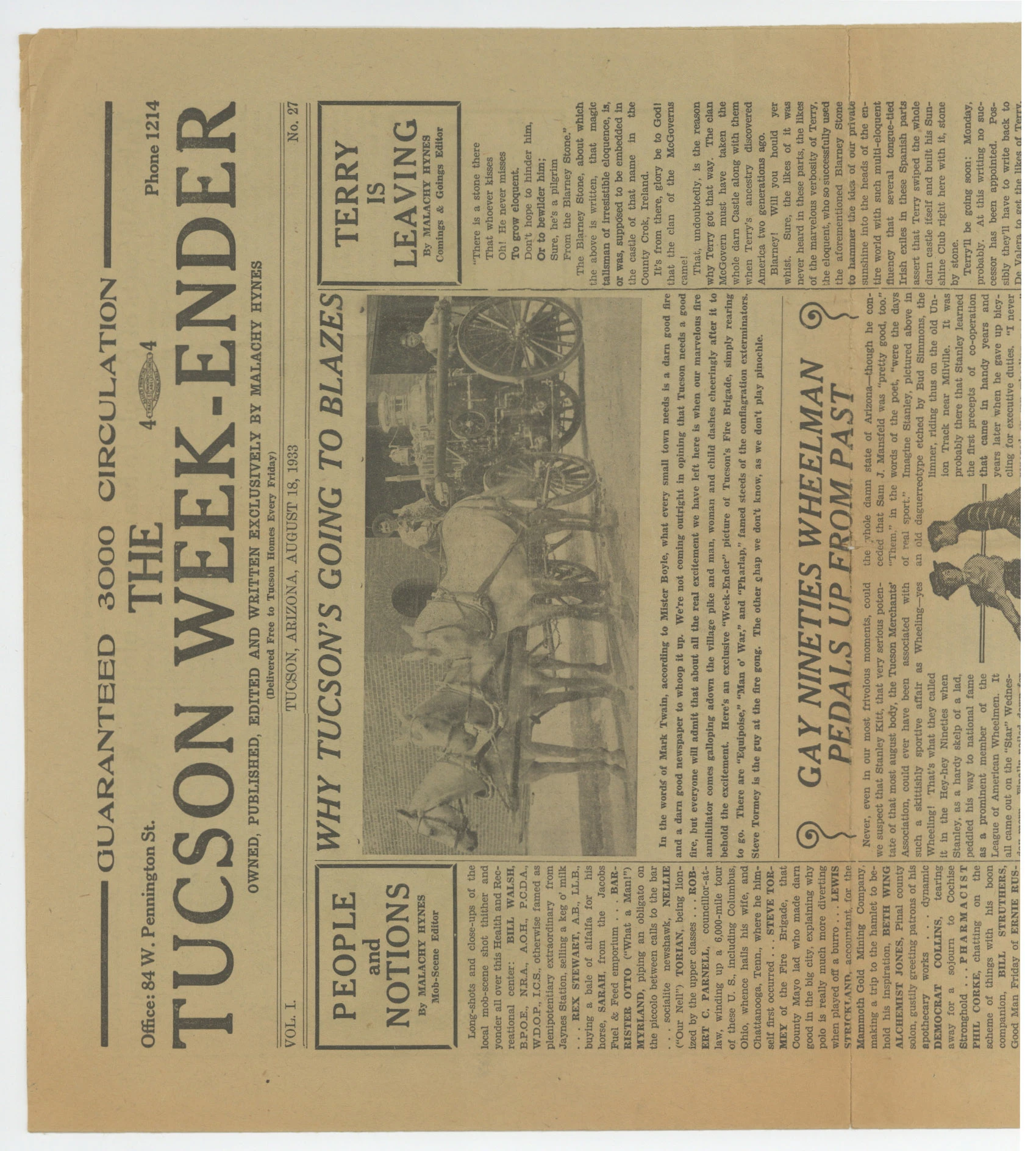
I'm scanning a lot of historical printed matter, and much of it is oversized, requiring me to scan in multiple passes and then stitch together. Two example images are attached to this message.

The vast majority of the time, LR Classic CC (latest update) is unable to stitch them -- I get an "unable to merge photos" message. I need to take them into Photoshop, where photomerge works perfectly.

I know LR Classic and Photoshop use different stitching algorithms. Is there anything I can do to improve LR's success rate? Scanning a higher res?

I'm scanning thousands of items for a museum collection, and this is a significant workflow hinderance.
This topic has been closed for replies.

3 replies

laurab47658154
Participant
June 30, 2018

No, it's the 7.4 update, period.  Sometimes Pano and HDR work properly, sometimes Pano and HDR works after an hour of leaving it sit which it never took this long before, but mostly it gives you an error after 20 minutes!  Or just gets stuck, even overnight...  I can't seem to find the pattern.  But I know it's 7.4 because before I updated, I was working on my photos from Utah, which I had a lot of panos that were working fine, and now I'm working on a new batch, same camera, same lens, same OS, but it's now 7.4.  Pano used to work within a minute on my machine.  This is ruining my workflow.  I should have been done editing this already, and I'm barely halfway through because I can't get it to work!!! 


ADOBE, fix this bug ASAP!

johnrellis
Legend
June 30, 2018

Sometimes Pano and HDR work properly, sometimes Pano and HDR works after an hour of leaving it sit which it never took this long before, but mostly it gives you an error after 20 minutes!  Or just gets stuck, even overnight...  I can't seem to find the pattern.  But I know it's 7.4. ... ADOBE, fix this bug ASAP!

Please post a bug report in the official Adobe feedback forum, where Adobe wants all product feedback: Lightroom Classic CC | Photoshop Family Customer Community . Adobe product developers read every post there but are rarely seen in this forum.

Be sure to include the first ten lines or so from Help > System Info.

For better or worse, it will be much more likely that Adobe will pay attention if you provide a set of photos for which Merge To Panorama worked in prior versions but fails in 7.4.  Upload them to Dropbox or similar and include the sharing link. Adobe typical pays no attention to bugs that can't readily be reproduced, so you have to hold their hands.

Legend
June 25, 2018

I used panorama on  your two images and they stitched fine. Are you using that, or HDR merge?

johnrellis
Legend
June 25, 2018

Photo Merge > Panorama worked for me too. Can you post a couple more pairs that don't work?  With examples, perhaps we can suggest effective workarounds.

JohanElzenga
Community Expert
Community Expert
June 25, 2018

I believe that the Lightroom algoritms rely on EXIF data, to determine the lens that was used. As these are scanned documents, that might be the problem.

You could consider photographing them rather than scanning them. Use a non-reflective glass plate to flatten them.

-- Johan W. Elzenga
jimheidAuthor
Participant
June 25, 2018

Thank you for that advice. Alas, photographing them is impractical at the scale that I'm working on. I'm using a high-speed large format scanner, and I'm not willing to sacrifice that to avoid going into Photoshop and stitching there.

I've had success with *some* scanned images, so it doesn't seem like the EXIF data is the primary issue.

Thank you again!

JohanElzenga
Community Expert
Community Expert
June 25, 2018

If Lightroom fails 'the vast majority of the time', then I think it is. You can obviously try scanning at higher resolution, but I doubt that will help. In fact, the higher the resolution, the more blurry the details that Lightroom needs to align the images, so you might even try to use a lower resolution if you can afford that.

-- Johan W. Elzenga