
prpmack
Participant
October 13, 2018
Question

LR Classic Library Pictures Just Grey Boxes on New Import

  • October 13, 2018
  • 2 replies
  • 1858 views

LR worked fine, but last couple of days, last import will not show the picture in library and need to go into develop to see it (see pic). This is on a Windows 10 Surface Book (I7, 16GB RAM). Worked fine before, this is a new thing. Really need to see the library and ticker tape view as I have panaramics and HDRs to compile.

Currently tried changing the col,our management to the recommended one and no updates (for anything) is pending. The pic shows the combination of an older import (one week) and todays version (the grey boxes)
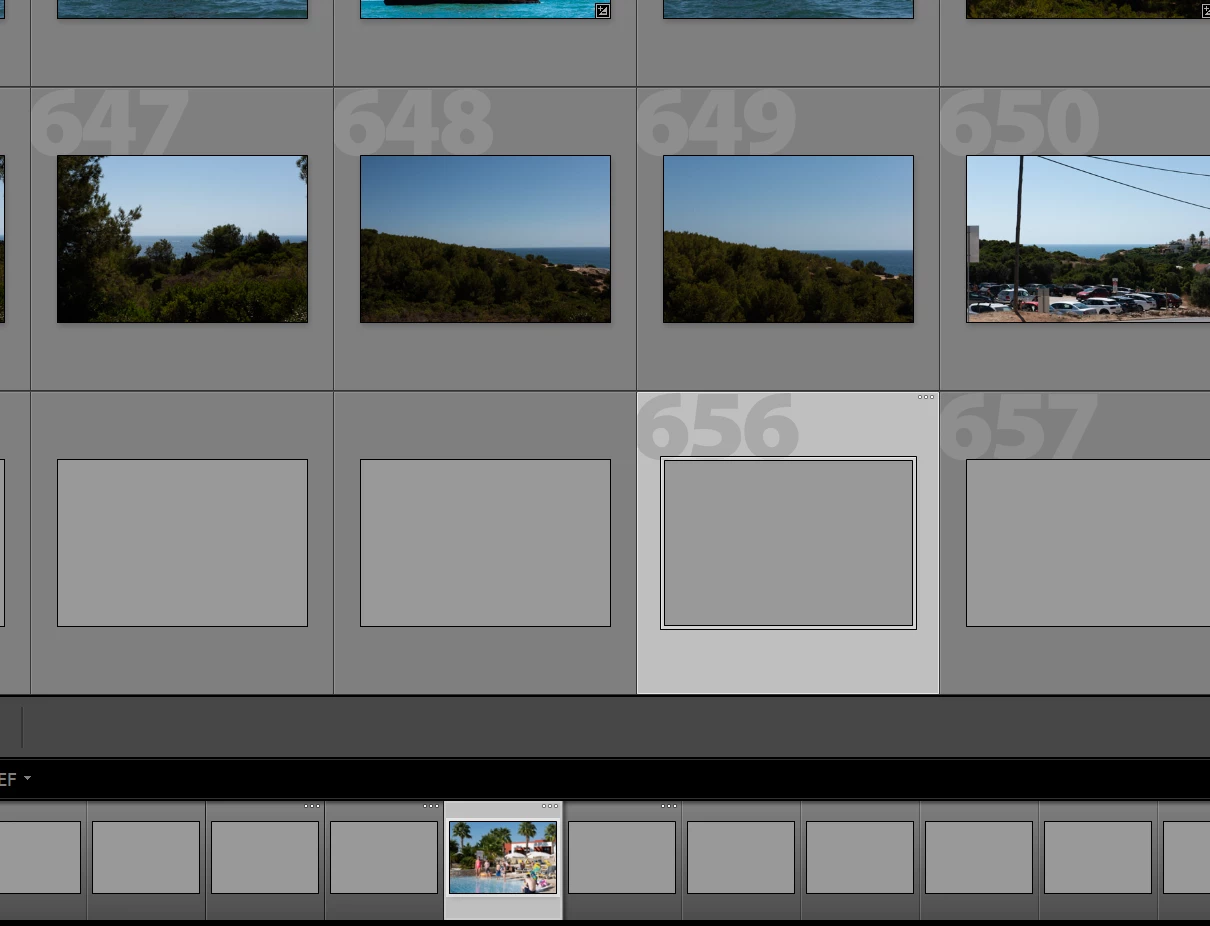
    This topic has been closed for replies.

    2 replies

    johnrellis
    Legend
    October 13, 2018

    Troubleshooting steps:

    1. Test if the display profile is corrupt or incompatible: http://www.lightroomqueen.com/articles-page/how-do-i-change-my-monitor-profile-to-check-whether-its-corrupted/ . Windows 10 has a nasty habit of installing profiles that don't work with LR.

    2. Uncheck Preferences > Performance > Use Graphics Processor.

    3. Update the graphics driver by going directly to the manufacturer's Web site: Adobe Lightroom GPU Troubleshooting and FAQ . Don't rely on Windows Update.

    prpmack
    prpmackAuthor
    Participant
    October 15, 2018

    Unfortunately these didnt resolve my problem. Did both 1 & 2 prior to posting and as for 3, not possible. The surface book has a specially made graphics processor, a custom made Nvidia GeForce 940M

    This worked fine up to my last import. Note this is just in Library, as I can see the image in develop. Probably something to do with a W10 upgrade I agree.

    johnrellis
    Legend
    October 15, 2018
    Rob_Cullen
    Community Expert
    Community Expert
    October 13, 2018
    Regards. My System: Windows-11, Lightroom-Classic 15.1.1, Photoshop 27.3.1, ACR 18.1.1, Lightroom 9.0, Lr-iOS 10.4.0, Bridge 16.0.2 .
    prpmack
    prpmackAuthor
    Participant
    October 15, 2018

    Yep, that worked!! I renamed my preview .db abd then like magic, restarted LR and all the library has populated. Def a LR LR day (Lessons Learned for Light Room)