

LR version 12.0.1 crop tool problems
Today I got the latest version of Lightroom Classic. I was very excited until I tried to use the crop tool 😞
Using LR for the first time after the updated, with GPU acceleration enabled the crop tool initially just showed a black screen. After a restart seemed to improve things however whilst it now shows the image and overlay, the acceleration graphic just spins and after a little while it crashed LR (I think it did send a crash report).
After reseting all preferences, no improvement.
After turning of GPU acceleration, whilst it does show the image and overlay it doesn't show the done button at the bottom. This is true whether LR is maximised or not. I also tried reducing the Navigator zoom percentage so I can see more space around the image, but going to the Crop tool it just shows the same. It looks like this, it's just not rendering the area around the bottom of the crop image display:
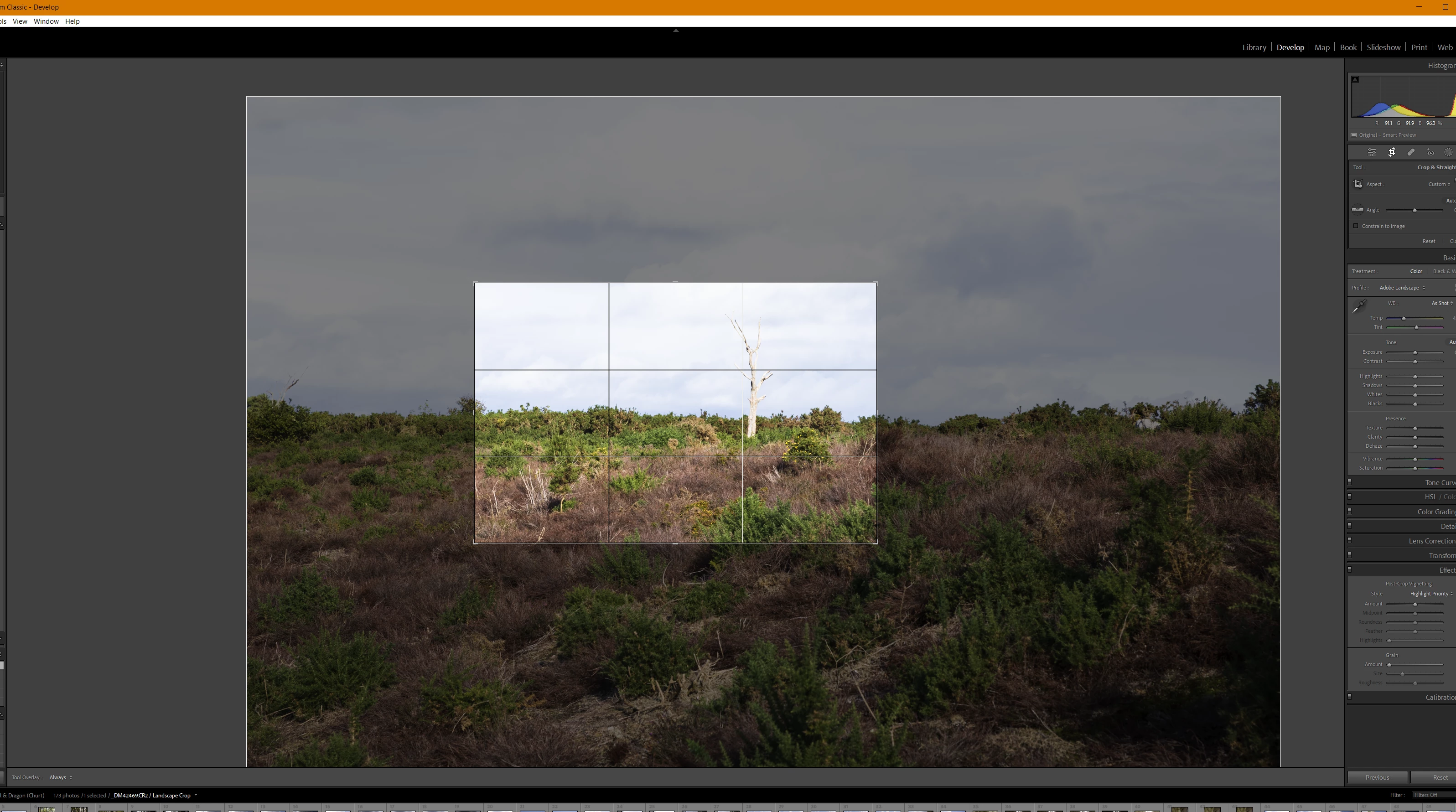
After writing the above, I turned GPU acceleration back on and LR no longer crashes, but I still can't see the bottom section.
With GPU acceleration enabled, I tried to change the Navigator view and it does the spinny and nothing happens:
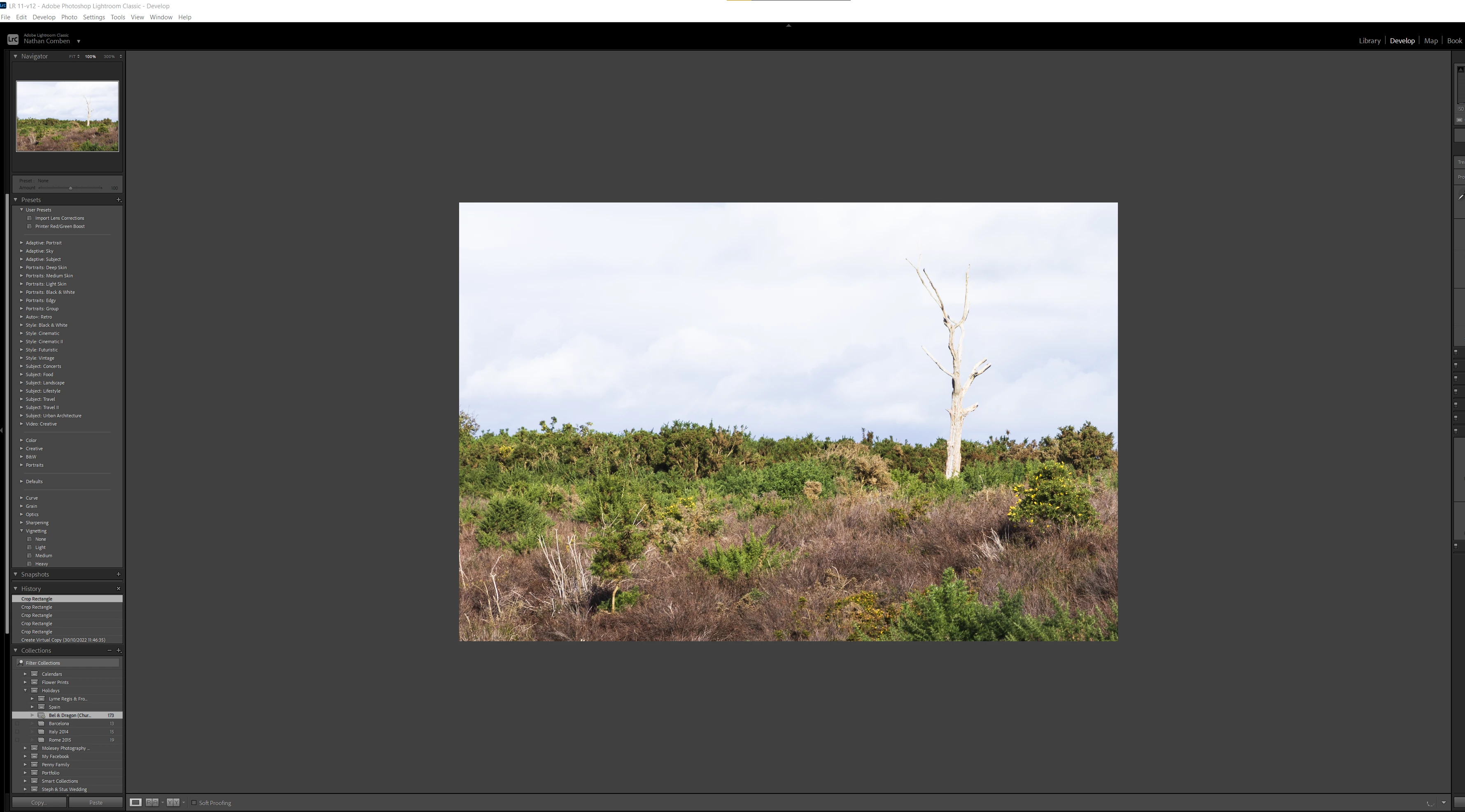
I'm feeling like a Beta tester!
System:
Windows 10 Pro, 22H2, OS build: 19045.2193
Intel(R) Core(TM) i7-4930K - 32GB
GPU: Nvidia 3070Ti FE
LR version: 12.0.1
For now I'm going to attempt to go back to the older version as I need a stable application!
 AdChoices