
LrC 13.0.2 Keywording Panel breaks up keywords at blanks
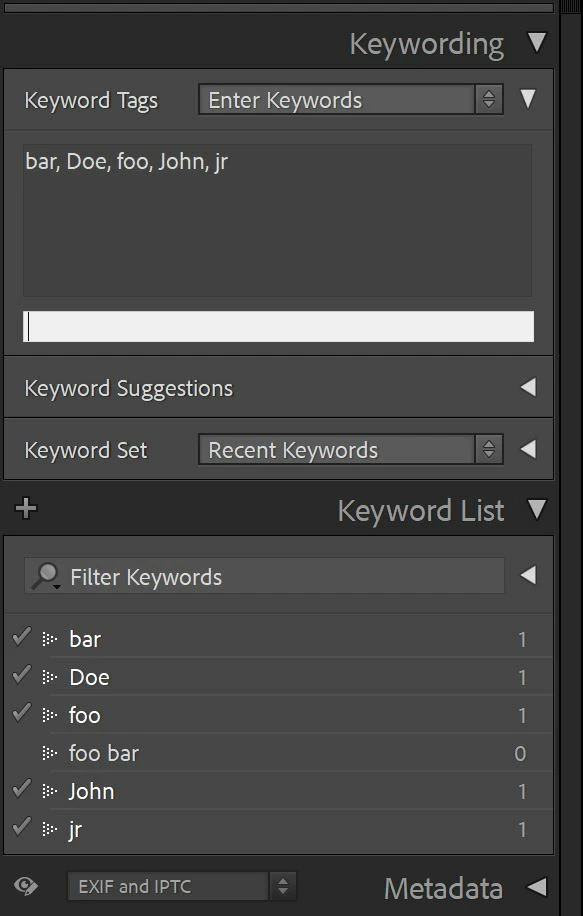
When entering a keyword containing a blank (e.g. “foo bar”, “John Doe jr”), the already existing keyword (e.g. “foo bar”) is not recognized and assigned, but two new keywords (“bar”, “foo”) are created and assigned to the image. Same happens for newly entered keywords (e.g. "John Doe jr"): They are broken up as individual keywords.
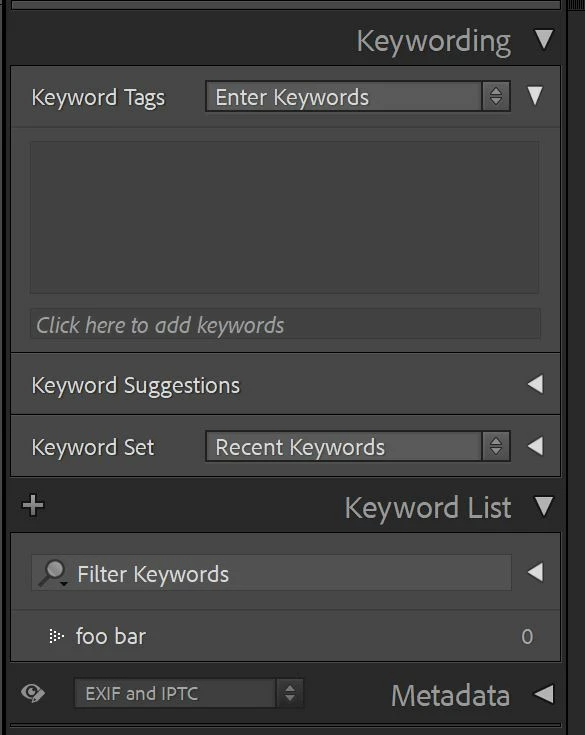
Figure 1 shows the empty Keywording Panel with just the keyword "foo bar" in the Keyword List.
Entering the string "foo bar, John Doe jr" in the Keywording Panel results in the individual keywords "bar", "Doe", "foo", "John", "jr", leaving the already existing "foo bar" unassigned:
When assiging the keywords "foo bar" and "John Doe jr" via check-marking the keywords from the list (Fig. 3)
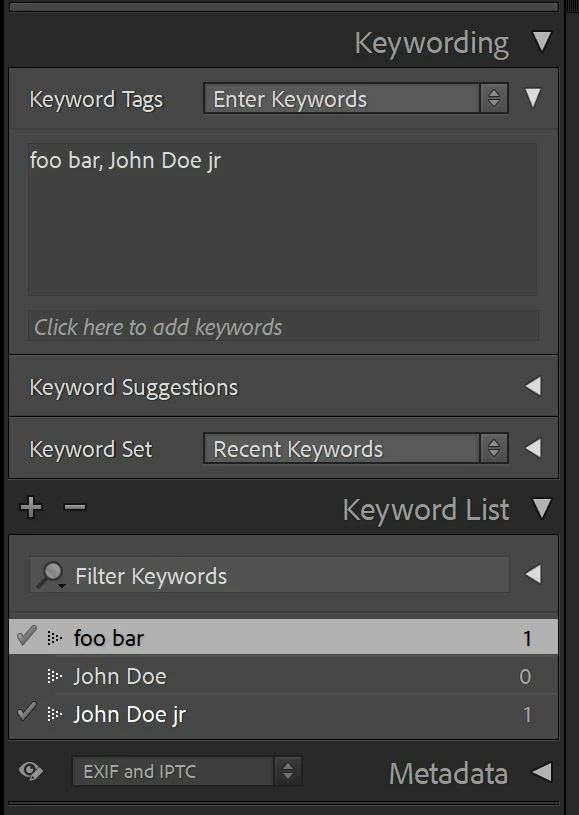
and editing the keywords in the panel (e.g. changing the keyword "John Doe jr" to "John Doe" (by deleting the "jr"), or removing the asterisk to assign a partly assigned KW to all marked images, etc) results in:
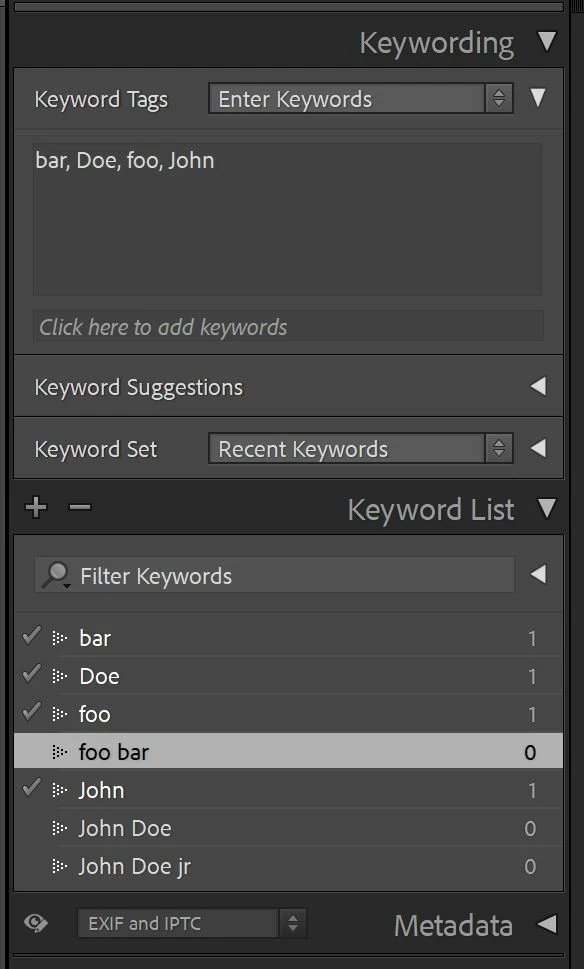
Workaround: Create/assign/remove Keywords from the Keyword List, only. (apita)
 AdChoices