
midn8
Inspiring
July 15, 2023
Beantwortet

LrC - Instant crash when selecting printer color profiles

  • July 15, 2023
  • 4 Antworten
  • 289 Ansichten

Hello,


currently I really have a major issue with printing in LrC.


One day all my printer presets switched to ColorSync profile setting "automatic"
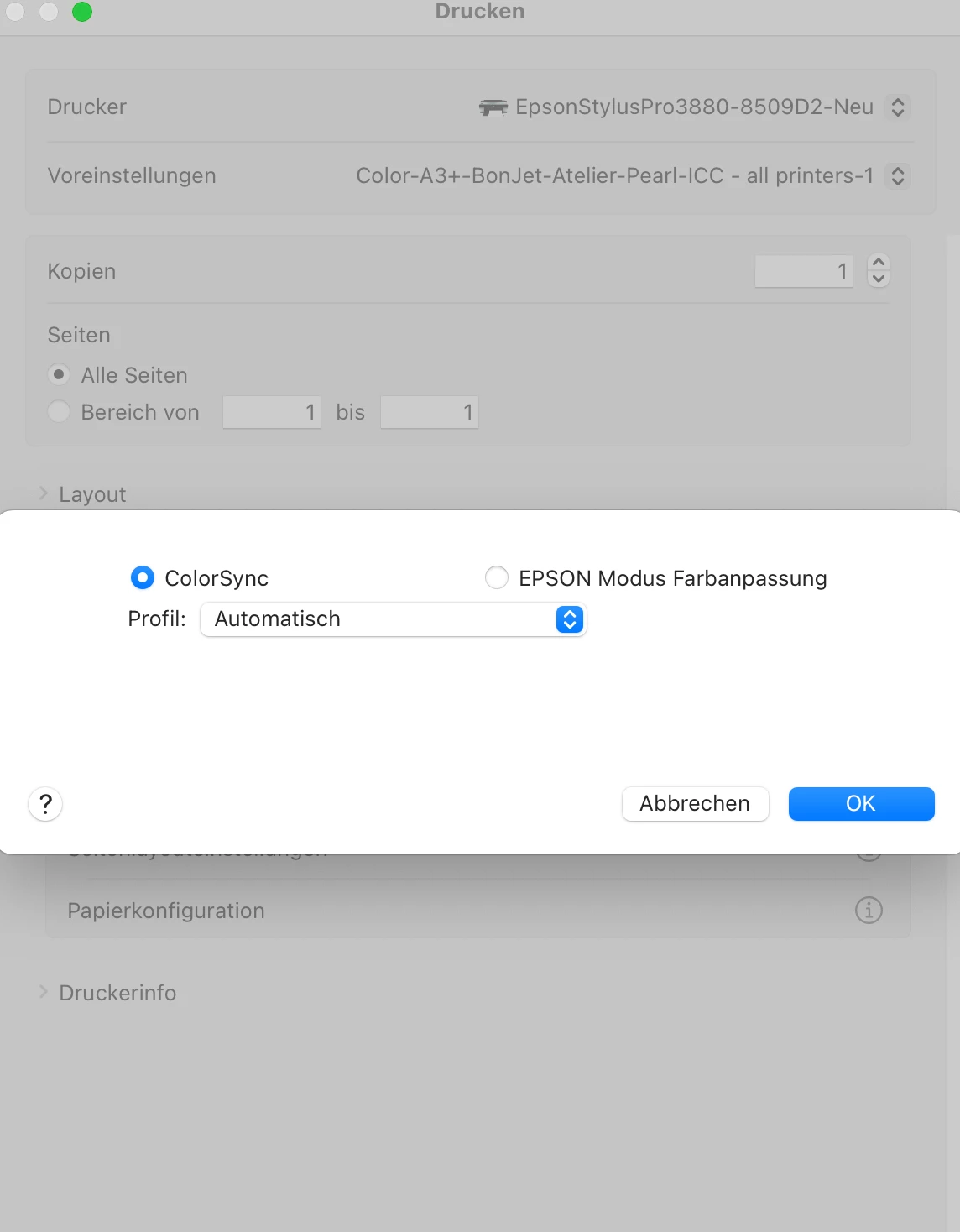


When I select the correct profile (or any other)
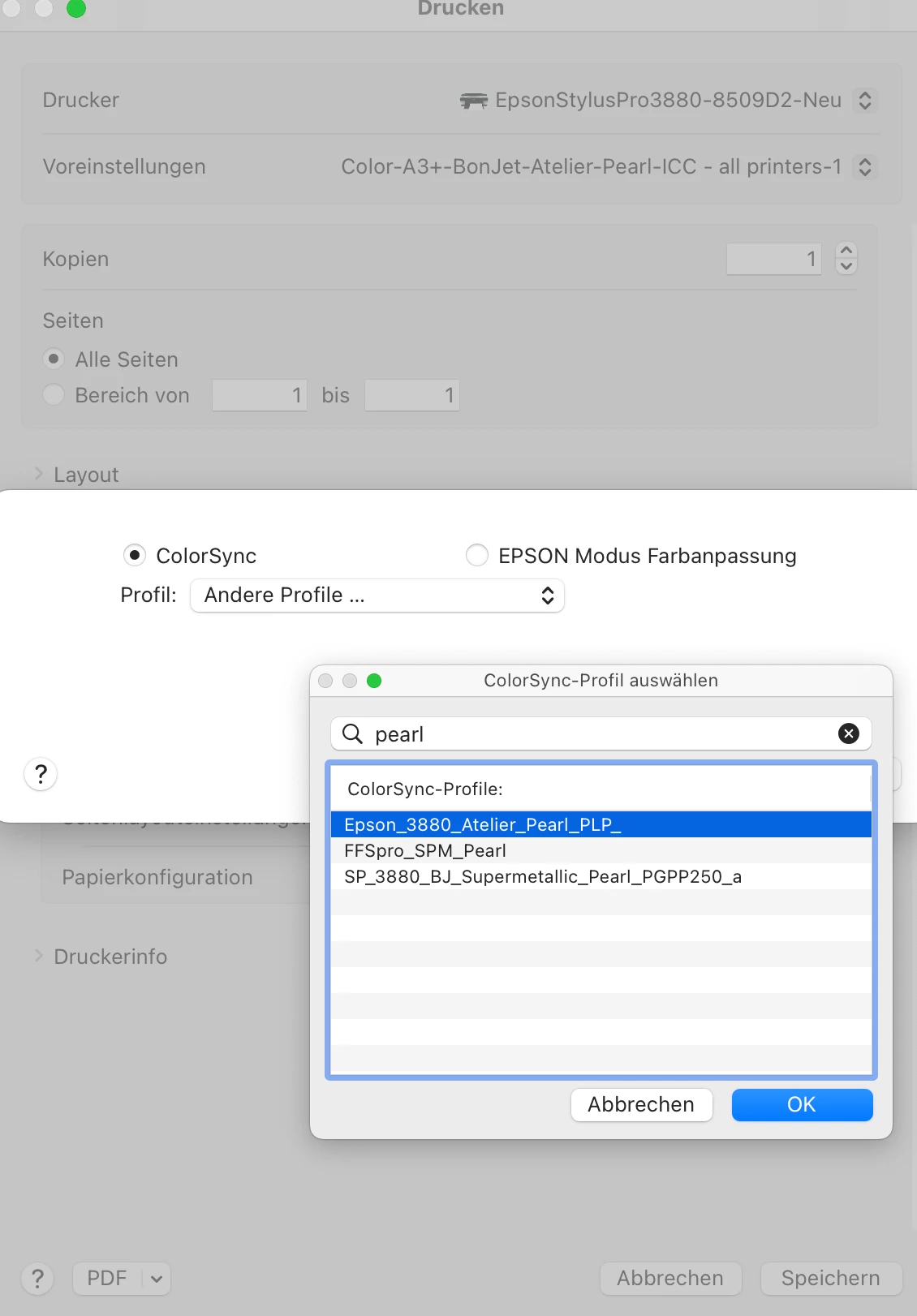


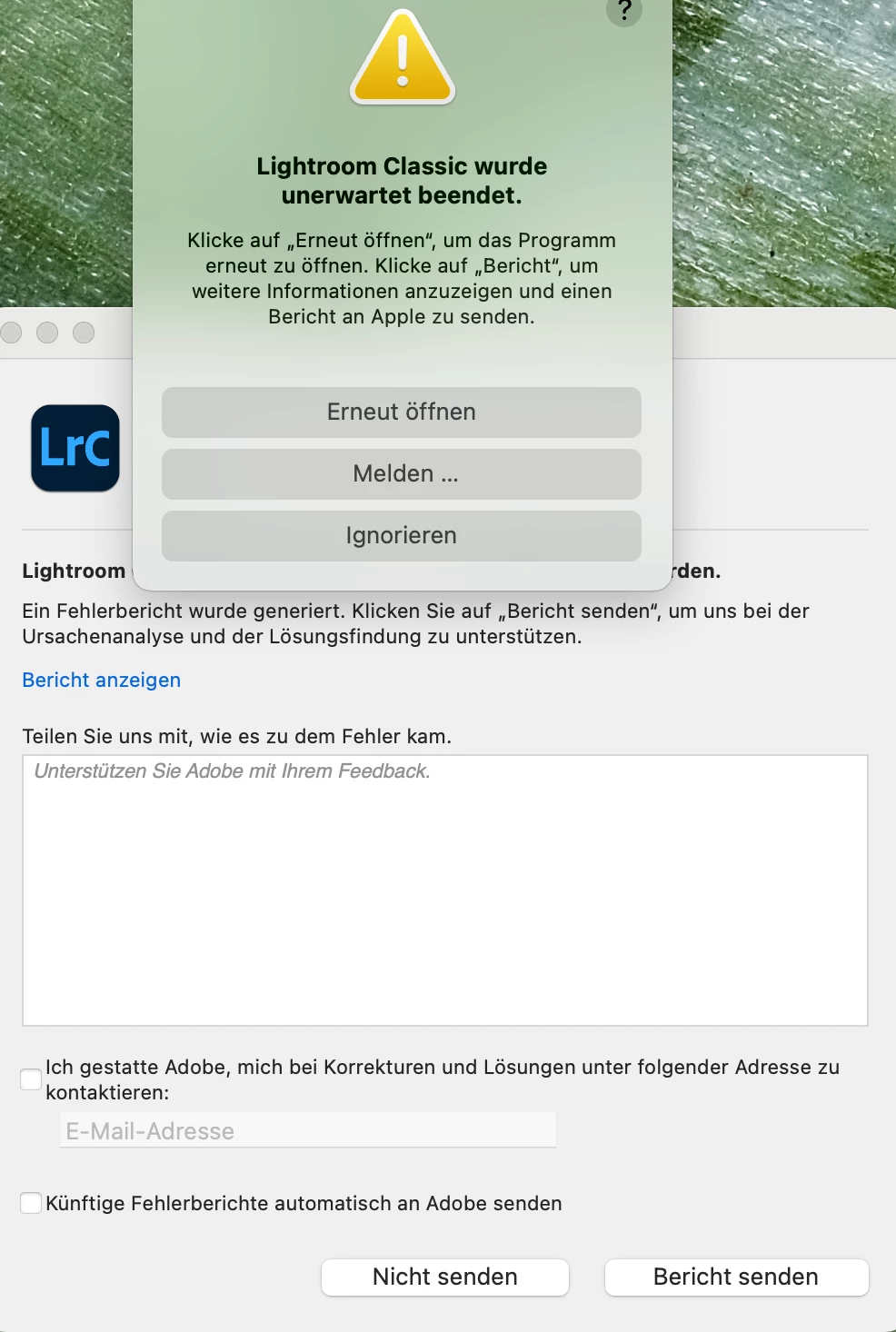
after clicking "OK" LrC instantly crashes


I've created a new printer object. Initial creation of new presets works then, but afterwards changing color profiles also ends up in a crash of LrC...


LrC 12.4

Epson Stylus Pro 3880 - Driver Version 10.90

MacBook Air M1 2020

macOS Ventura 13.4.1


This is really really annoying....


Dieses Thema wurde für Antworten geschlossen.
Beste Antwort von midn8

Short update...


...after deleting printer and driver again and also resetting printsystem I installed everything fresh.

Now it seems like everything is working. I hope it stays this way...


4 Antworten

midn8
midn8AutorAntwort
Inspiring
July 16, 2023

Short update...


...after deleting printer and driver again and also resetting printsystem I installed everything fresh.

Now it seems like everything is working. I hope it stays this way...


Ian Lyons
Community Expert
Community Expert
July 16, 2023

My understanding is that resetting the printer system is an essential part of the process of resolving the issue. 


I'm marking your answer as the 'Correct Answer'

midn8
midn8Autor
Inspiring
July 15, 2023

Deleting the printer plus drivers and installing both new didn't help. I was printing the last 10 years without any issues... and now this...

Ian Lyons
Community Expert
Community Expert
July 15, 2023

I've linked to a thread from a few days back where the user was experiencing a similar issue. Removing the printer drivers and reinstalling resolved the issue. 


https://community.adobe.com/t5/lightroom-classic-discussions/lr-crashes-while-trying-to-select-icc-profile/m-p/13930606#M328705

Rikk Flohr_Photography
Community Manager
July 15, 2023

I am finding no crash reports under your Adobe ID. I see you have a screenshot of the Crash Dialog but it doesn't look like you are filling it out with your Email Address and sending it in.  Can you fill in the Adobe ID (Email) and submit again so we can match up your report to this thread?

Rikk Flohr: Adobe Photography Org
midn8
midn8Autor
Inspiring
July 15, 2023

I've sent the report with email address filled in.


Thanks