
LrC switches horizontal and vertical manual transform when copy and pasted
LrC Version: Lightroom Classic version: 13.5.1 [ 202408271704-d15d09cd ]
OS: MacOS Version 14.6.1 (23G93)
Issue: When using the Copy/Paste, Sync, or Preset features to copy and paste a vertical transform from a horizontally-cropped photo to a vertically-cropped photo, the vertical transform becomes a horizontal transform.
To reproduce:
Step 1: Make a vertical transformation on an image. (transformation exaggerated for demonstration purposes)
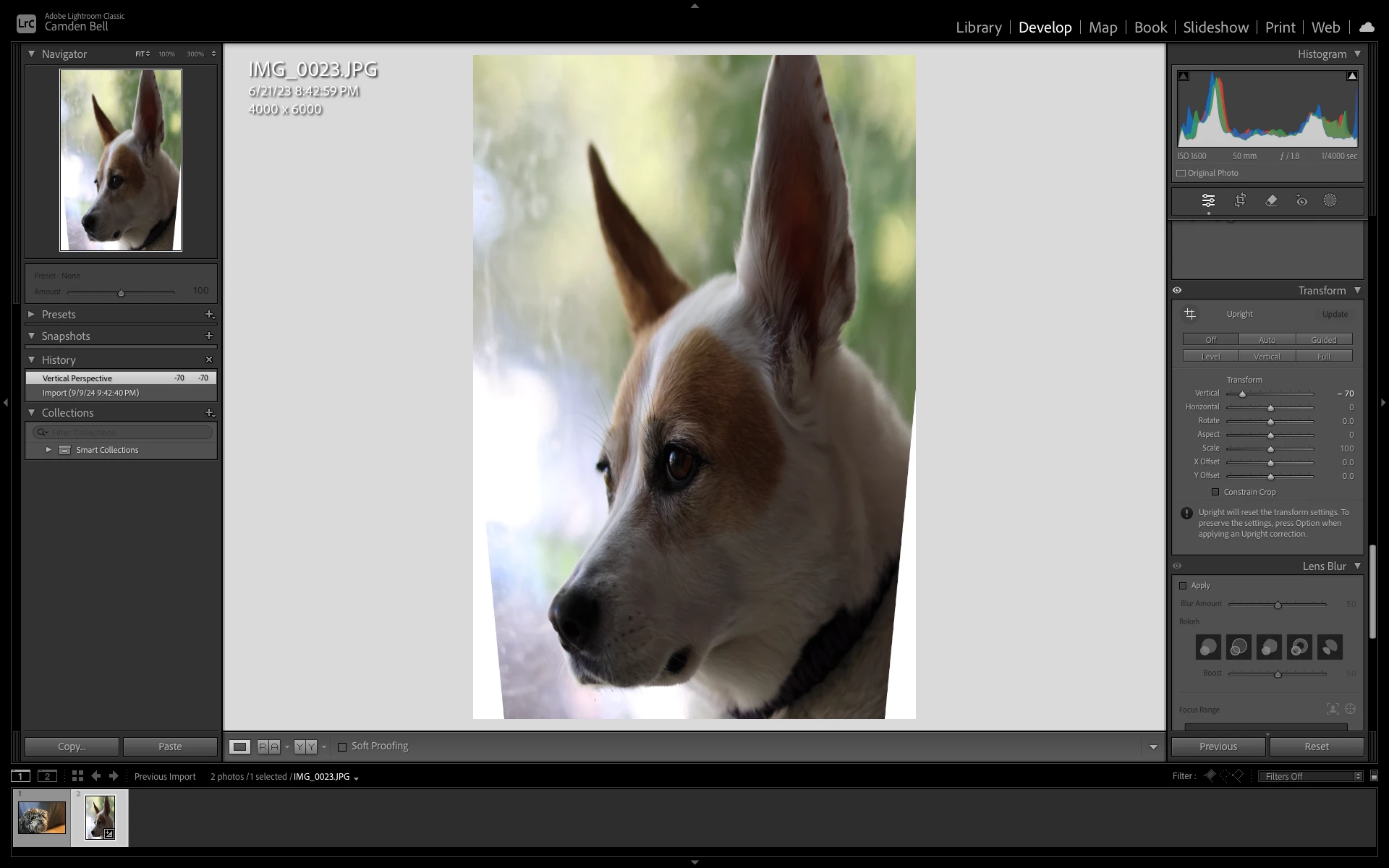
Step 2: Copy the vertical manual transformation.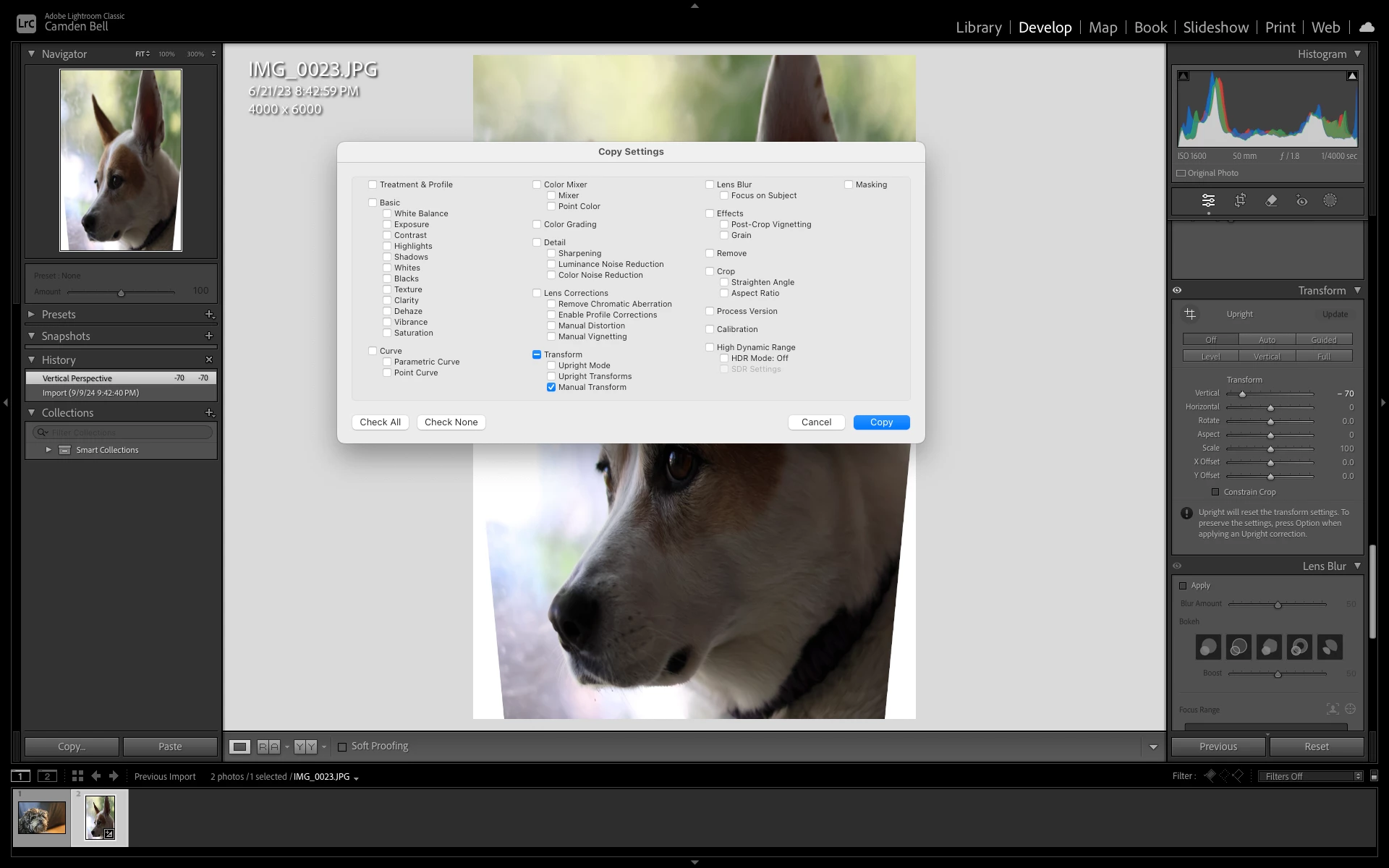
Step 3: Navigate to an oppositely-cropped (As in if the first image was natively taken vertically, navigate to a horizontal, or if the first image was natively taken horizontally, navigate to a vertical) image.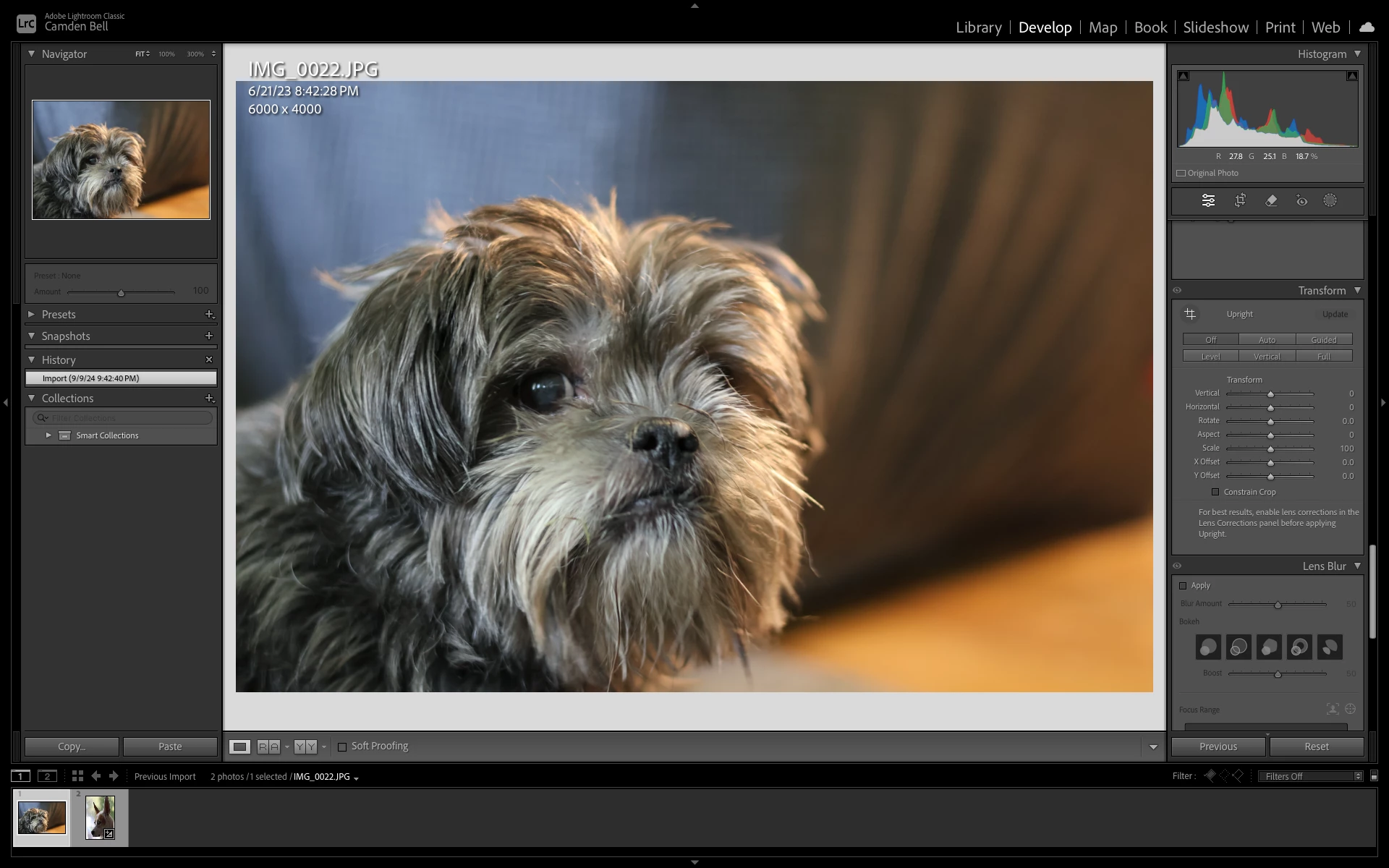
Step 4: Paste the copied setting using Command+V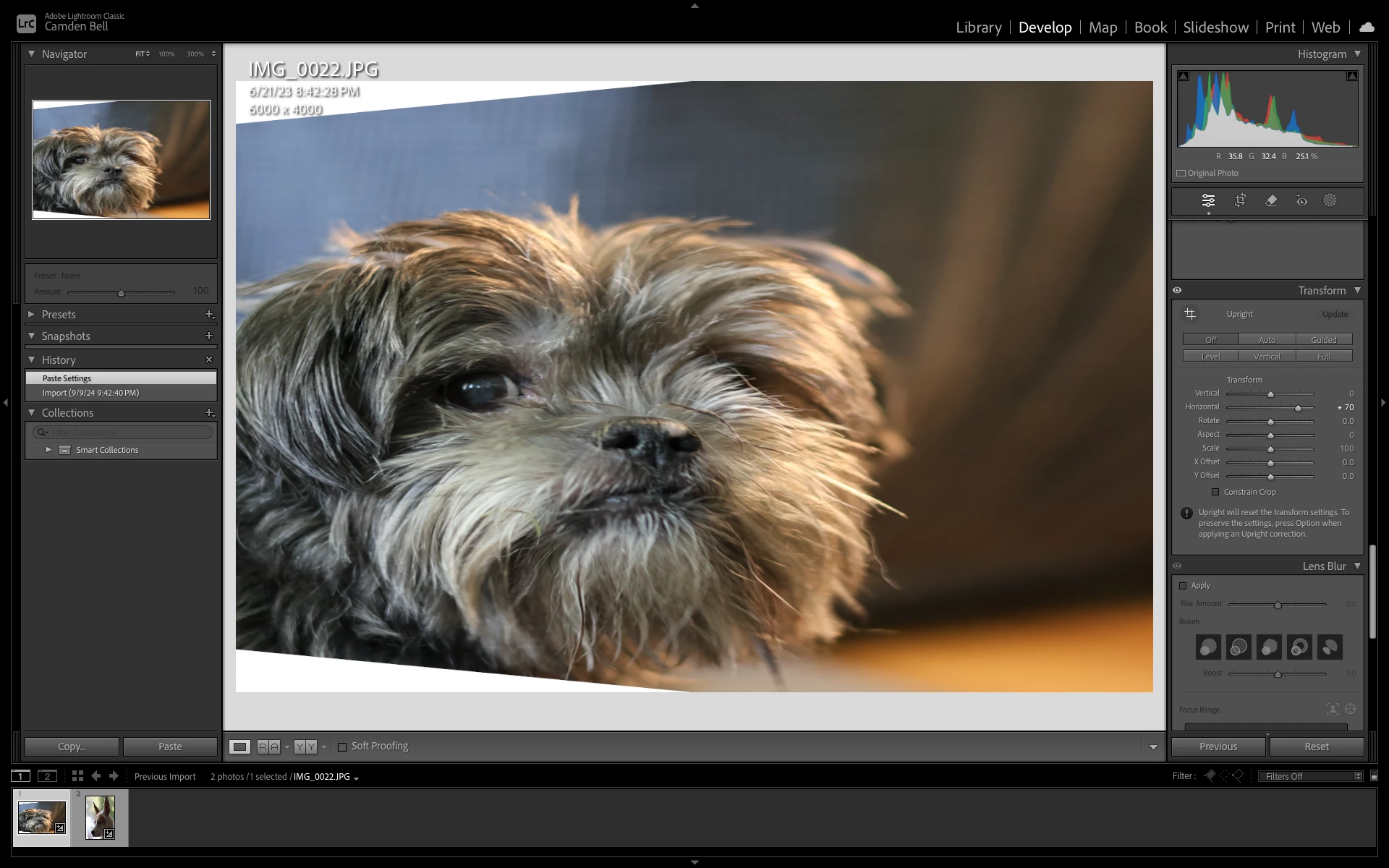
Expected result: LrC should apply a vertical transformation of the same value to the oppositely-cropped image.
Actual result: LrC applies a horizontal transformation of the same value to the oppositely-cropped image. I suspect this has something to do with LrC reading horizontal/vertical metadata when displaying the image, but not considering it when applying the transform. The bug was also noted when the same copy/paste was effectively performed using the Sync feature, and when saving the transform to a preset and then applying that preset to an oppositely-cropped image.
 AdChoices