
Question
Masking causing blackout on photos
Before I uninstall and reinstall LRC, wondering if anyone else has this problem or knows how to fix it? This is happening intermittently in LRC for me. I think it started this fall, but perhaps it was earlier? It's been intermittent. 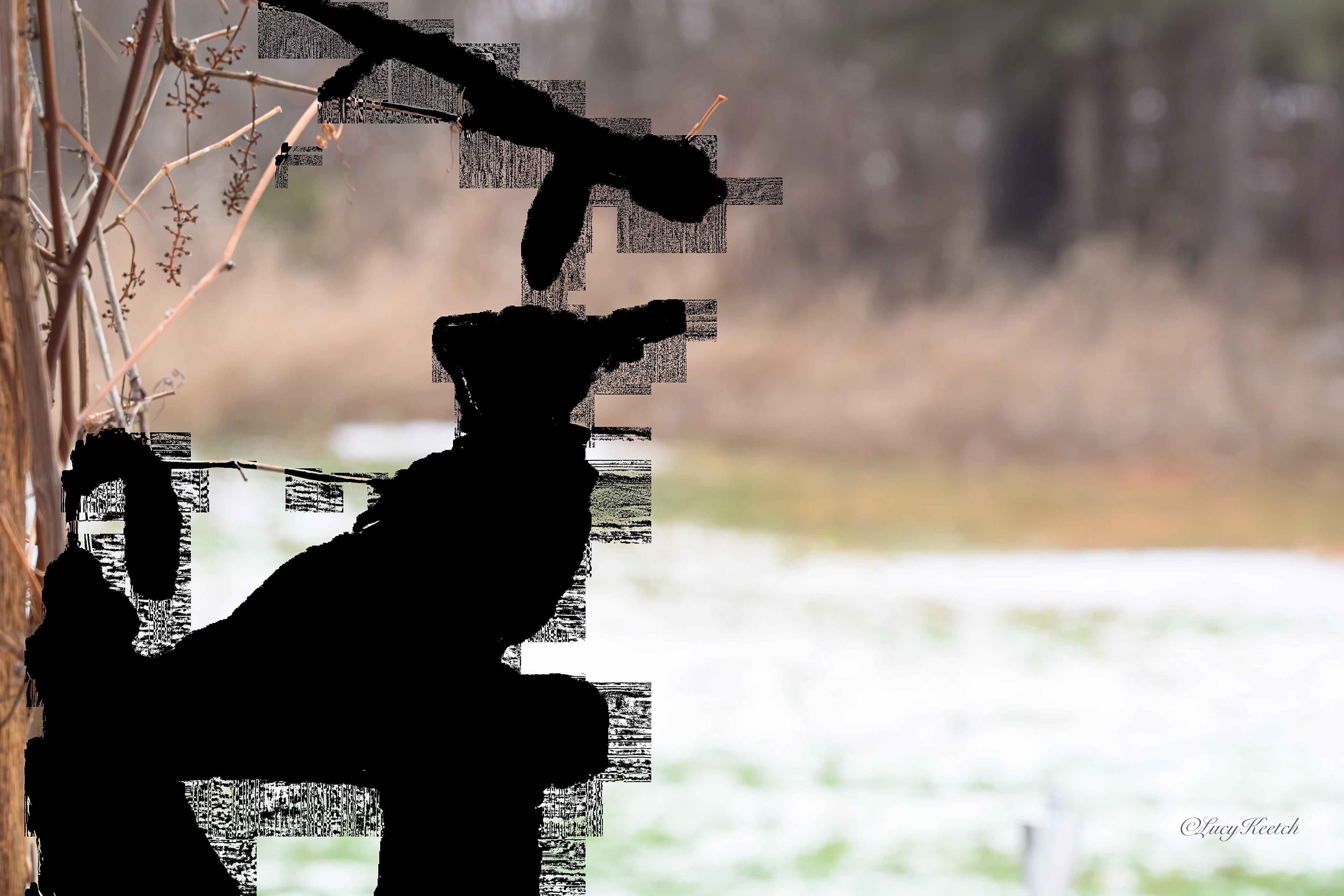 Usually it’s when/if I try to make a mask. Instead of seeing any adjustments that I am doing, I see nothing but black. But this time I was able to mask no problem, but when I exported this black mess came up. Do you happen to know what I am doing wrong? I’ve searched the internet…I don’t think I am asking the right question. I use a Mac and both LR and the Mac are updated.
 AdChoices