

Mavic 2 pro raw images appear different after export
Hey guys,
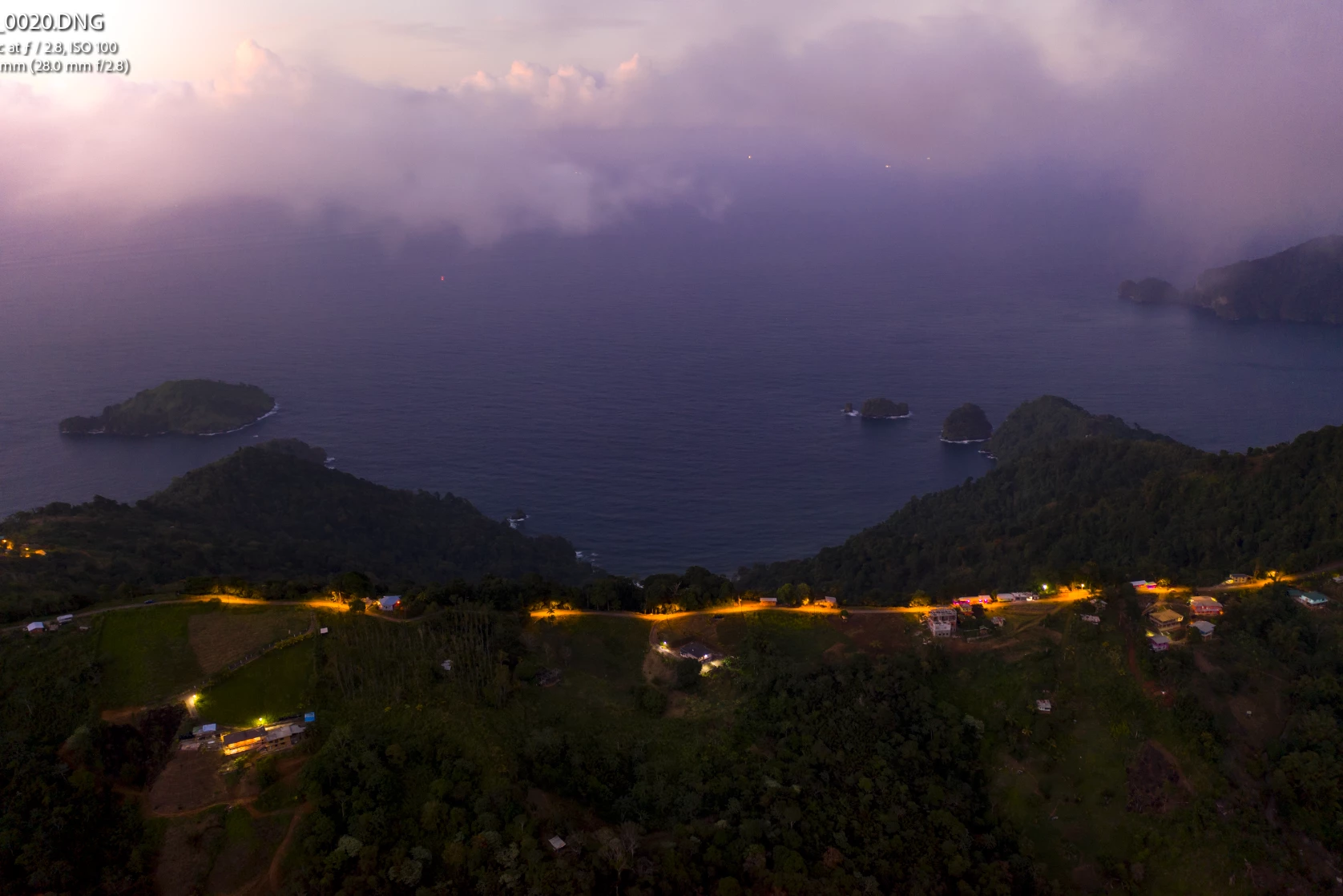
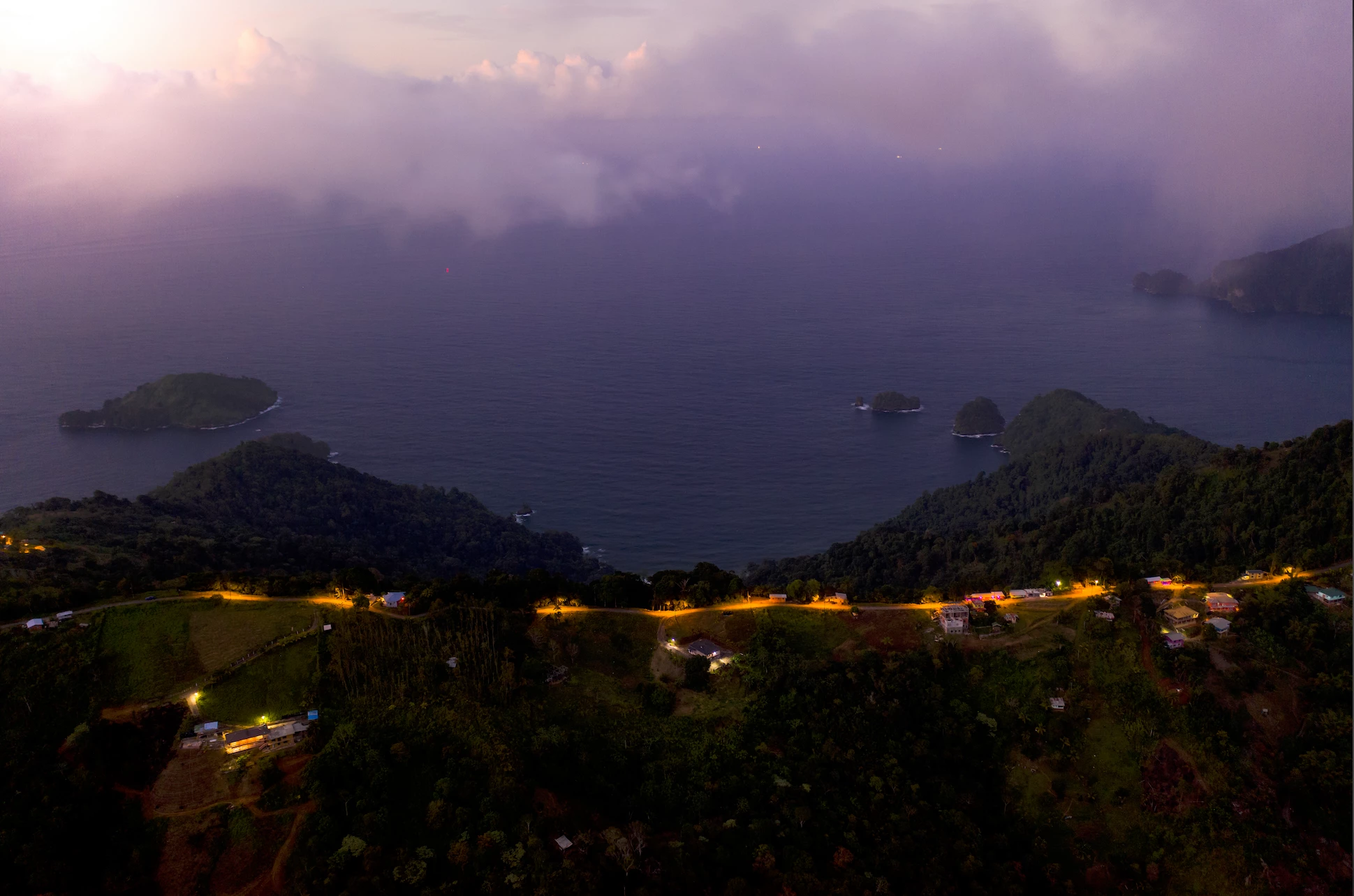
ao I've been happily using my drone for a year now however there is a major issue that I have not been able to overcome. images appear drastically different in the library tab vs the develop tab and in fact the jpegs that I export after editing appear to look the same as the library tab. I'm not sure why this is happening but its super annoying especially with long exposure or low light photography I edit a photo how I like it and when I export it it appears as if its in a different colour space.
I've double checked all of my colour settings everything seems normal so I'm not entirely sure why this is happening. So far the only solution I have is to enable secondary display in loop view which provides me with a preview of what the final image will look like. however this makes things very slow and is not nearly as snappy as just editing in the develop tap.
I've attached 2 images. one is my edit and the other is how the exported image came out. working colour space is sRGB
Can someone help me? I'm not sure if maybe there is a camera profile or something that might help. you also get horrible colour banding with the final export
 AdChoices