
phillipc36443274
Participating Frequently
April 3, 2017
Answered

Monitor calibration and Lightroom issues
  • April 3, 2017
  • 1 reply
  • 1372 views

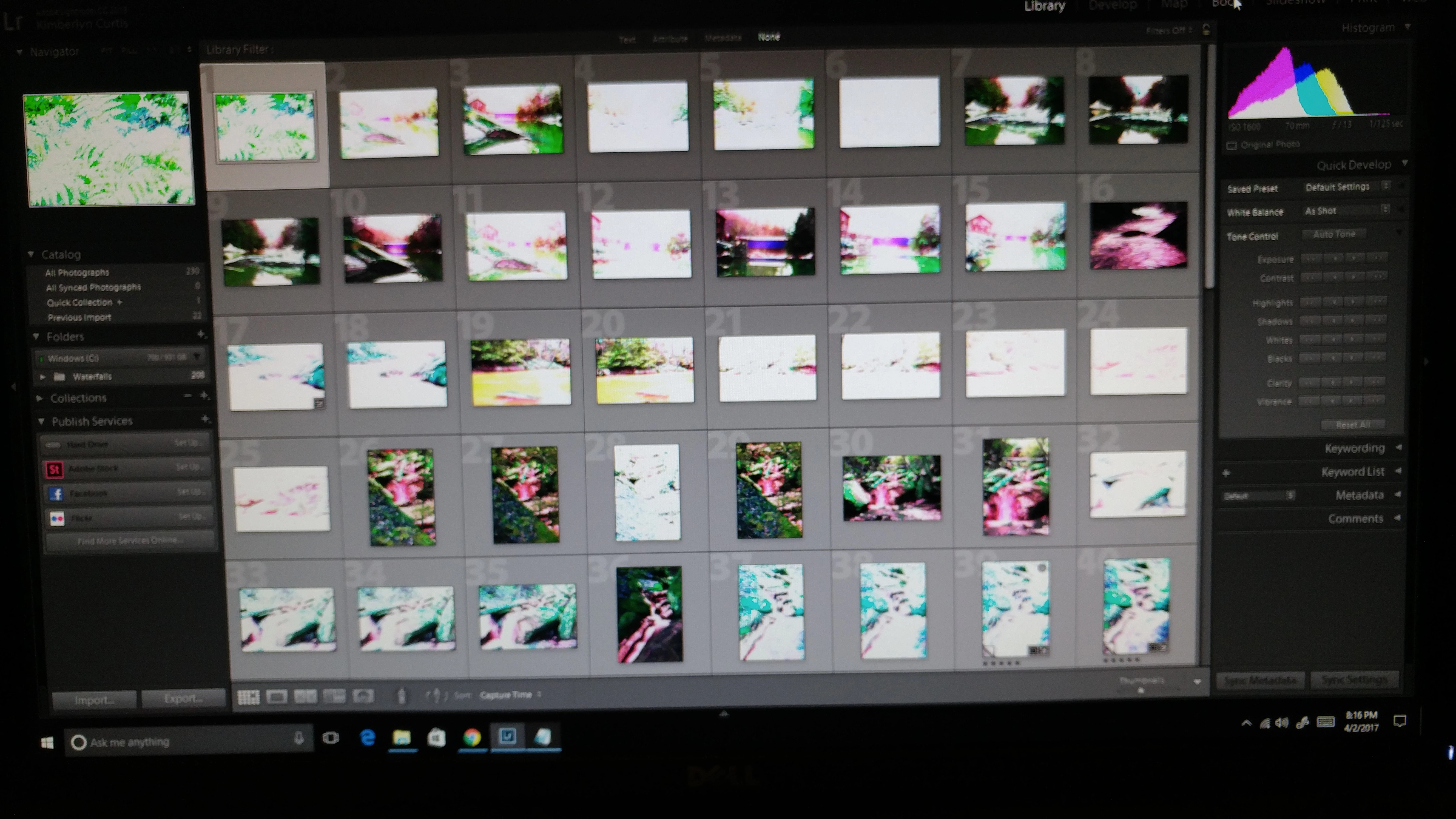
Need some help here. I calibrated my monitor today using the Colormunki photo and now when I start Lightroom all of my photo's look like they are either way overexposed or a negative. If I change the monitor profile back everything looks just fine. I'm using Lightroom 2015.9 and camera raw 9.9 with windows 10 pro.

Any help would be appreciated as I only have the Colormunki for a few more days.

Thanks,

Phil Curtis

This topic has been closed for replies.
Correct answer johnrellis

The Lightroom Queen says:

Most calibration software offers an advanced setting, so if it gives you a choice, go for a brightness of around 100-120 cd/m2, 6500K or native white point for an LCD monitor, and most importantly, an ICC2 Matrix profile rather than an ICC4 or LUT-based profile, as these more recent profiles aren’t compatible with many programs yet.

You'll have to dig into the calibrator's software to figure out how to configure that.

1 reply

Just Shoot Me
Legend
April 3, 2017

First thing to do is turn off the GPU option on the performance tab of the LR Preferences.

phillipc36443274
Participating Frequently
April 3, 2017

This option is already turned off.

johnrellis
johnrellisCorrect answer
Legend
April 3, 2017

The Lightroom Queen says:

Most calibration software offers an advanced setting, so if it gives you a choice, go for a brightness of around 100-120 cd/m2, 6500K or native white point for an LCD monitor, and most importantly, an ICC2 Matrix profile rather than an ICC4 or LUT-based profile, as these more recent profiles aren’t compatible with many programs yet.

You'll have to dig into the calibrator's software to figure out how to configure that.