Inspiring
August 1, 2023
Question

Move photo book page layouts to new computer in Lightroom Classic

  • August 1, 2023
  • 1 reply
  • 688 views

Hello,


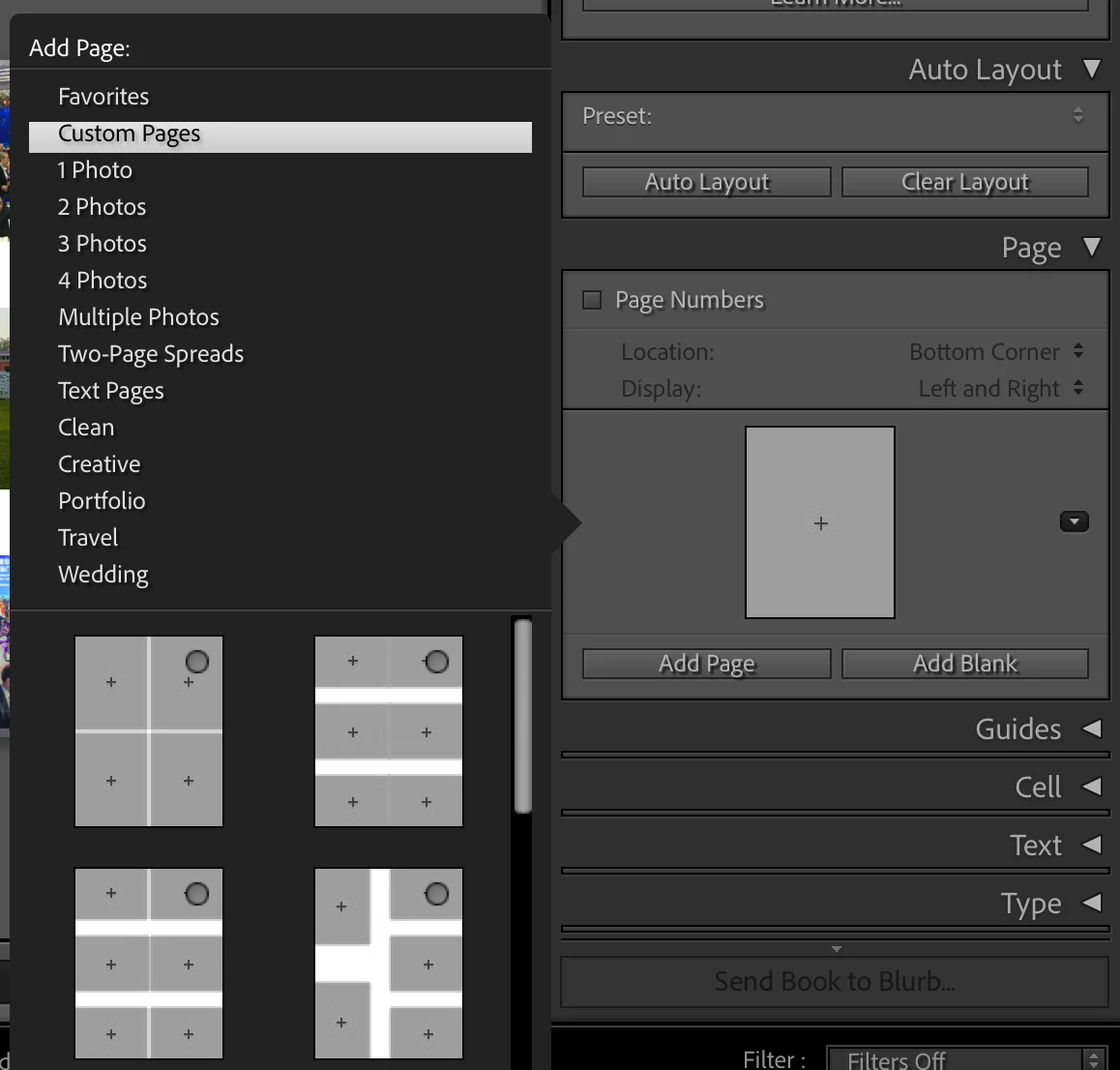
I have created a couple of photo book page layouts / templates in LRC. Since I purchased a new MacBook, I am wondering how I can migrate these layouts to my new computer.


The following screenshot shows the custom pages in the "Book" tab I am referring to:
 

Thank you,

Philip

This topic has been closed for replies.

1 reply

dj_paige
Legend
August 1, 2023

Just copy your existing catalog file to the new computer and open it. Depending on where the photos are located on the new computer, you might have to re-connect LrC to the new location of the photos (See this document: http://www.computer-darkroom.com/lr2_find_folder/find-folder.htm for details)

flip838Author
Inspiring
August 1, 2023

Well, I did that but the custom page layouts are not shown. Other elements such as user presets seem to work on the new computer.

Rob_Cullen
Community Expert
Community Expert
August 2, 2023

You should find your Book Custom Layouts in a folder of Lightroom Settings that you can copy computer to computer-

This is my Windows folders-

In a Mac—Macintosh HD / Users / [your username] / Library / Application Support / Adobe / Lightroom /

https://www.lightroomqueen.com/lightroom-classic-file-locations/


Regards. My System: Windows-11, Lightroom-Classic 15.1.1, Photoshop 27.3.1, ACR 18.1.1, Lightroom 9.0, Lr-iOS 10.4.0, Bridge 16.0.2 .