

Question
My "Edit in Photoshop" Doesn't work... Anyone to help?
In lightroom when I click right to one of my photos, click Edit In > Edit In Adobe Photoshop
Photoshop turned on and the photo is automatically moved to Photoshop
I can make the Post-Process very easily.
Today I do the same workflow but the Lightroom doesn't bring my photo to Photoshop automatically! When I click Edit Edit In Adobe Photoshop, Photoshop turned on and the "Open..." Popup appears. It doesn't bring my photos automatically anymore.
Versions;
Lightroom Classic version: 9.1
Adobe Photoshop Version: 21.0.2
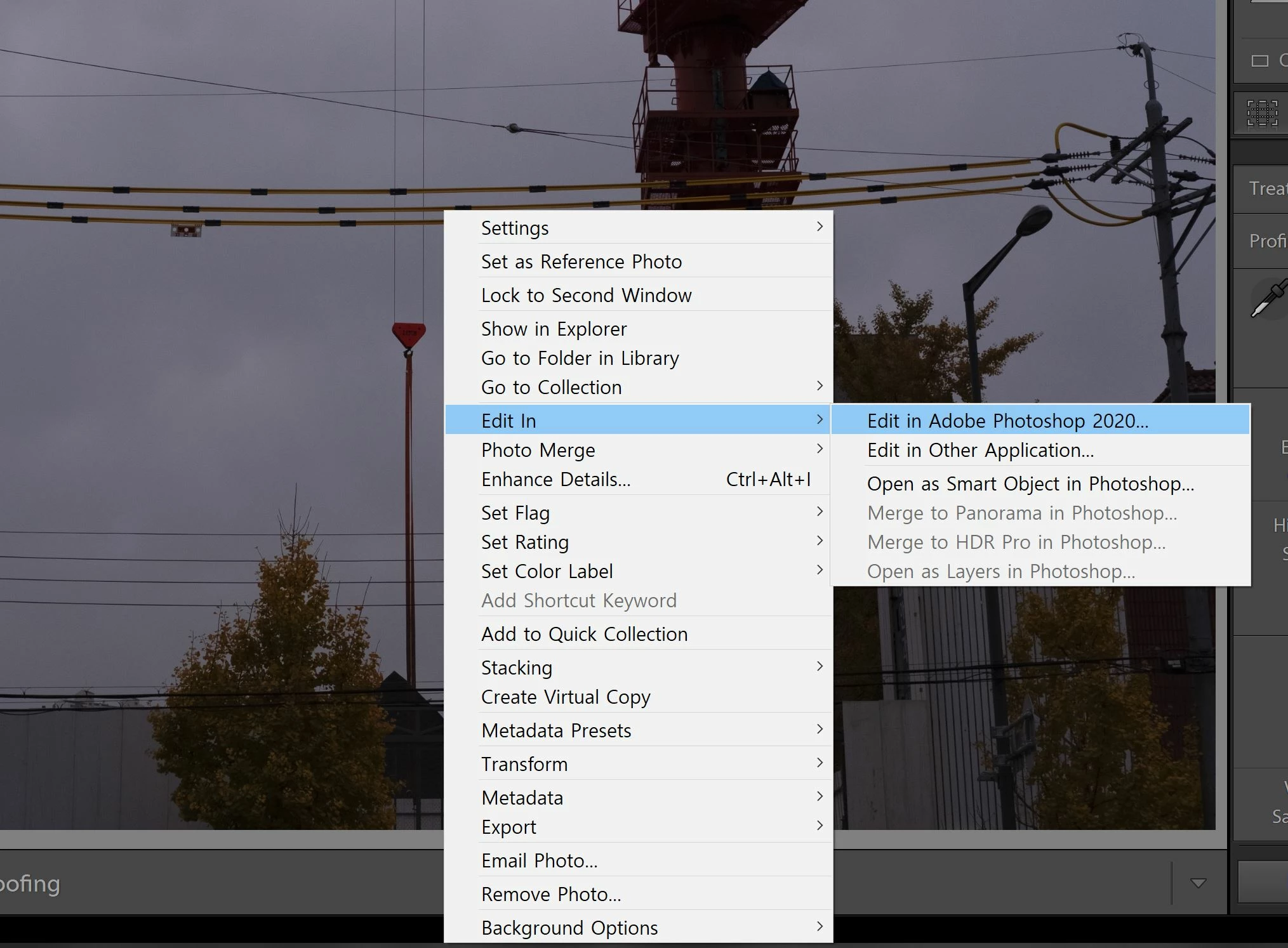
click edit in photoshop
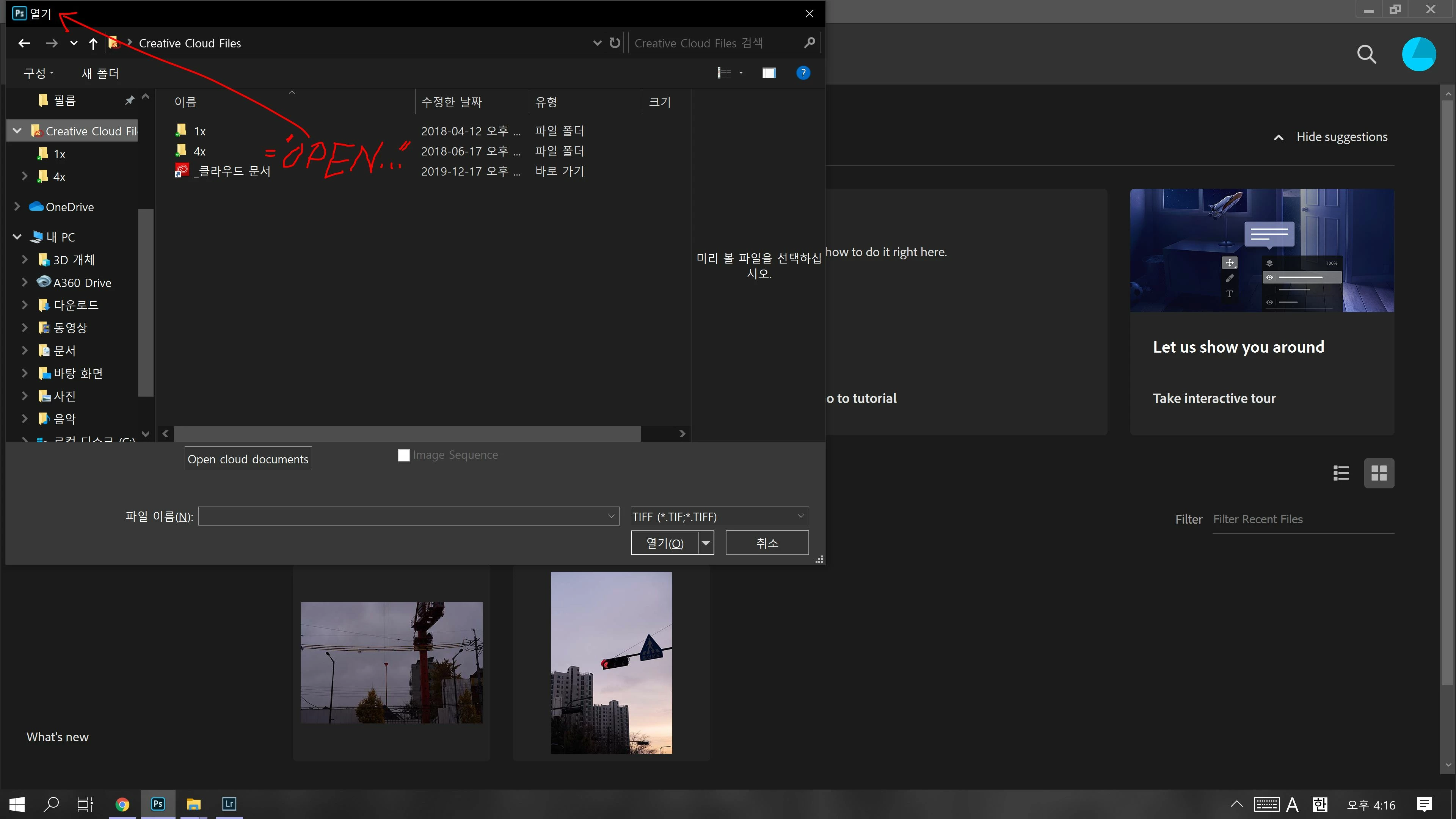
open... popup appears! No automatically photo moves!
 AdChoices