barbarah24998255
Participant
July 30, 2021
Answered

New imported raw file overwrites existing file

  • July 30, 2021
  • 10 replies
  • 468 views

I had a very strange thing happen. After I imported raw files into one of my folders many of the newly imported images replaced previously imported photos, including the metadata. The older pictures are all gone and overwritten with a newer photo, both in LR as well as on the harddrive. I could literally watch the images change on the computer screen.

Can anyone explain, please. Looks like the older files are all lost, but I want to avoid this form happening again.

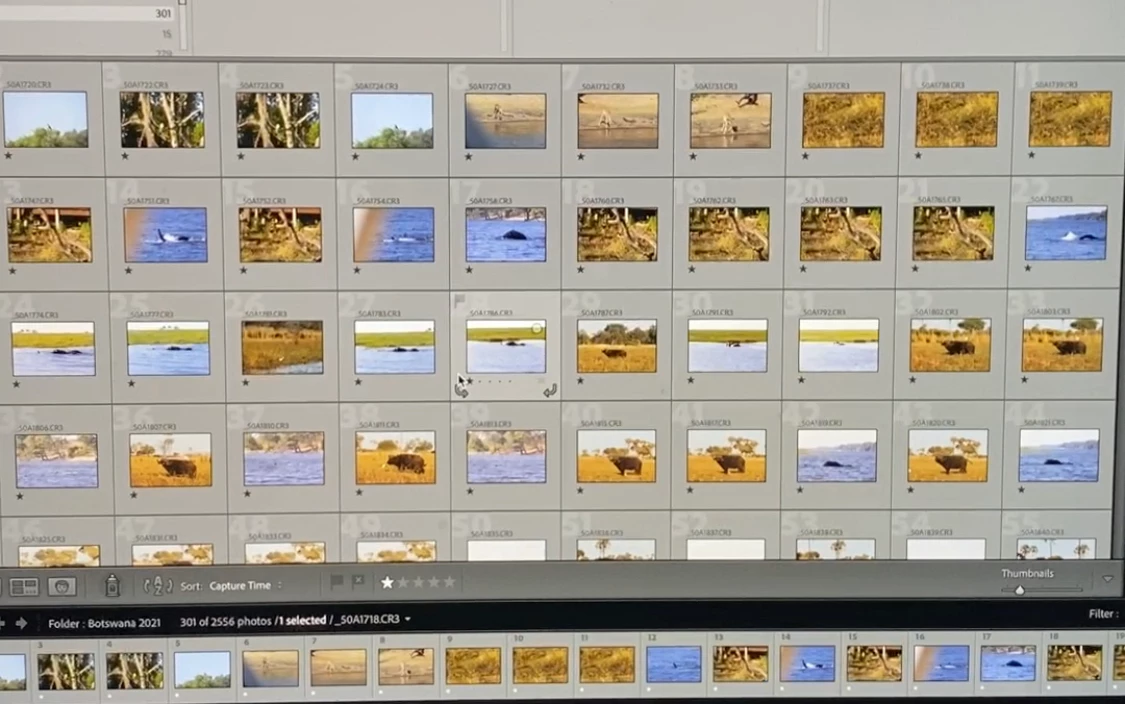
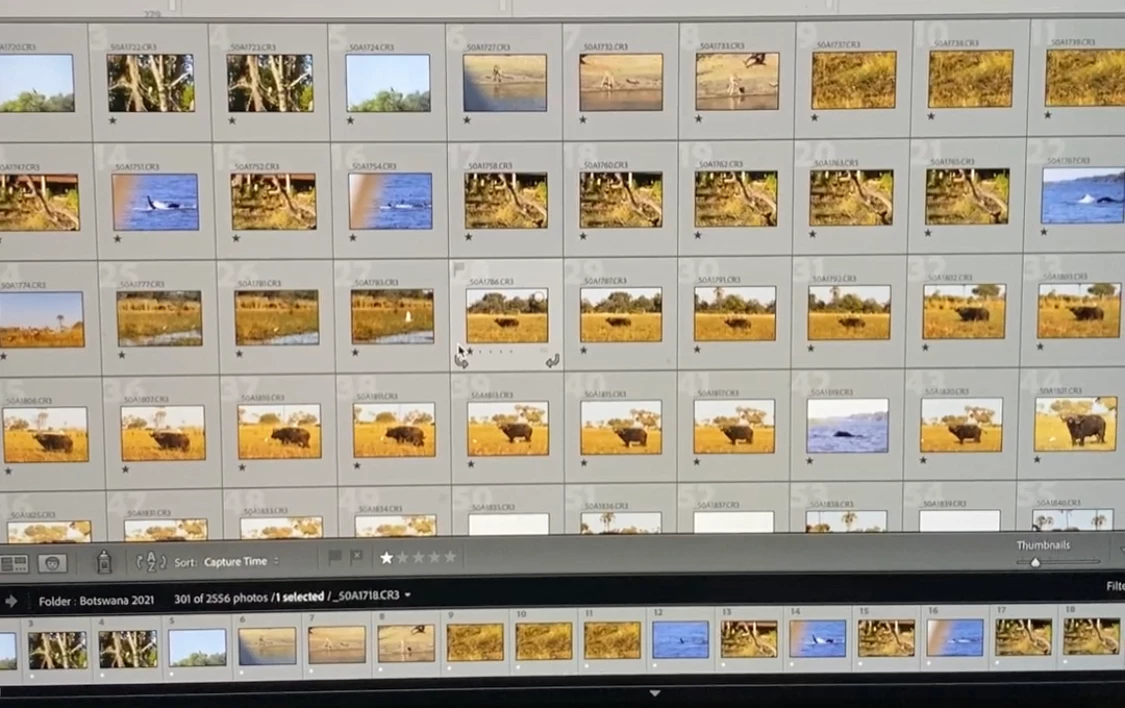
I have attached 2 photos to show the screen before and after this overwrite.
 

Correct answer Alejandro Duro

Hi! I have the same problem and figured out why.


When I finish shooting, I store my RAW files on my hard drives, and then I format my SD cards.
Since I work a lot with the same restaurant, I have over 3000+ pictures stored in the same RAW folder on my hard drives. 


The problem is that every time I format my SD Cards, the name of the file returns to DSC0000 (in my case), which creates new files with the same name as old files.
When storing the newer photos in the same folder, I  have the option to rename them, but if I don't and choose to keep them as well as keep the old ones, I create two different photos sharing the same file name.


This is very annoying, especially if you have to import a lot of pictures into the same folder when some filenames already exist and others don't. This means that you have to sort manually which photos you rename and which photos are safe to keep without renaming them...


As of now, I create separate folders to sort the RAW files without renaming them, but if someone has a better solution, I'm all ears :).


Hope this helps some fellow photographers !

Take care,

Alejandro.

10 replies

Alejandro DuroCorrect answer
Participant
July 14, 2025

Hi! I have the same problem and figured out why.


When I finish shooting, I store my RAW files on my hard drives, and then I format my SD cards.
Since I work a lot with the same restaurant, I have over 3000+ pictures stored in the same RAW folder on my hard drives. 


The problem is that every time I format my SD Cards, the name of the file returns to DSC0000 (in my case), which creates new files with the same name as old files.
When storing the newer photos in the same folder, I  have the option to rename them, but if I don't and choose to keep them as well as keep the old ones, I create two different photos sharing the same file name.


This is very annoying, especially if you have to import a lot of pictures into the same folder when some filenames already exist and others don't. This means that you have to sort manually which photos you rename and which photos are safe to keep without renaming them...


As of now, I create separate folders to sort the RAW files without renaming them, but if someone has a better solution, I'm all ears :).


Hope this helps some fellow photographers !

Take care,

Alejandro.

GoldingD
Legend
July 30, 2021

deleated

GoldingD
Legend
July 30, 2021

deleated

GoldingD
Legend
July 30, 2021

deleated, my bad, wrong post, mutiple replys.

Community Expert
July 30, 2021

Importing images will NEVER overwrite files you already have in Classic. At worst what will happen is that Classic recognizes that you already have the files you are trying to import and either not import them or if you allow importing duplicates in the import panel, it will rename the new imports by adding a -2 to the names. It is much more likely that you are misinterpreting what you are looking at. In fact the screenshots seem to indicate that everything that was there before is still there but that the images are interspersed with new images apparently captured around the same time (or only apparently so because the camera clock was off or capture time has been changed on one set).

GoldingD
Legend
July 30, 2021

Cannot read the file names, but a suspicion (that a better screenshot may shoot down)


Did you alter the capture timeof any photos?


Are you sure that photos with same names as previpous exist, or is this just a sorting glitch?

GoldingD
Legend
July 30, 2021

Those two images you posted. Taken via a camera? Not a good way to create a screenshot. MACOS? Link on how to take a screenshot on MACOS using what Apple has provided:


https://support.apple.com/en-us/HT201361


hmm, maybe this one is better:

https://setapp.com/how-to/screenshot-on-mac


GoldingD
Legend
July 30, 2021

Your images posted look identical. Nothing shown to indicate the file selected is different top vs bottom.


I see two pics if a Library module screen, both in grid view. I see many photos in the grid, many in the filmstrip. I see that one particular file is selected. What I do not see, in either grid or filmstrip, is a thumbnail of the selected photo.


So, how is the photo different?


/FOLLOWUP/UPDATE/

So, screenshots way to hard to read text. But, are those pictures of a Bear, or is that a Cow? In top image, apparently a set of the animal, one after another. In the second image, some water in between. Can not make out file names.

vs.


Is that what you are referring to?


dj_paige
Legend
July 30, 2021

Your original files are lost only if you don't have backups, or don't have the files still on the camera card.


How is it possible you have a screen capture from before this happened?


Your screen captures are too small for me to confirm that files have been overwritten, becuase the text of the file name is just impossible to read.

JP Hess
Inspiring
July 30, 2021

There seems to be a filter applied to show images with one star. Could that filter possibly be causing some confusion?