
Participant
February 27, 2023
Question

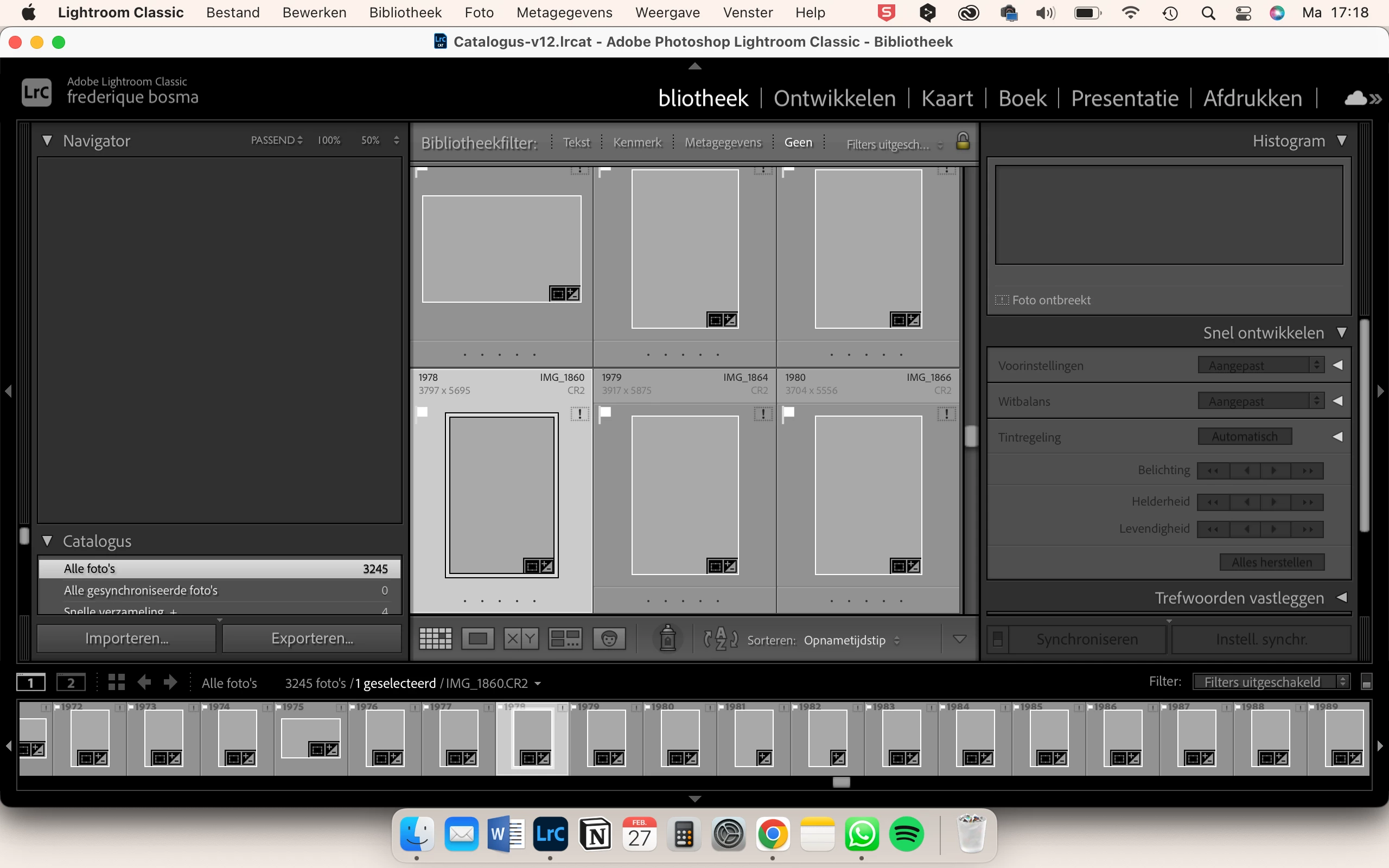
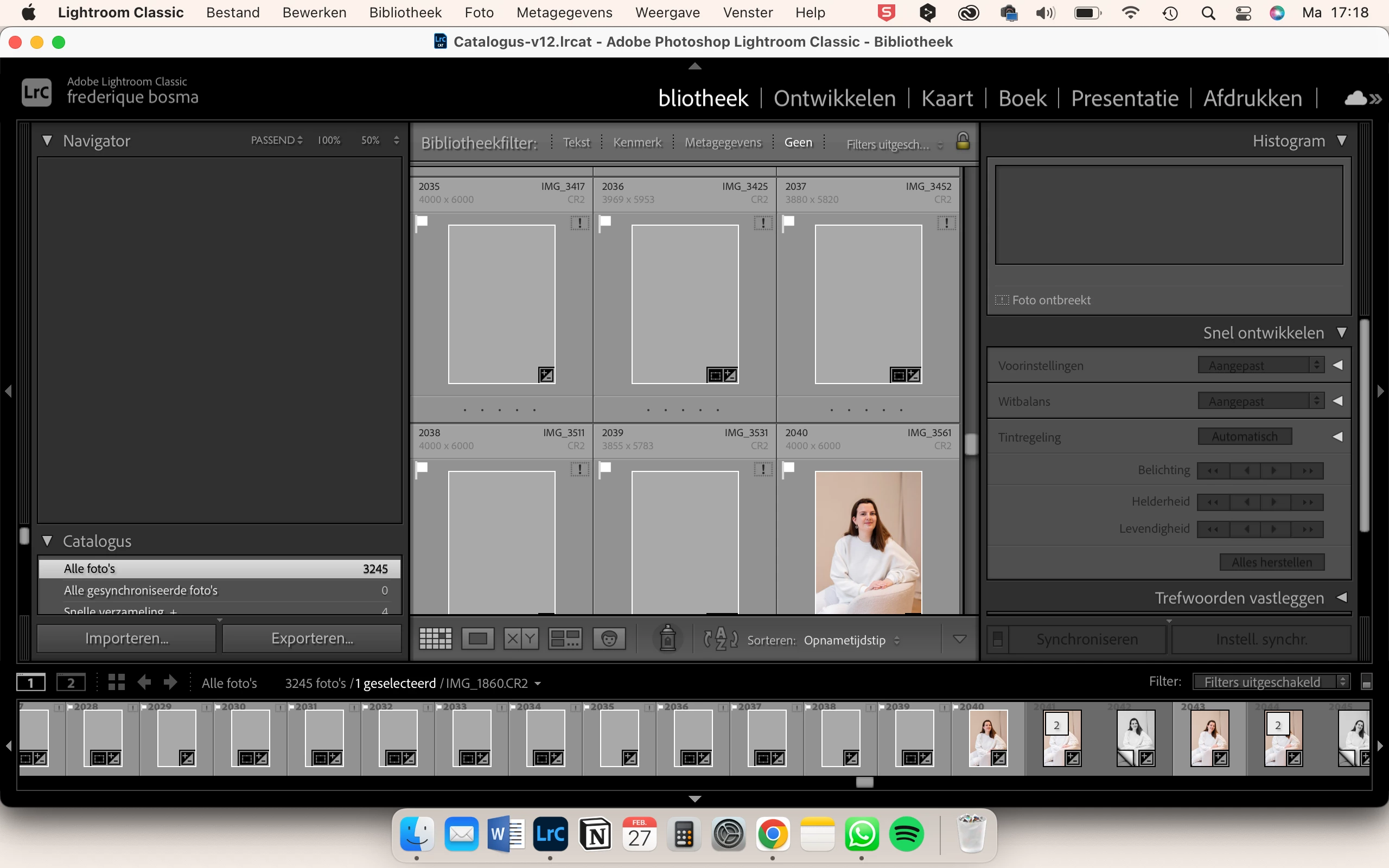
No thumbnail visible from missing photos.

  • February 27, 2023
  • 3 replies
  • 827 views

Hi there,
Suddenly I don't see the thumbnails from 'missing' photos anymore. I work with an external hard drive, so whenever that is not plugged in Lightroom says the source of the photo is missing. But the thing is, I would always be able to still see the thumbnail of that missing image. Now, I don't see any thumbnail of missing images, which makes it very hard to know which image is which and to find the source to them. I do see the thumbnails of the images that are not missing, so there's no issue regarding that.

What is wrong here? I do need to be able to see the thumbnail of an image, even if it says that the source is missing, because now I don't even know what source to look for. Please help!
 

This topic has been closed for replies.

3 replies

GoldingD
Legend
February 27, 2023

In the library module, look at the folders panel. See if any folders are missing. Fixing missing folders (update folder location) before fixing missing photos can be more efficient when that is the case.


Participant
February 27, 2023

Hi there,
Suddenly I don't see the thumbnails from 'missing' photos anymore. I work with an external hard drive, so whenever that is not plugged in Lightroom says the source of the photo is missing. But the thing is, I would always be able to still see the thumbnail of that missing image. Now, I don't see any thumbnail of missing images, which makes it very hard to know which image is which and to find the source to them. I do see the thumbnails of the images that are not missing, so there's no issue regarding that.

What is wrong here? I do need to be able to see the thumbnail of an image, even if it says that the source is missing, because now I don't even know what source to look for. Please help!

JohanElzenga
Community Expert
Community Expert
February 27, 2023

Lightroom Classic 12 has a new function, that discards obsolete previews (previews that need to be updated) to limit the size of the previews.lrdata. In order to build new previews it needs access to the original images however, so that is probably why you now see a lot of missing previews. 


-- Johan W. Elzenga
Participant
February 27, 2023

Hi John,
So if I 'reconnect' all the images again, it updates the previews/thumbnails automatically and I will still see them even when my disk has been ejected? I really just want to see the thumbnails again even though the file is temporarily 'missing'. Thanks in advance!

kglad
Community Expert
Community Expert
February 27, 2023

in the future, to find the best place to post your message, use the list here, https://community.adobe.com/


p.s. i don't think the adobe website, and forums in particular, are easy to navigate, so don't spend a lot of time searching that forum list. do your best and we'll move the post if it helps you get responses.


<moved from using the community>