
Question
Not able to import cr3 files
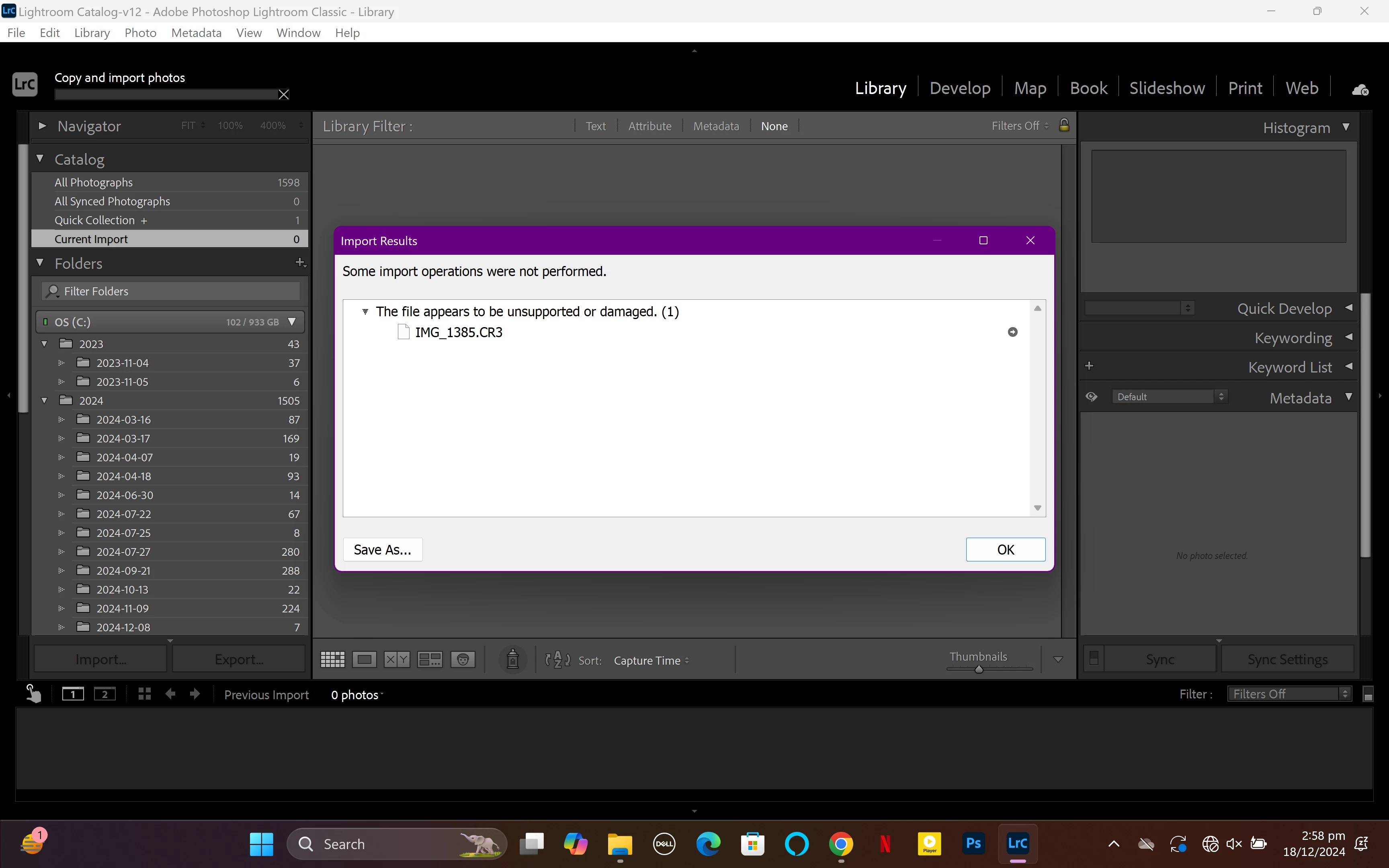
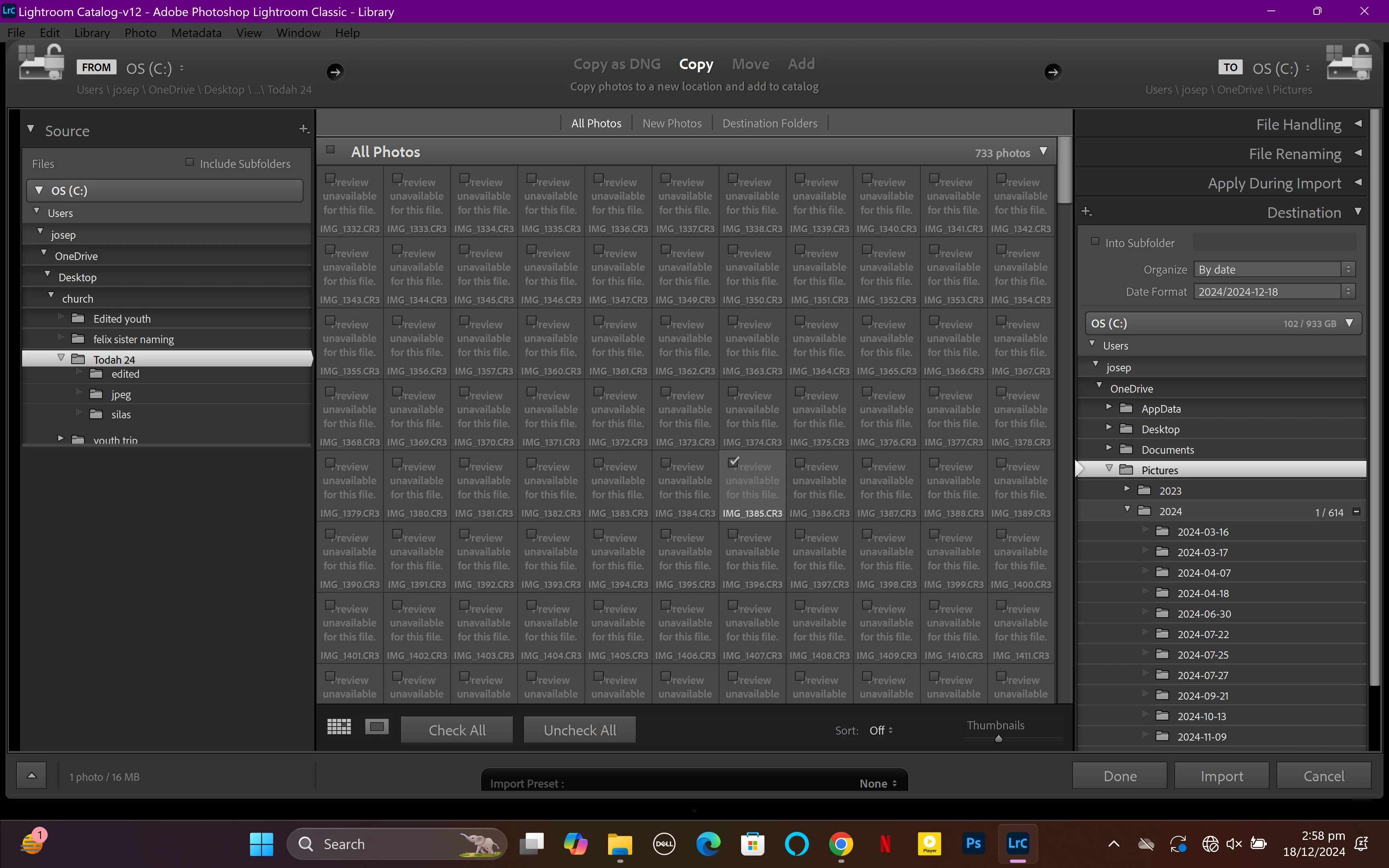 When I try to import cr3 files into lightroom the picture thumbnail (where the picture is supposed to be) I rather see a "Preview unavailble for this file" and when I still import it I get an error which says "this file seems to be unsupported or damaged". But I don't think it's damaged because the windows photos app can view the image so I don't know why I can't open it in lightroom. I use a lightroom version 12.0 and the camera I used to take the pictures was a Conan R8
 AdChoices