

Older images are being replaced by newly imported images.
So, I've been having this trouble for a bit, but I've noticed I've been digging through some older photos and noticed this issue today: I have images from older imports that I being replaced by newer photo imports.
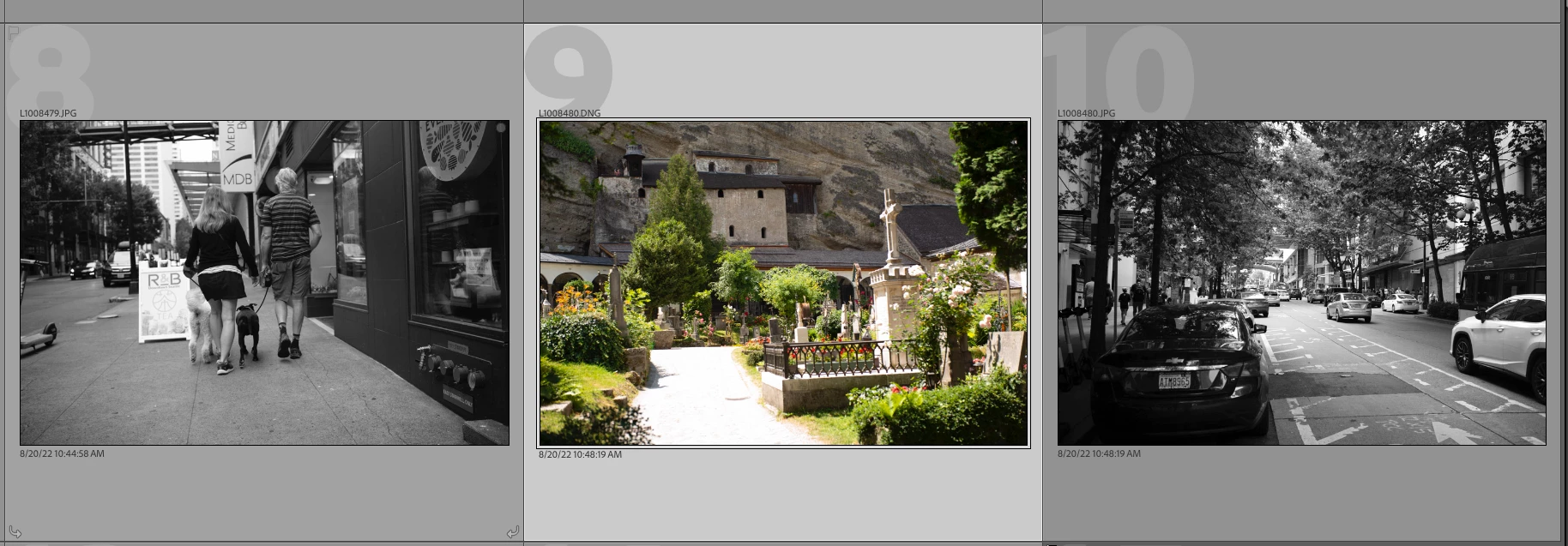
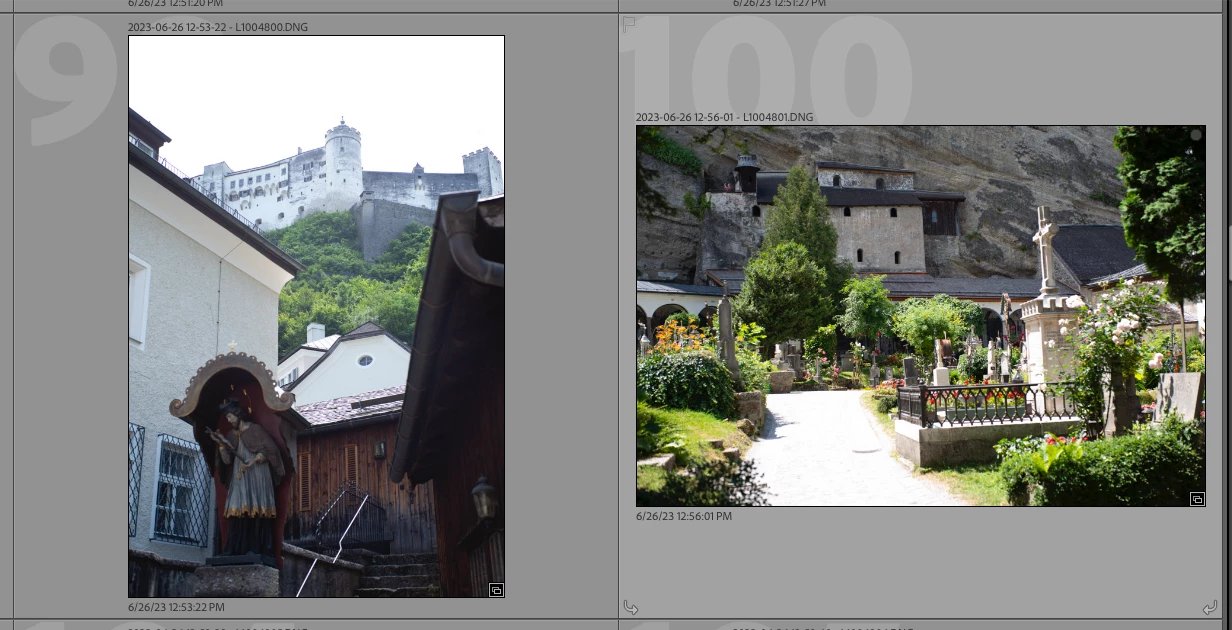
For instance, I have a RAW photo from August 2022, in its own organized folder, overwritten by a new imported image from July 2023. I've noticed it happen in a few places already.
I've also noticed it happening the other way, where older images are replacing the image I had just imported. I always lock my SD cards when importing, so I tried it out in Capture One, as well, and the image imports correctly.
Attached is an example of a photo with RAW image (overwritten image) from August 2022 with a JPG next to it for comparison as to what it should be. I'm also attaching the evidence of it being a newer image from July 2023 with a different file name.
Not sure what's going on, but I don't like the idea of my RAW files being overwritten on import. This is only happening in Lightroom Classic. And it happens on both Mac and PC versions (I have and use both).
[moved from bugs to discussions according to community rules - Mod.]
 AdChoices