
Online photos appear lower quality than in my desktop app
Hi,
I have Lightroom Classic CC installed on my laptop. I wanted to share a handful of photos so I created a collection synced it to my online account. When viewing the album online, the photos appear to be substantially lower quality than when viewed in my desktop app. I've created a few online albums and I haven't seen this issue come up before.
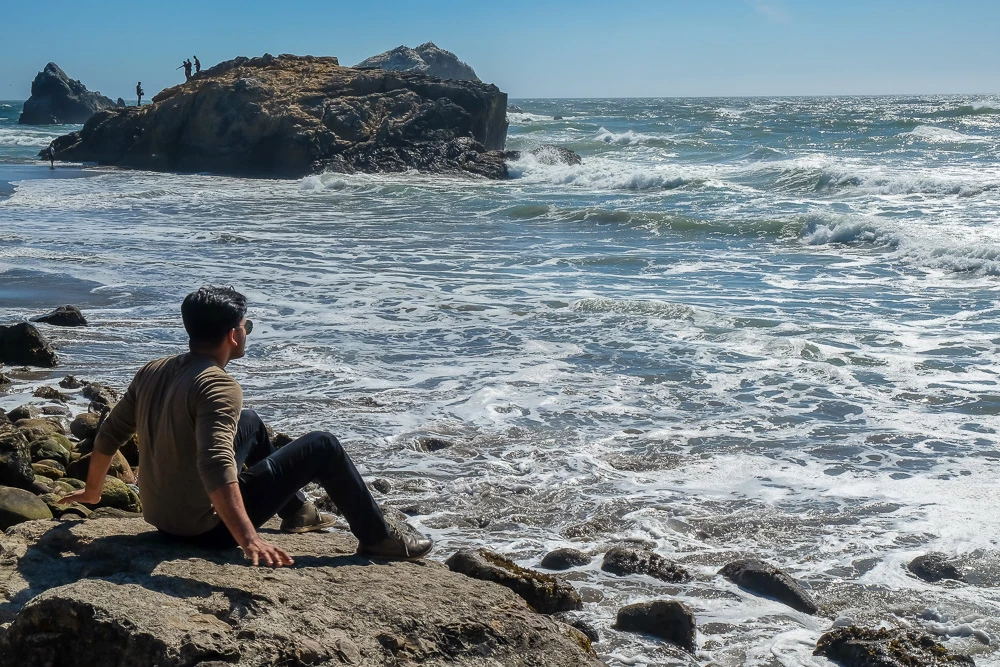
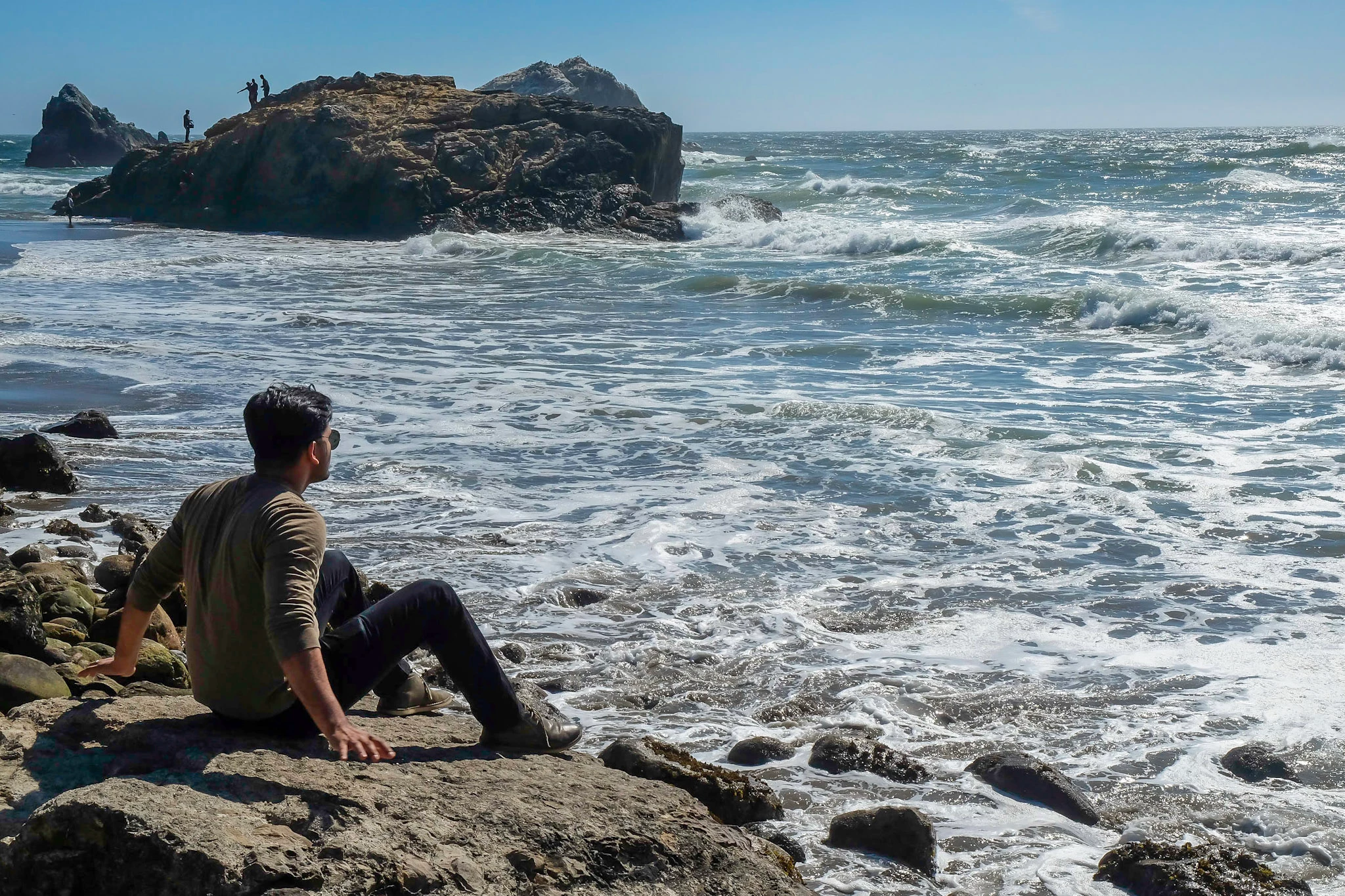
See the two photos attached as an example (the color pixelation on the back of the shirt is where it's most noticeable). The first is exported directly from my Lightroom Classic CC application. This is a JPEG file, sRGB color space, exported at 80% quality. The second is downloaded directly from my online album. Oddly, the online photo, despite being worse quality, is twice as large a file.
I'm so confused! How do I make my images render online in the exact same way they do in my Lightroom desktop application?
Thank you!
Maria
 AdChoices