
P: LR6 import metadata presets
I've been a Lightroom user since v2. I've had the following problem since I update to v6. I am currently using v6.8 on a Mac running OS 10.11.6
After I have edited a metadata preset for an import - under Apply During Import - the metadata preset reverts back to 'None' instead of displaying and applying the preset that I have just edited. I have to remember to go back into the metadata preset drop-down menu and select the preset I have just edited before commencing the import, otherwise the preset not applied to the import.
This seems like a minor point but it's a major irritation and time-waster and none of the earlier versions of LR had this problem.
Interestingly, if I create a totally new metadata preset, on completion it does automatically appear and is applied.
Anyone else have this issue?
Cheers!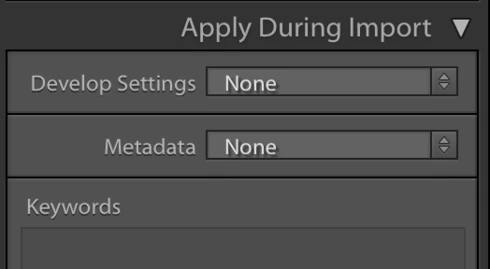
 AdChoices